
DRAFT · 16:9
gamingSafe-area verified
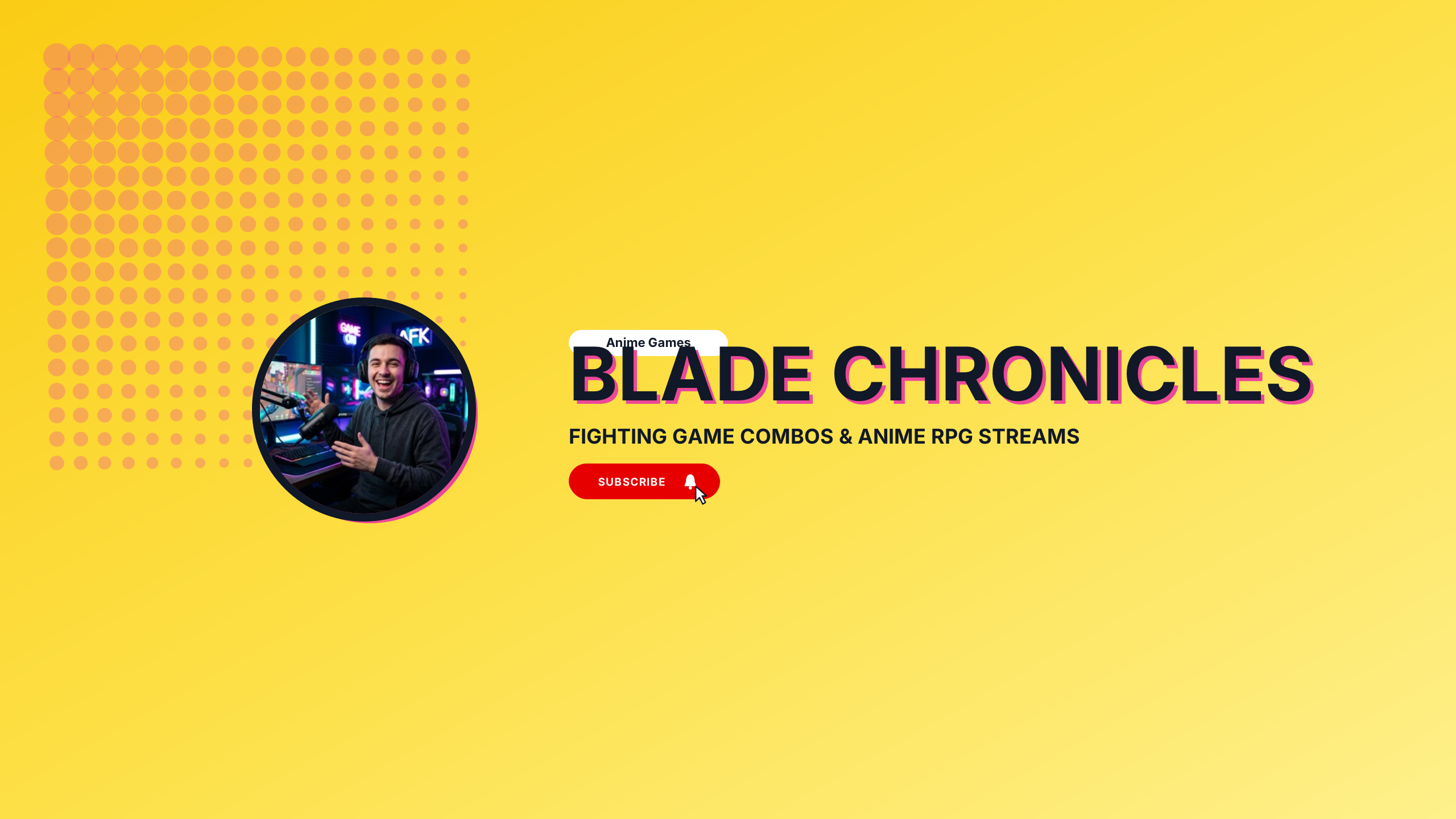
Anime Battle
High-energy crimson and electric violet battle aesthetic for anime gaming and fighting games.
Editable:TitleTaglinePhotoGradient
Built for competitive esports rosters, retro speedrunners, and variety streamers. Each layout keeps your gamer tag, streaming schedule, and sponsor logos centered inside the mobile safe area, so your channel branding never gets cropped on mobile devices. Edit colors, swap gradients, or drop in your character art with zero sign-up.
Select a design to open the Banner Maker with preset typography and safe boundaries.
High-energy crimson and electric violet battle aesthetic for anime gaming and fighting games.
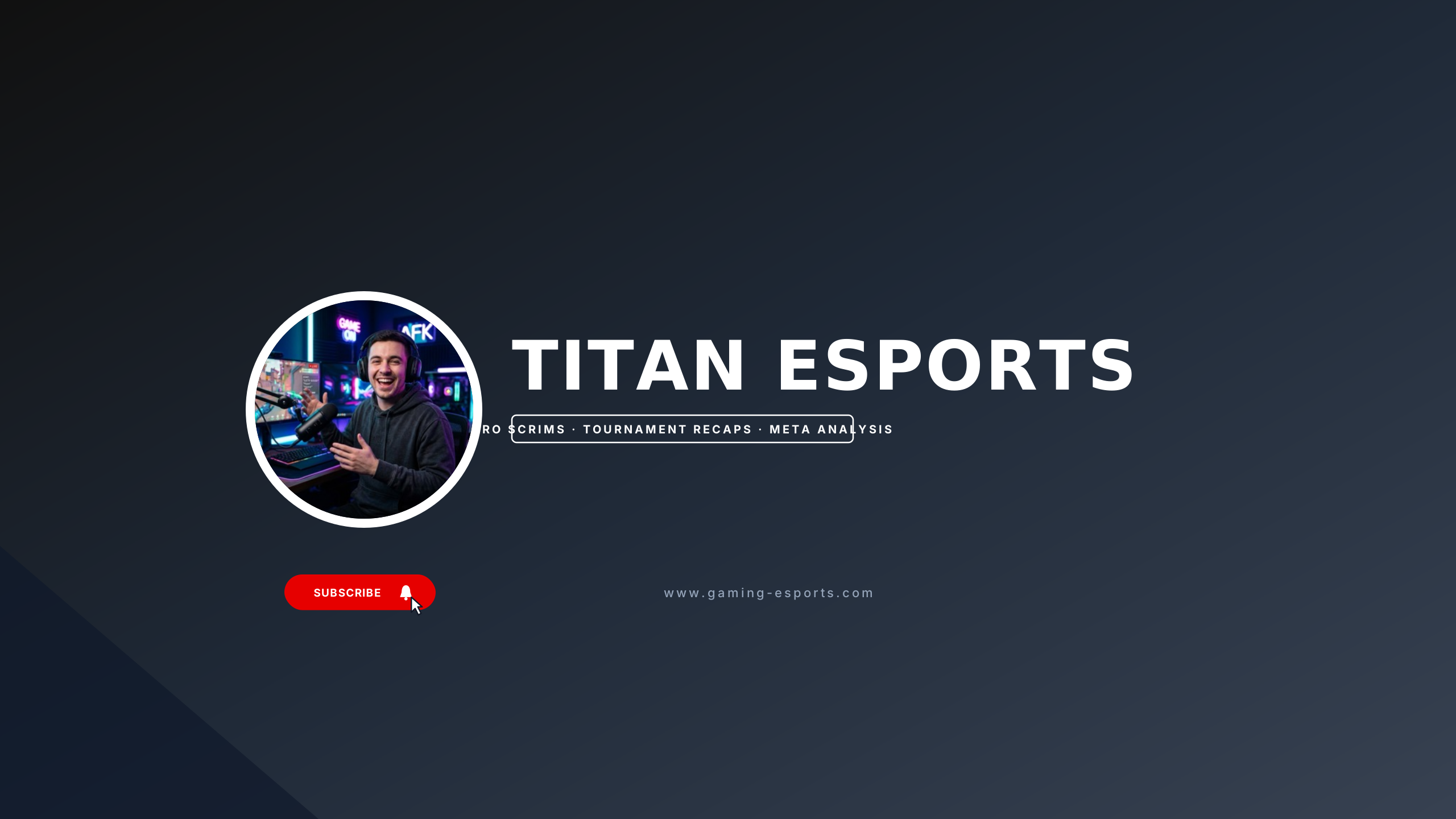
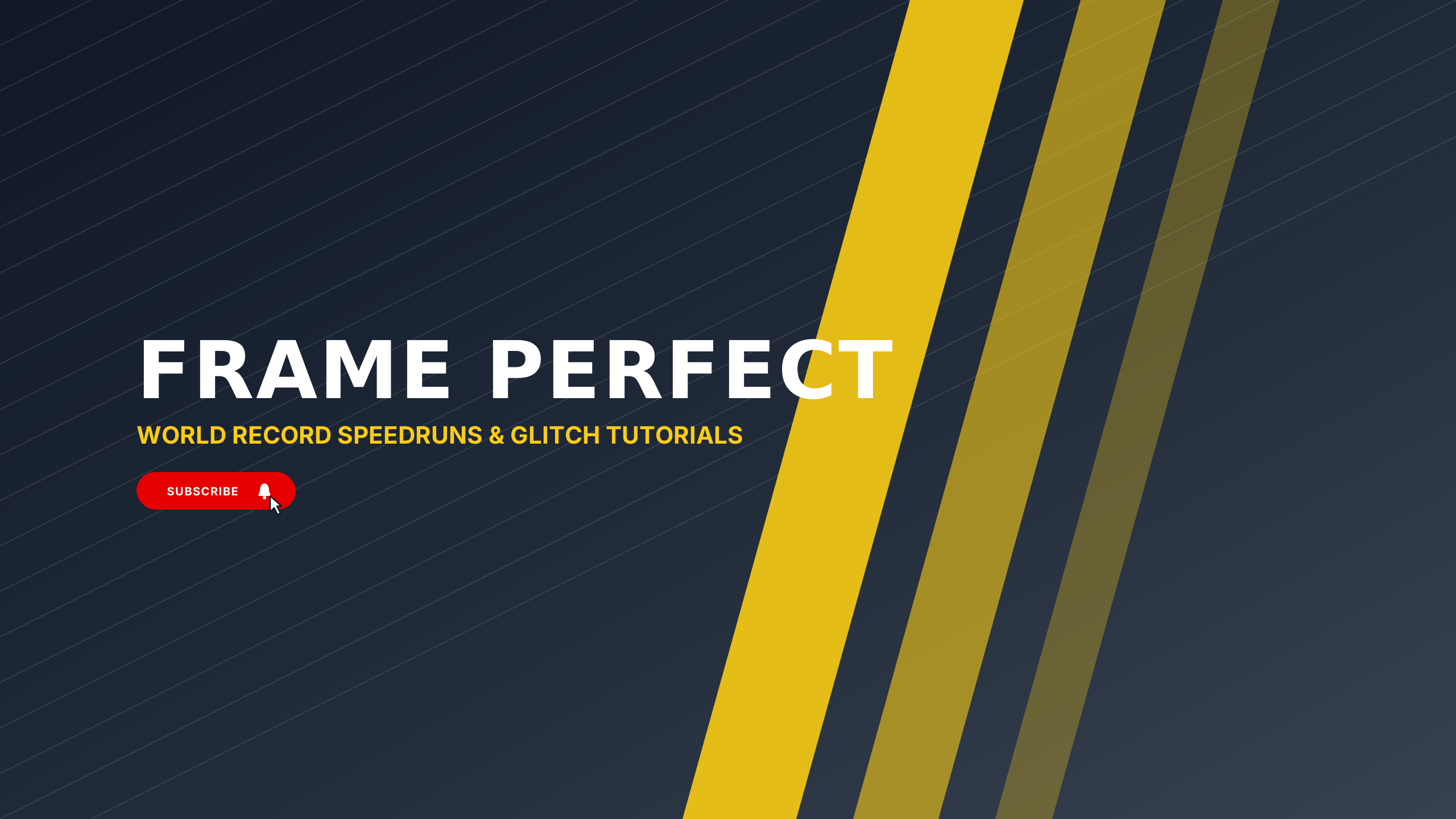
High-voltage electric yellow and carbon black for competitive FPS tournaments and pro leagues.
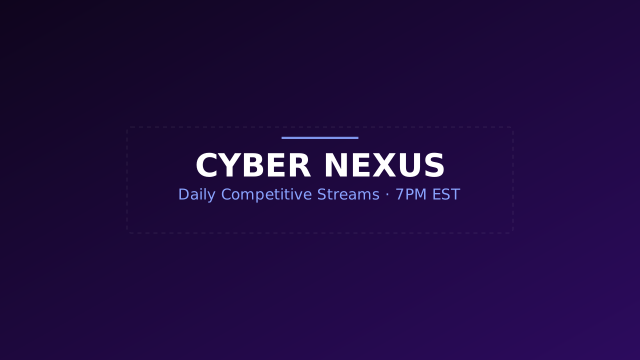
High-energy dark cyberpunk theme with vibrant violet and indigo accents.
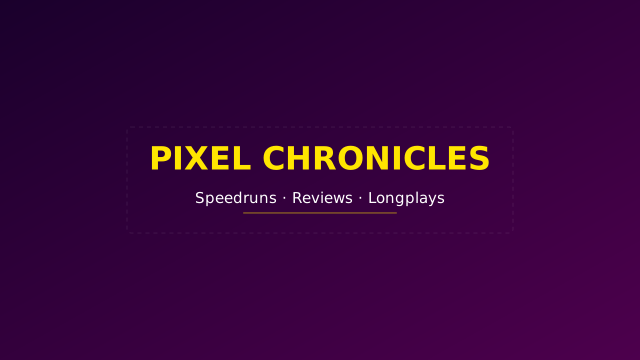
Nostalgic 80s arcade styling with bold contrasts and punchy typography.
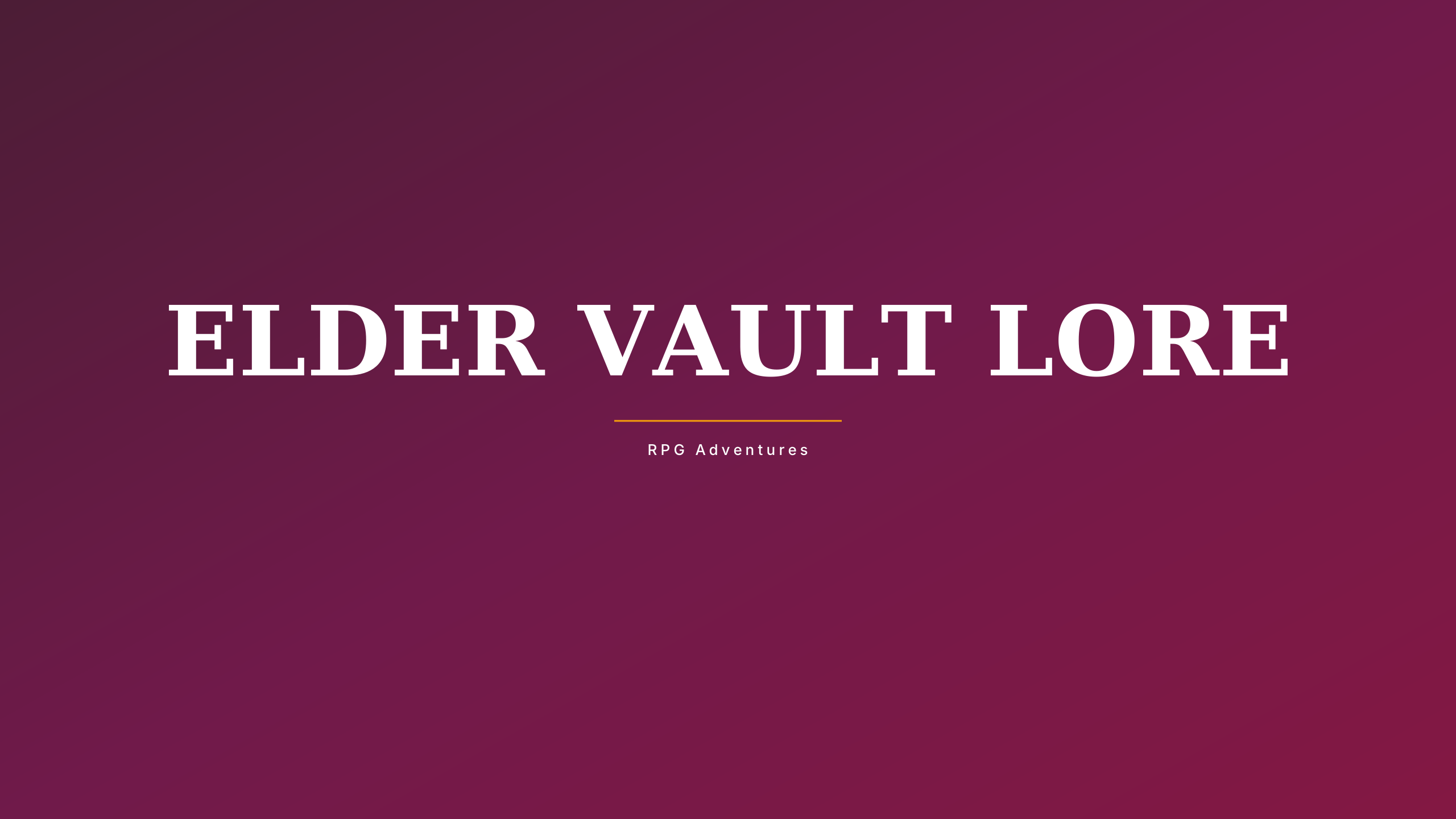
Ancient obsidian and burnished gold gothic composition for Souls-like and fantasy lore.
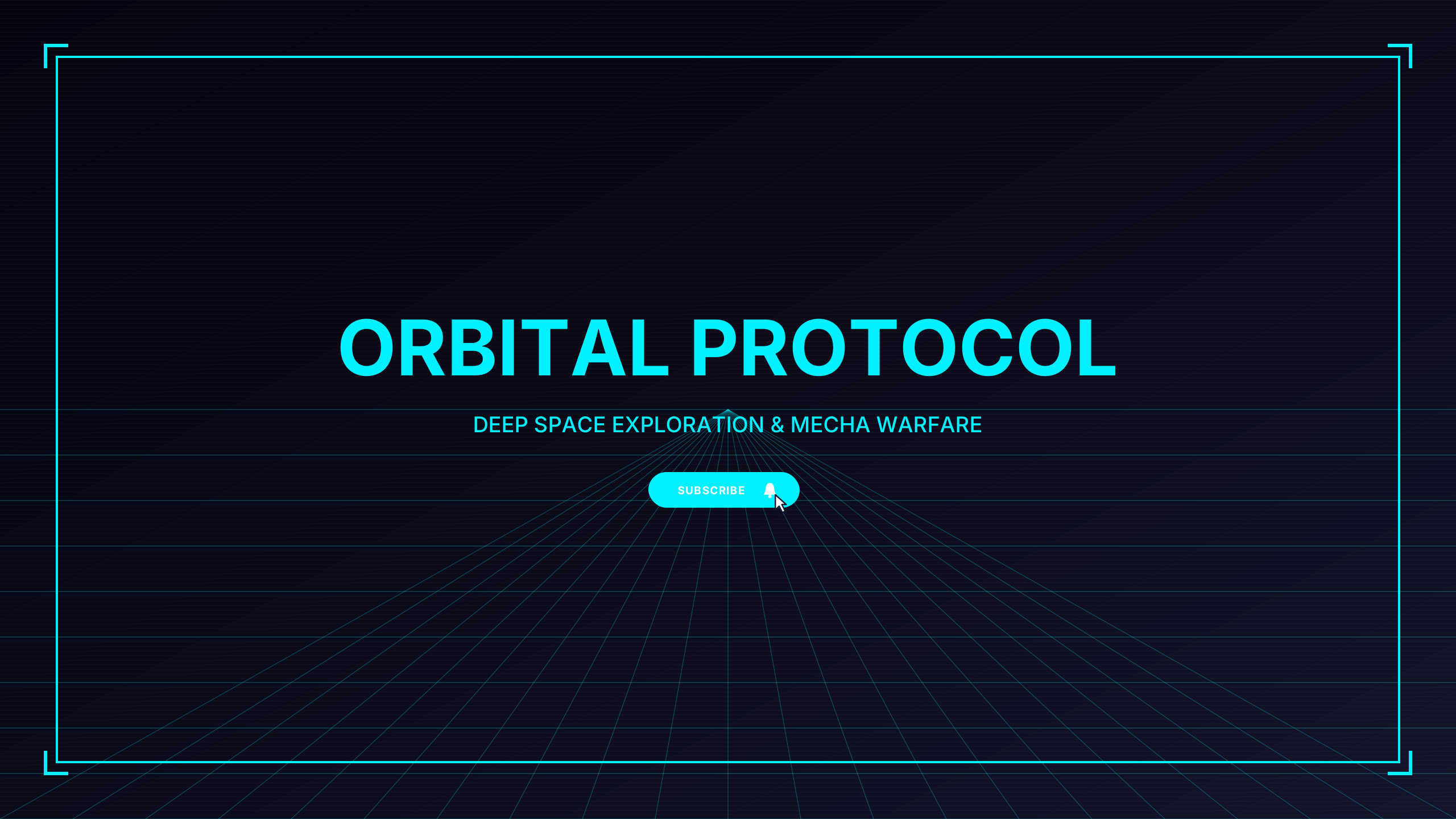
Futuristic holographic cyan and navy telemetry for space sims, mecha, and sci-fi FPS.
Split-second stopwatch aesthetic with mint accents and precision timer tick indicators.
Tactical night-ops palette with sonar green crosshair markers and military coordinates.
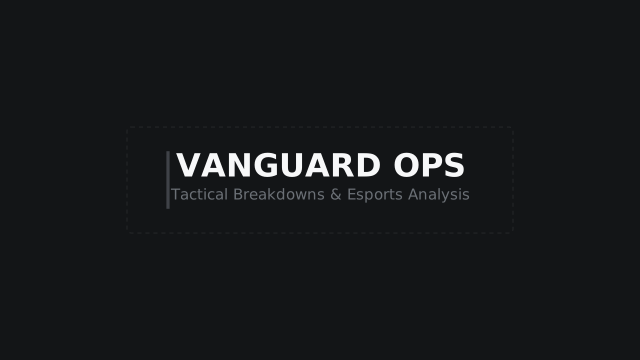
Minimal utilitarian military grid aesthetic for FPS and strategy creators.
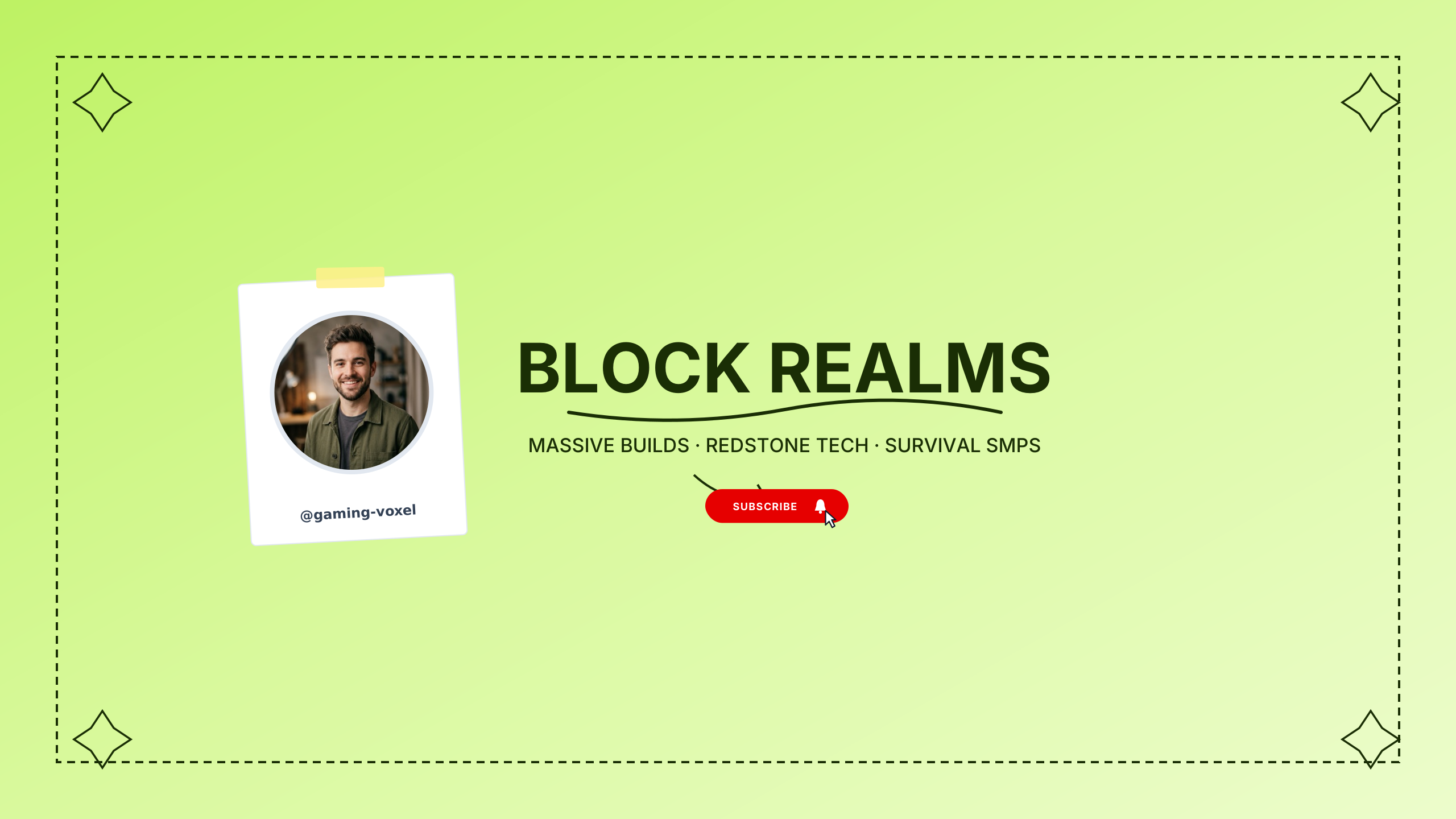
Playful pixelated earth and sky blocks for sandbox builders, survival, and voxel games.
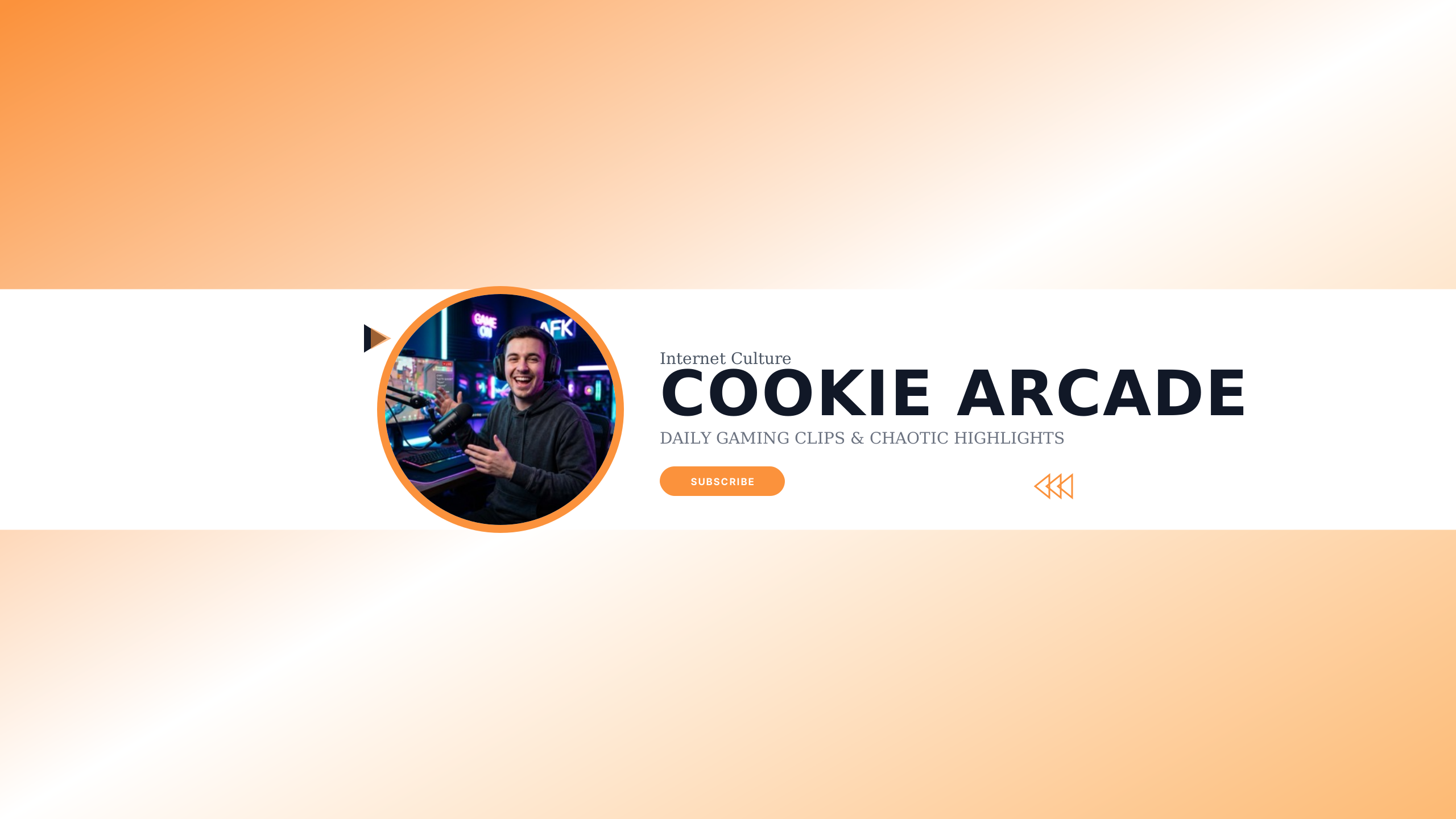
Viral creator trope template optimized for YouTube channel subscriptions with cookie meme callout.
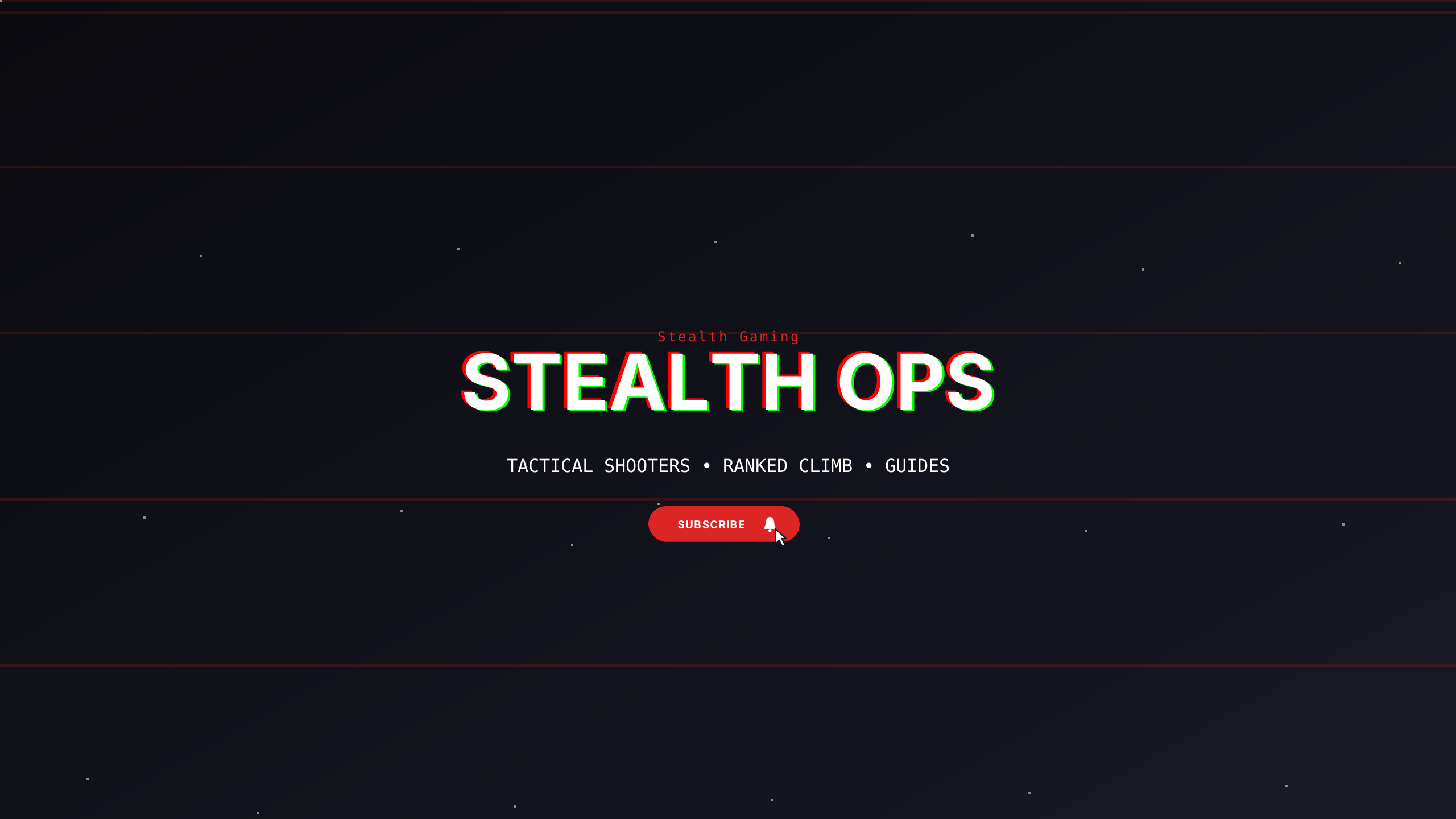
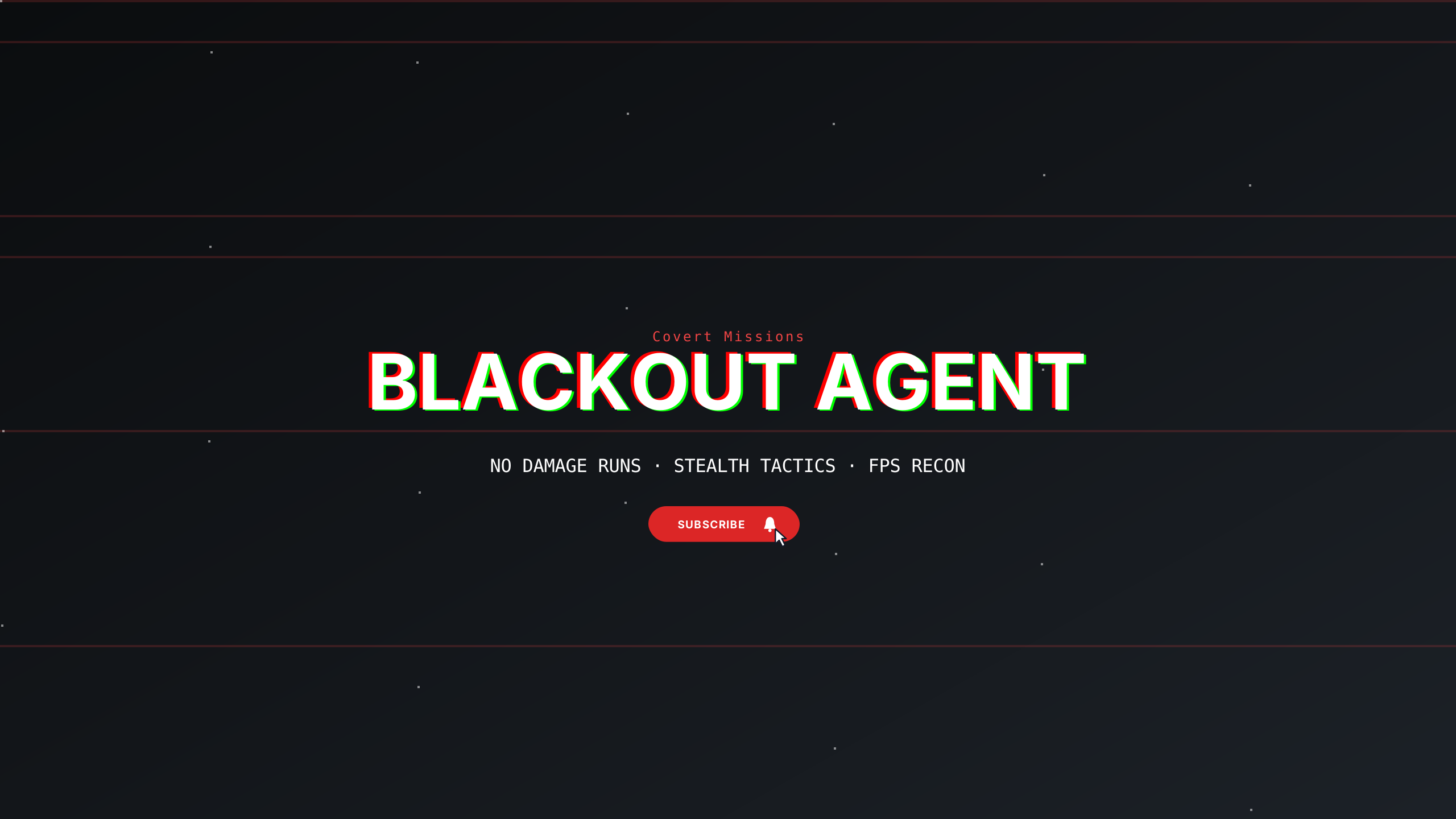
Deep carbon stealth theme with subtle graphite dividers designed for tactical esports and dark setups.
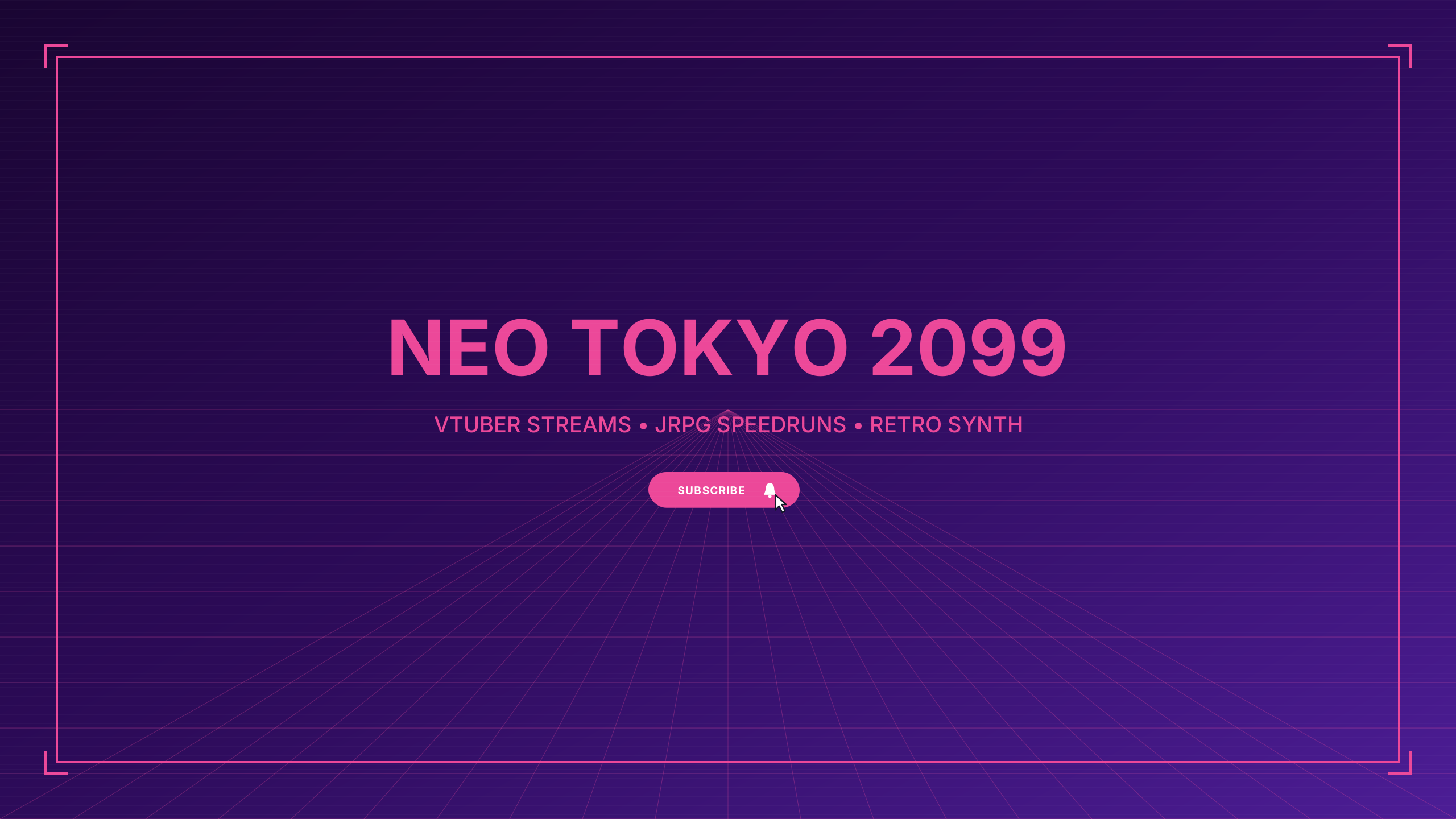
Electric cyberpunk anime aesthetic with neon cyan and hot magenta accents for vtuber and anime gaming.
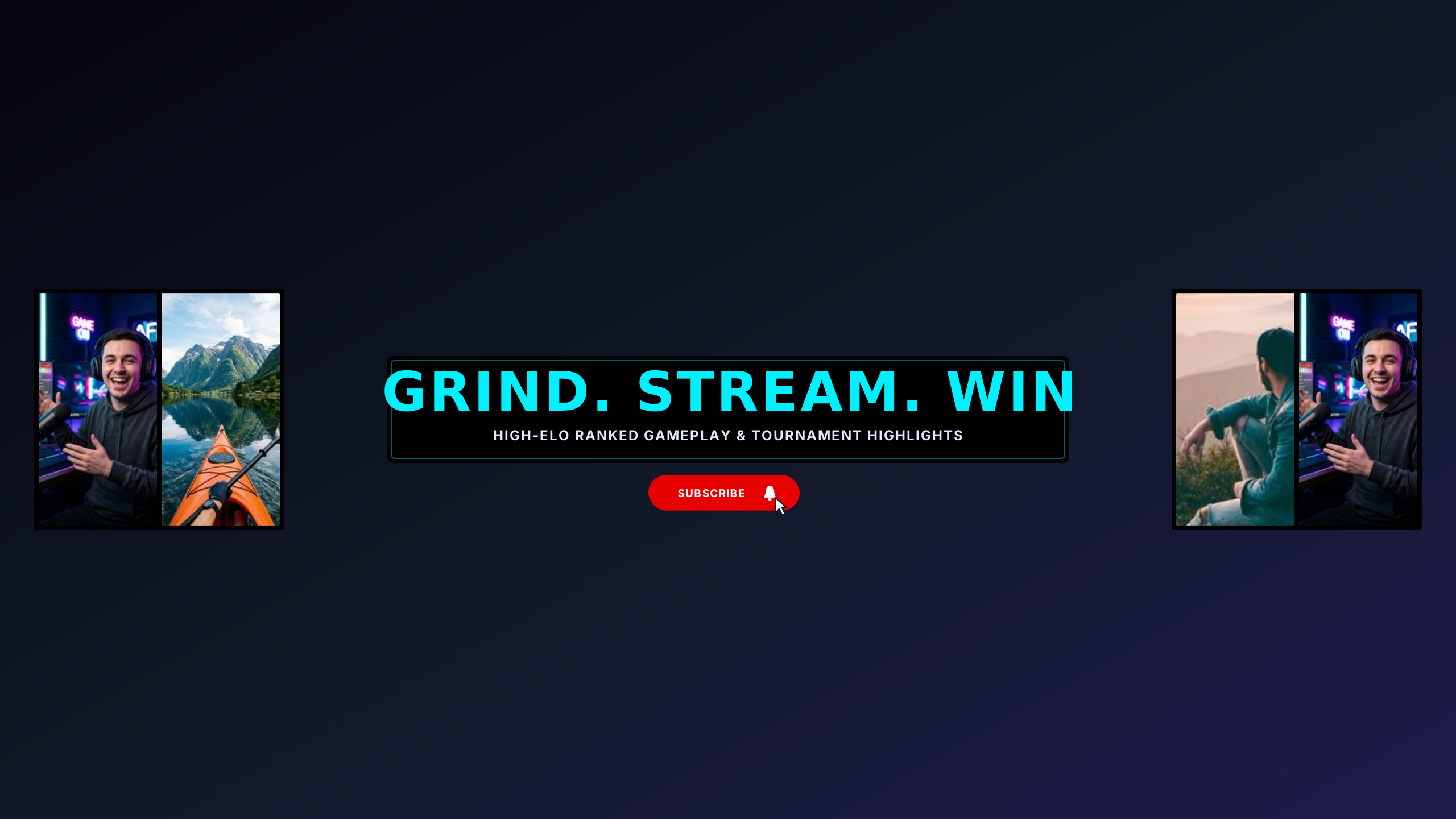
High-octane esports collage featuring stream setup, arena gameplay, and tournament highlights.
High-energy gaming banners frequently suffer from clipping when creator tags or team logos are pushed toward the corners. These gaming templates use centered cyber grids, retro arcade framing, and tactical HUD aesthetics engineered to remain crisp on 4K TVs while preserving core channel identity on mobile screens.
Every design in this collection is rendered onto the master 2560 × 1440 px canvas. All editable typography (channel name, tagline, and schedule) is strictly constrained inside the mobile safe area (1546 × 423 px).
Esports banners and gaming streams frequently feature team rosters, stream schedules, and sponsor logos. Positioning sponsor logos and broadcast times strictly within the centered safe area ensures mobile viewers never miss your stream start times. Let background concept art, game world maps, or character silhouettes bleed outward into the desktop and TV zones to deliver immersive widescreen framing without sacrificing mobile legibility.
Learn more about safe area mathematics in our Safe Area Guide or check exact dimensions in the Banner Sizing Guide.
Open a template in the Banner Maker to update channel names, pick complementary fonts, and export a clean banner ready for upload.
If you already have channel art or custom photography, use the Banner Resizer to check your subject alignment across all four device cutoffs.