
YouTube Banner Generator
Pick a pre-tested template or start fresh. Customize your channel name, colors, and background while previewing live device safe areas. Export a verified 2560 × 1440 banner with zero sign-up or watermarks.
Drop your banner image here
Supports PNG, JPEG, or WebP up to 6 MB. Reposition with aspect preservation, test mobile safe crops, and download a verified 2560 × 1440 file.
Images processed locally. Zero bytes sent to any server.
Image re-upload needed
Your layout and settings were preserved from your last session. Because your source file was over 3 MB, it could not be held in temporary browser memory. Please re-select your file.
Simultaneous Device Cuts (Single Canvas Render)
Live Sub-rectangles1546 × 423
2560 × 424
1855 × 1440
2560 × 1440
Keyboard Shortcuts
Pro-tip: Double-click canvas to instantly center your artwork.
Live Diagnostics
Awaiting imageNothing is cut off on TV, desktop, tablet, or mobile.
All elements and subject framing reside securely within YouTube's mobile safe boundaries.
Awaiting banner image
Drop or browse an image to inspect crops and run real-time cutoff diagnostics.
YouTube CDN Cache Advisory (REQ-014)
When you upload your corrected banner to YouTube Studio, changes may take up to 24 hours to appear across all edge networks, caching layers, and mobile apps. If your previous banner appears to linger, clear your browser cache or test in a private browsing window.
Understanding YouTube's Automatic Re-Encoding
YouTube automatically re-compresses every uploaded channel art image down to approximately 134 KB for desktop devices and smaller budgets for mobile screens. This re-encoding cannot be bypassed, which is why testing your banner with our simulation mode helps verify text contrast before uploading.
Choose a YouTube Banner Template
Every layout is pre-aligned to YouTube's centered mobile safe area. Select a layout or start blank.
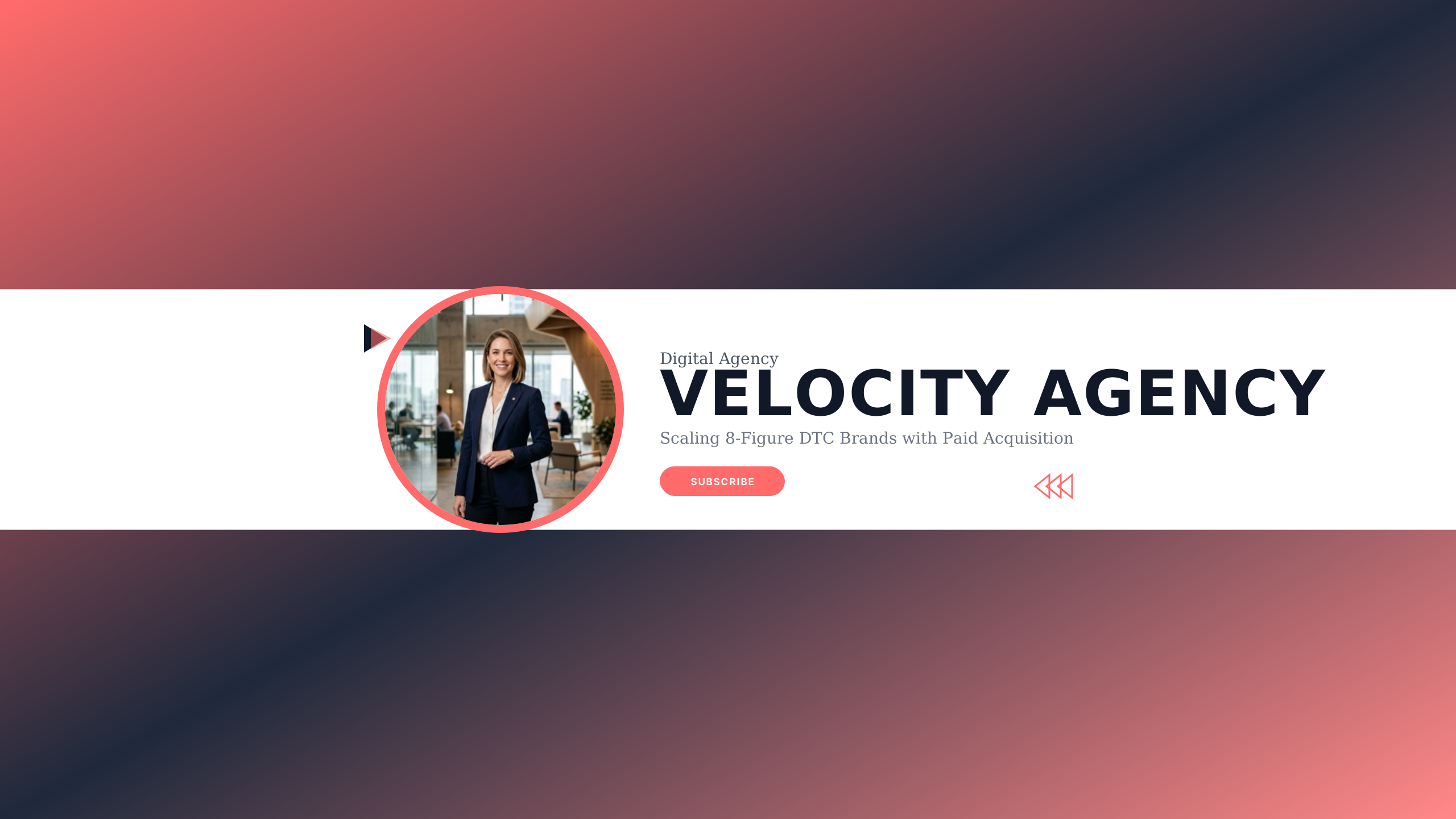
Scale Agency
businessHyper blue and dark carbon for B2B agencies, growth firms, and performance marketers.
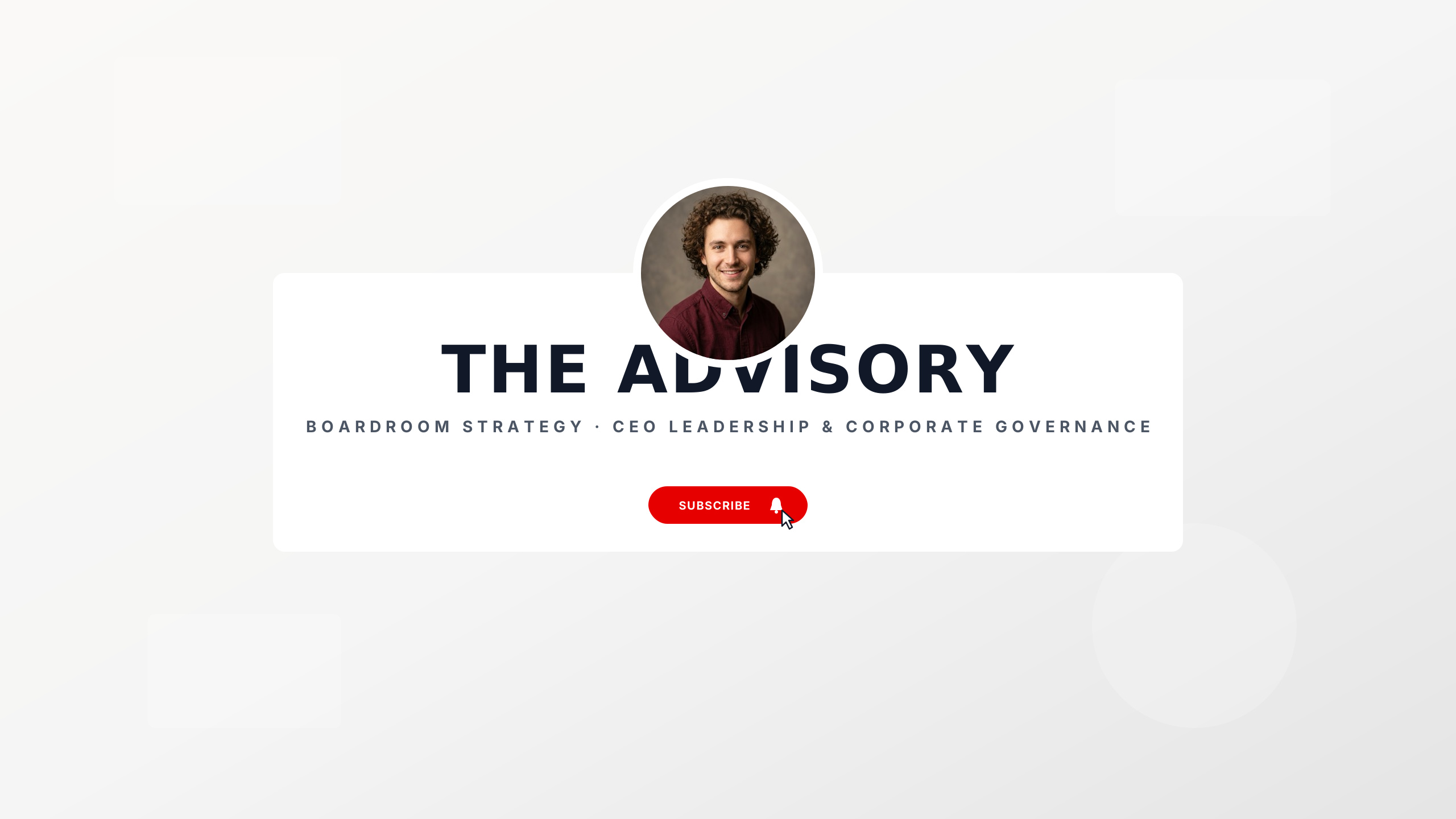
Executive Authority
businessExecutive slate and gold keyline for keynote speakers and corporate advisory voices.
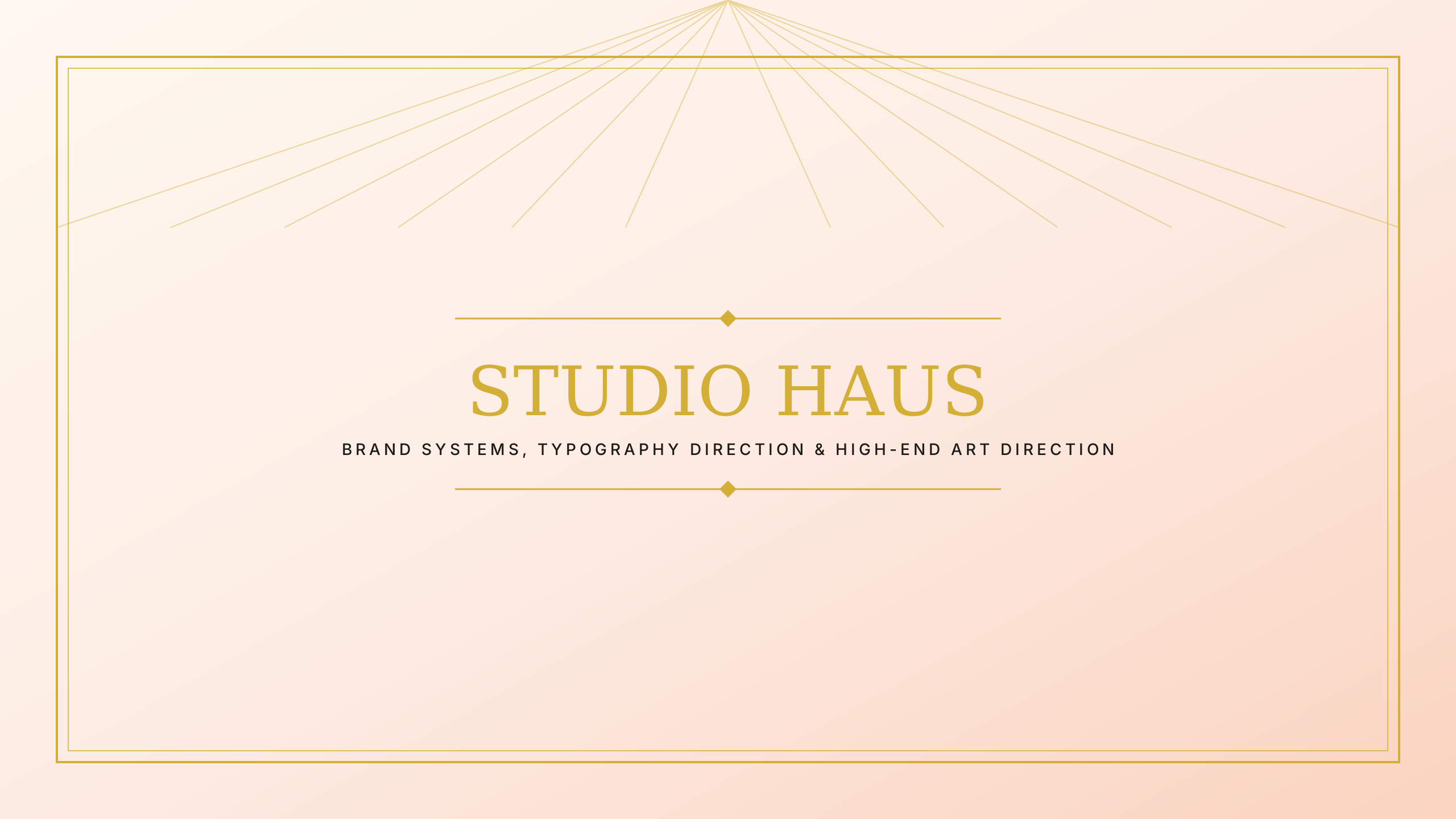
Creative Director
businessSwiss red and grid monochrome for brand identity designers and creative directors.
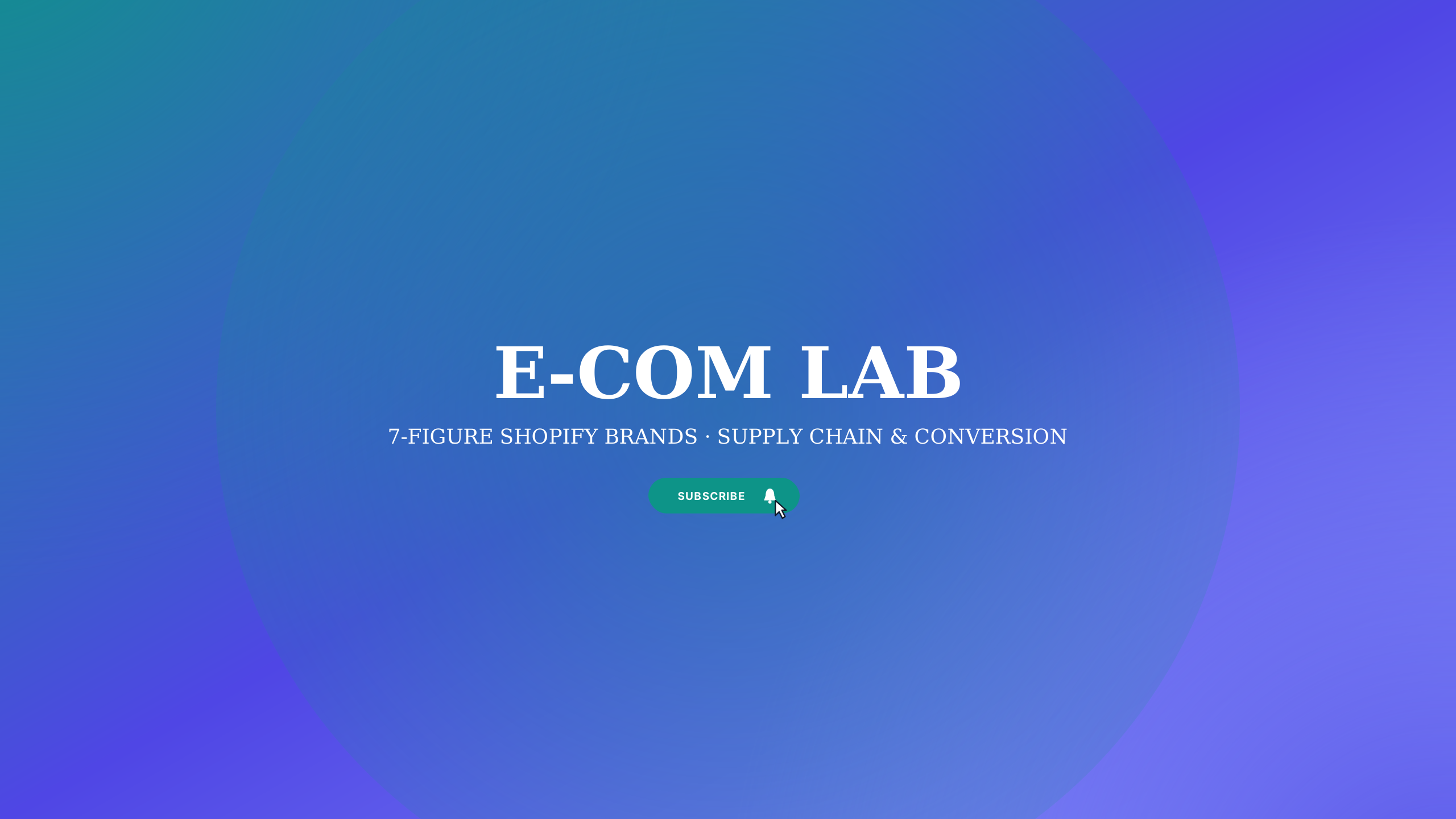
E-Com Titan
businessDollar green and high-tech black for Amazon FBA, Shopify store owners, and brand builders.
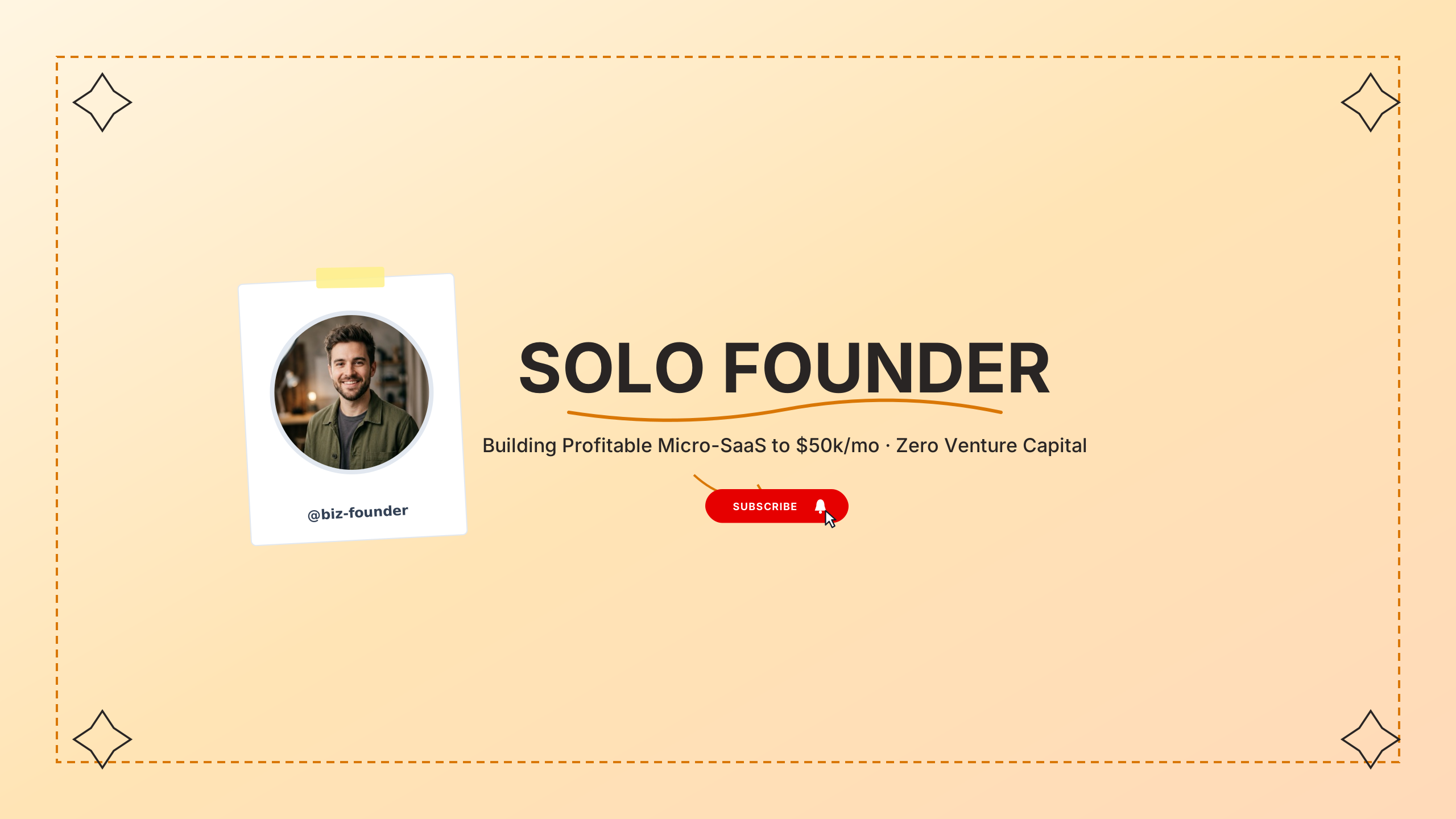
Bootstrapped Founder
businessElectric indigo and charcoal for solopreneurs building profitable micro-SaaS companies.
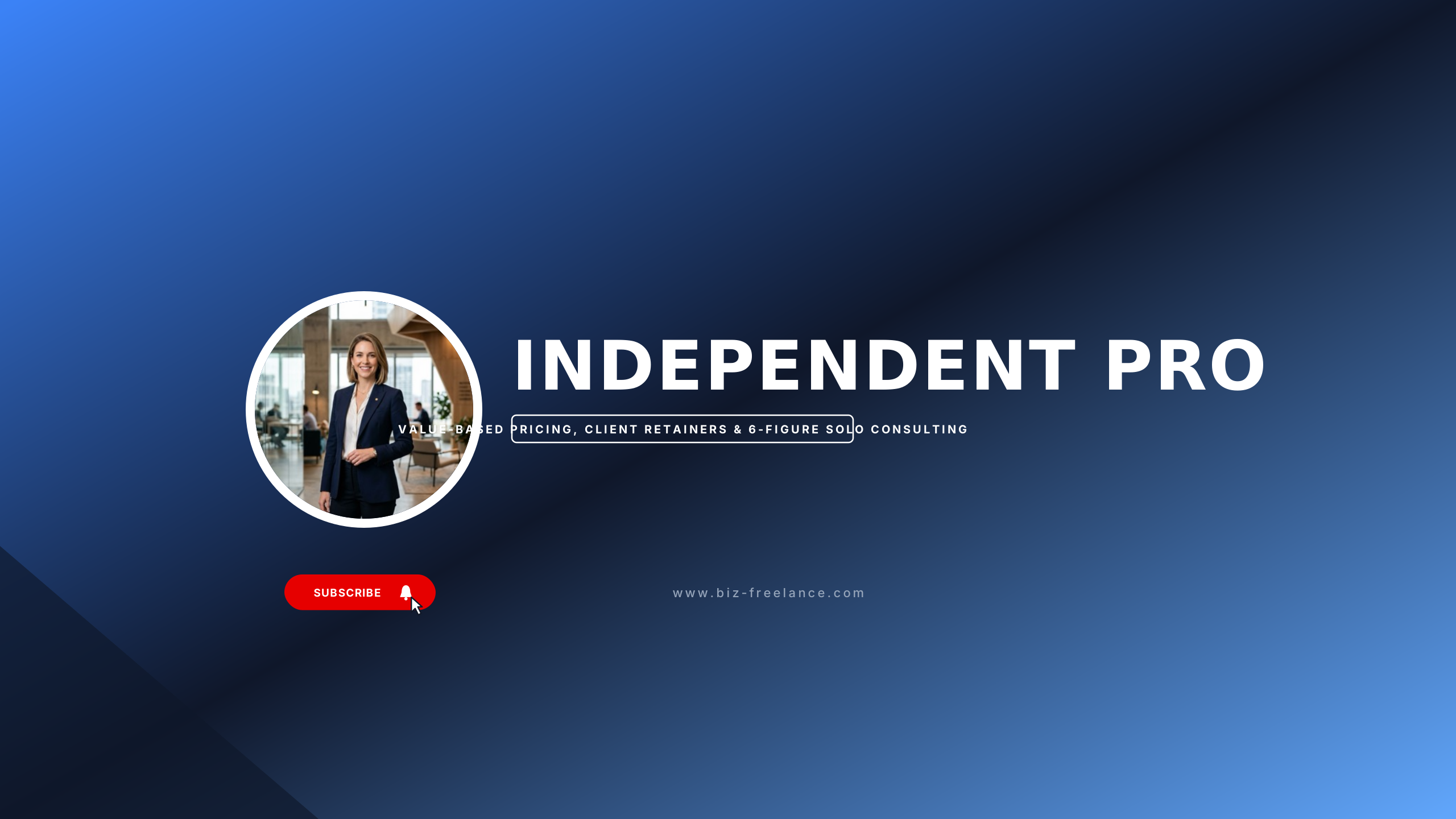
Solo Craft Studio
businessCraft khaki and deep ink for top-tier freelancers, copywriters, and solo consultants.
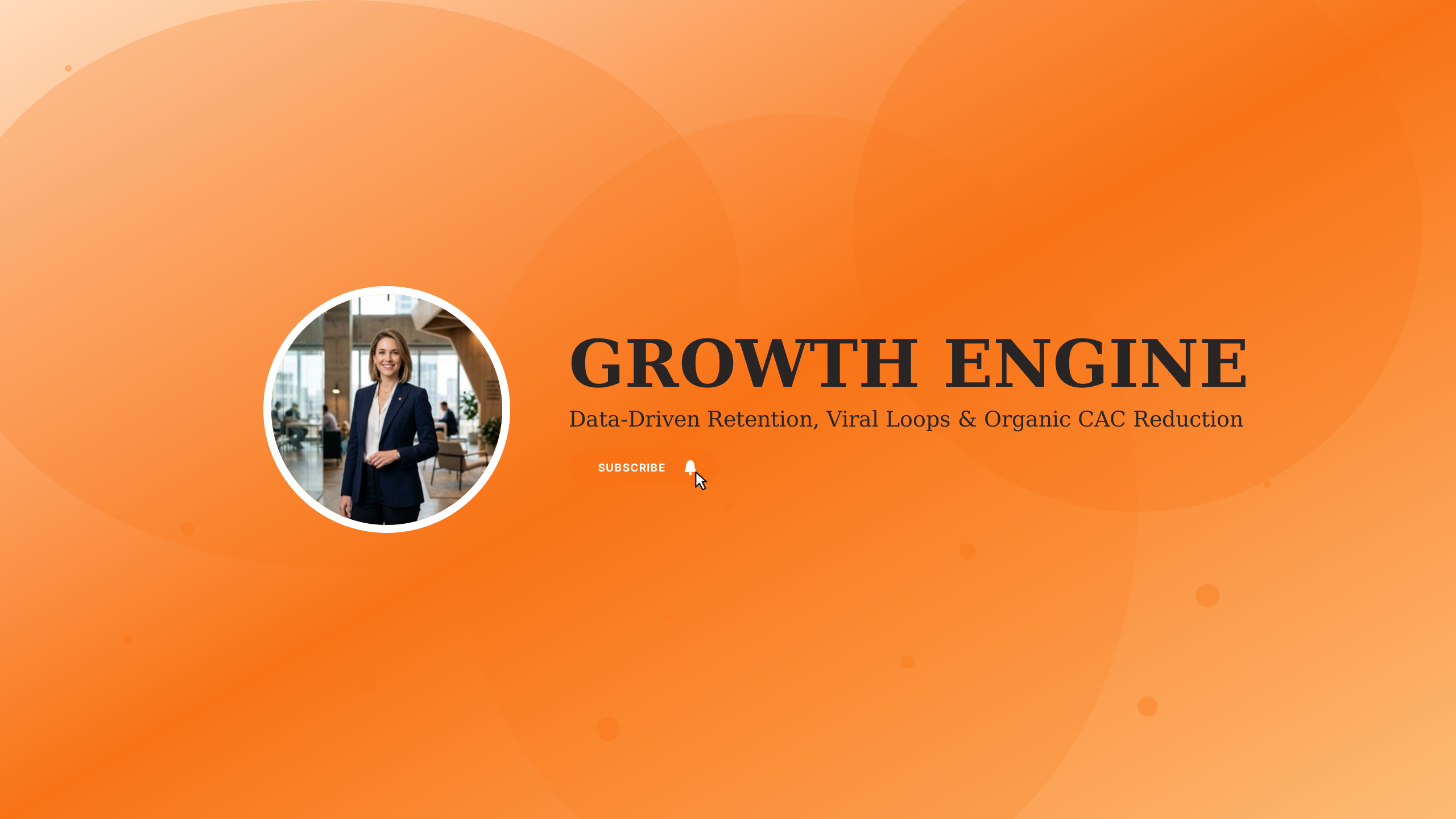
Growth Marketing
businessConversion purple and cyber white for CMOs, demand gen managers, and SEO specialists.
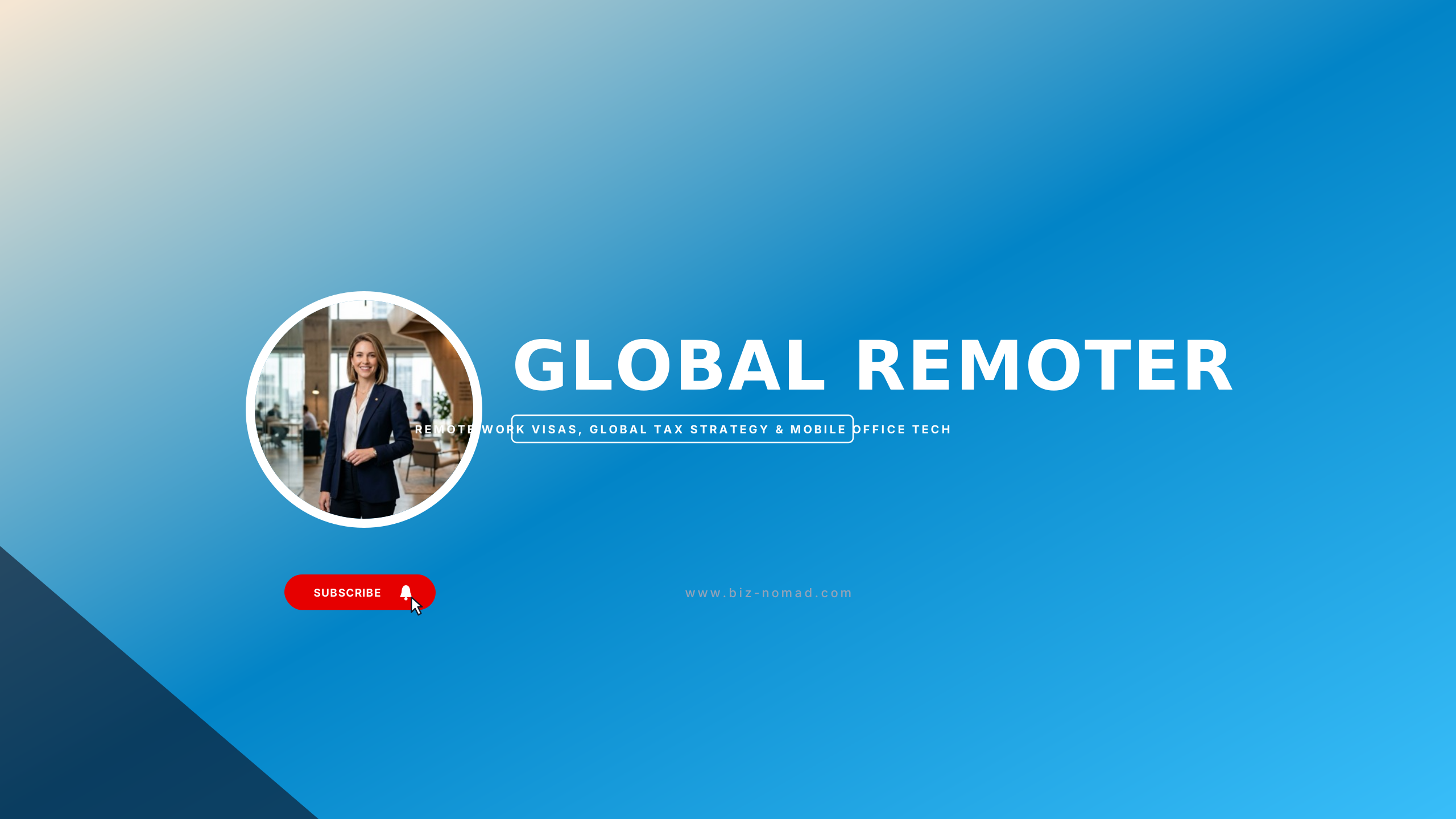
Digital Nomad Blueprint
businessGlobal passport navy and cloud white for remote workers and location-independent creators.
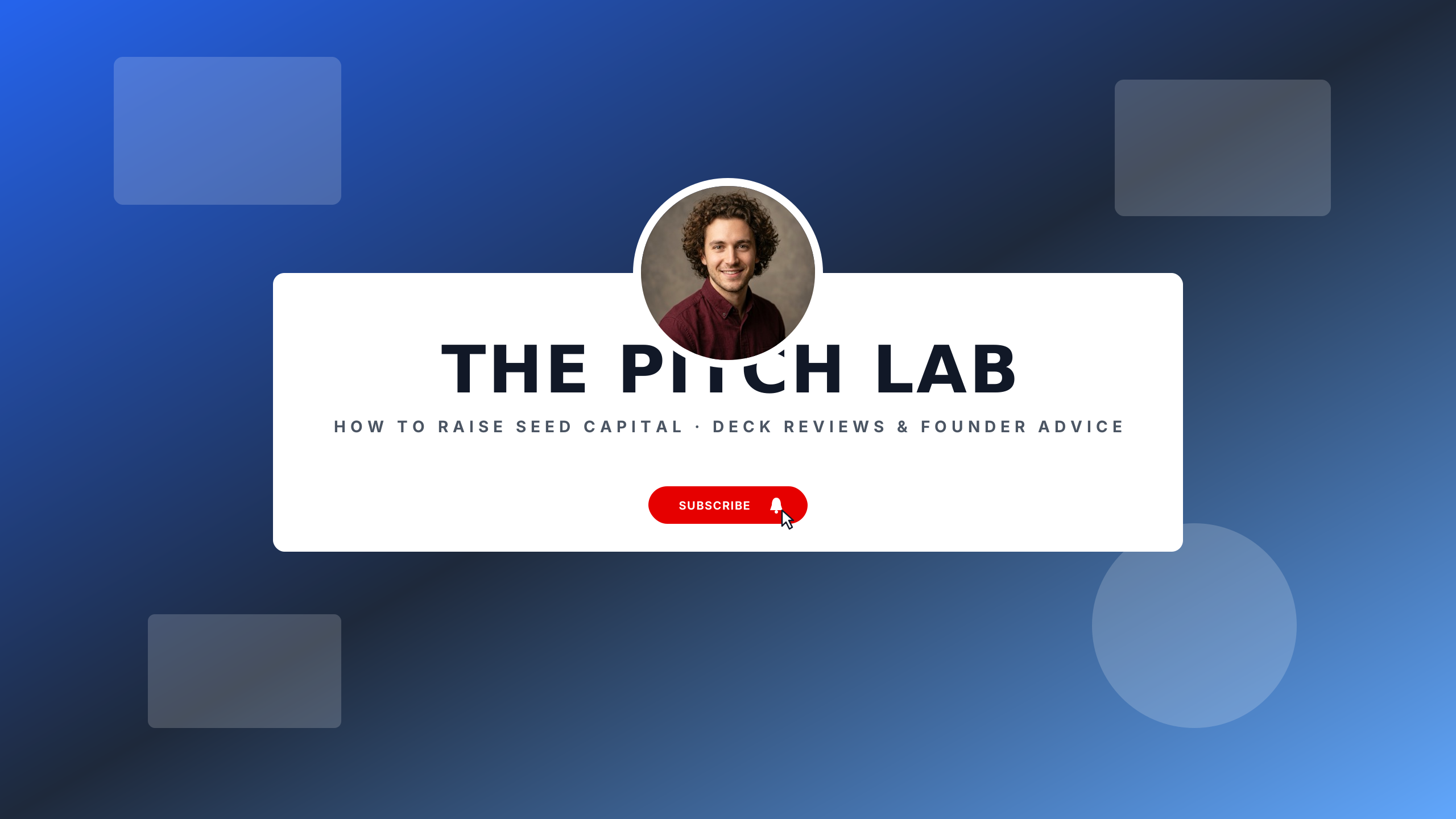
Pitch Deck Ready
businessVenture blue and clean white for founders raising capital and pitching angels.
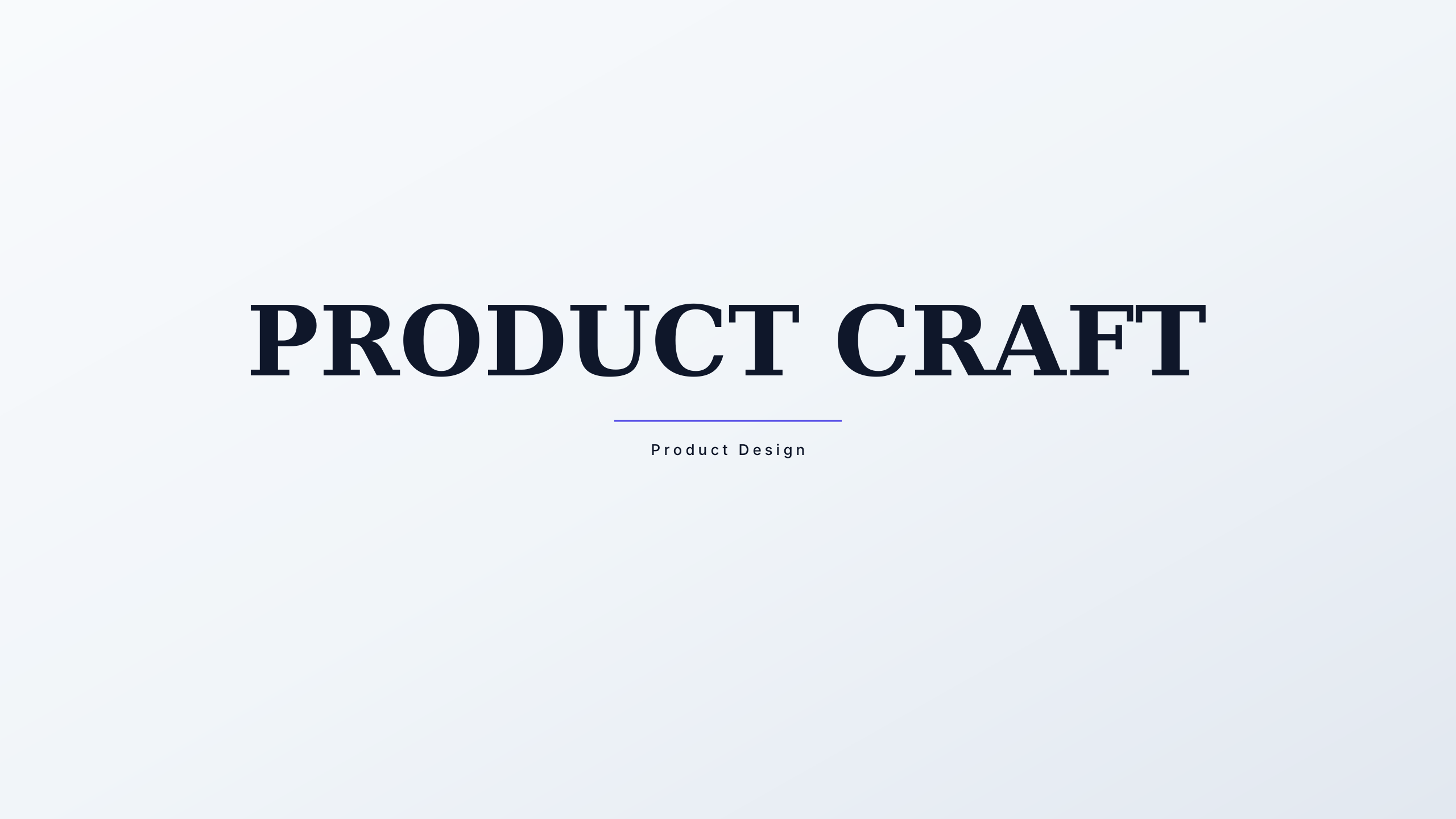
Product Design Lab
businessFigma purple and dark interface grey for UX/UI designers and product managers.
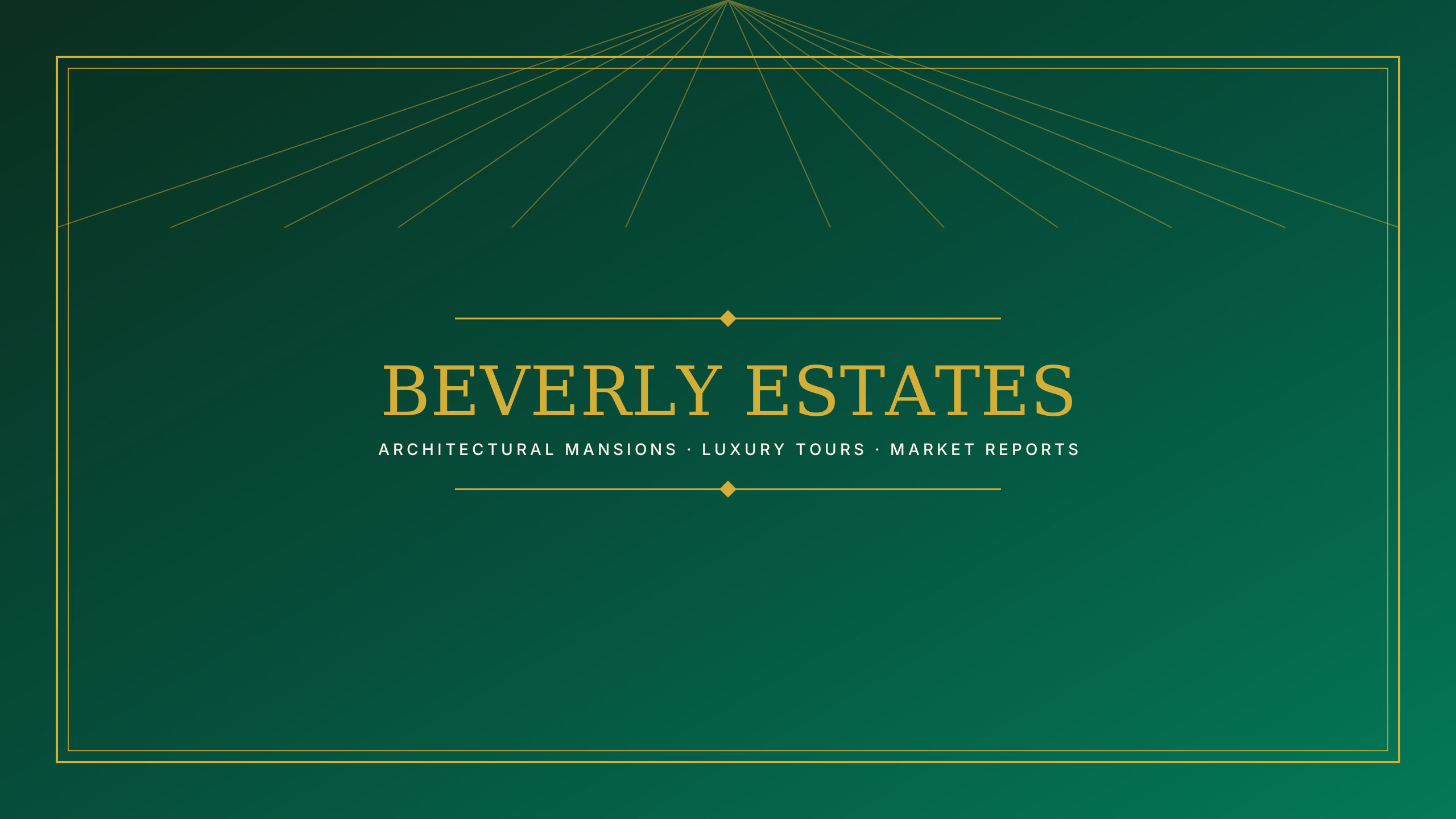
Luxury Real Estate
businessPenthouse platinum and midnight navy for elite realtors and luxury property tours.
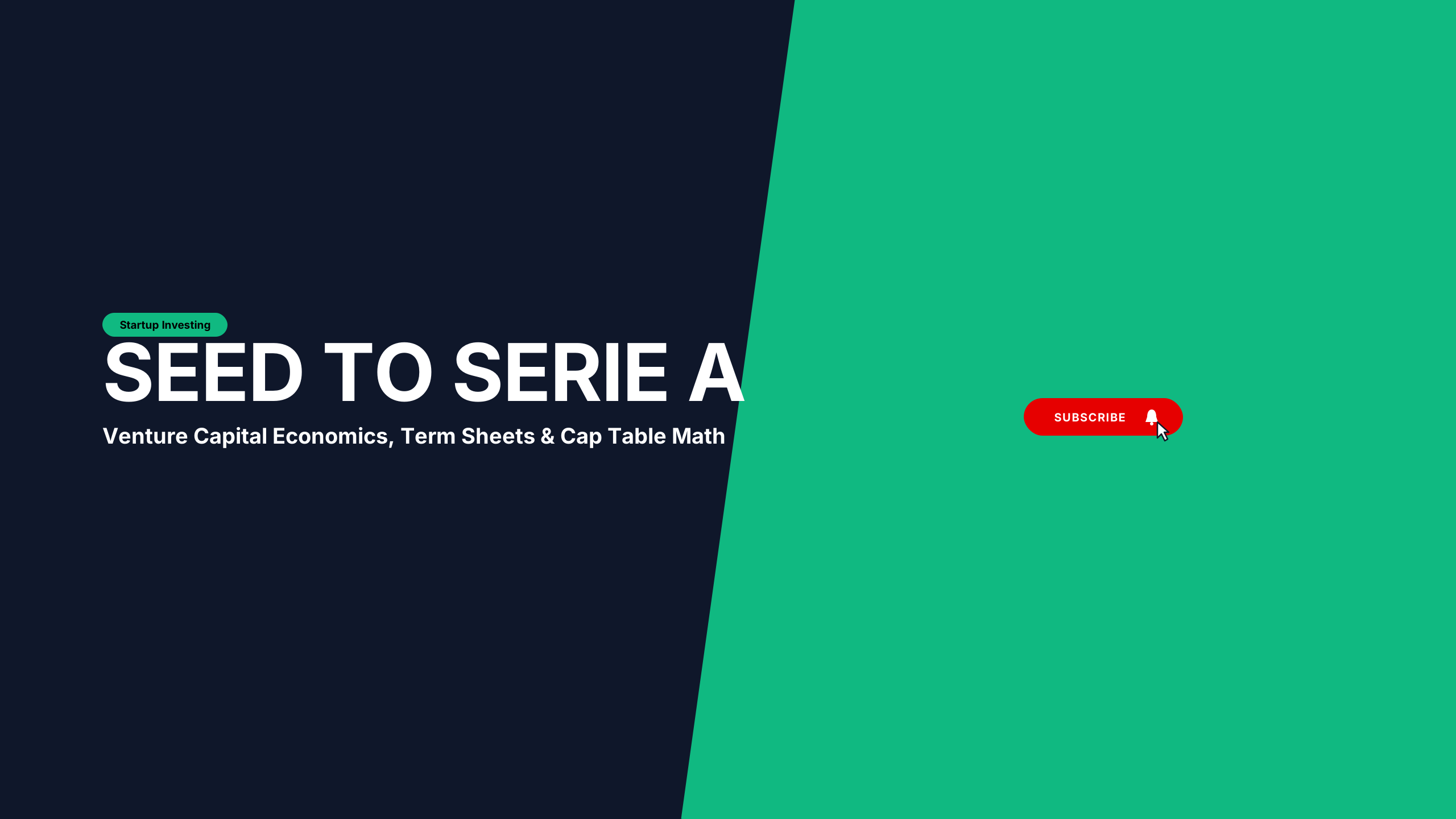
Venture Capital
businessDeep emerald and banker navy for angel investors and startup financing breakdown.
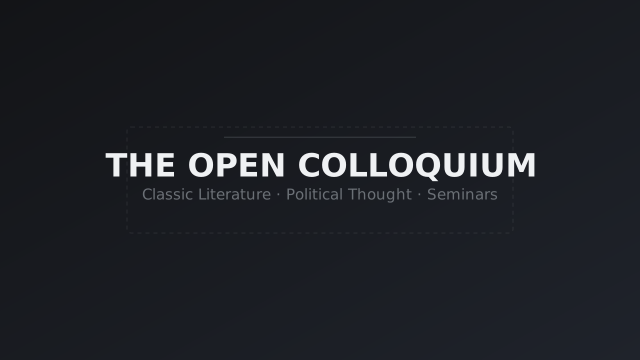
Open Syllabus
educationScholarly university aesthetic with double framing rules.
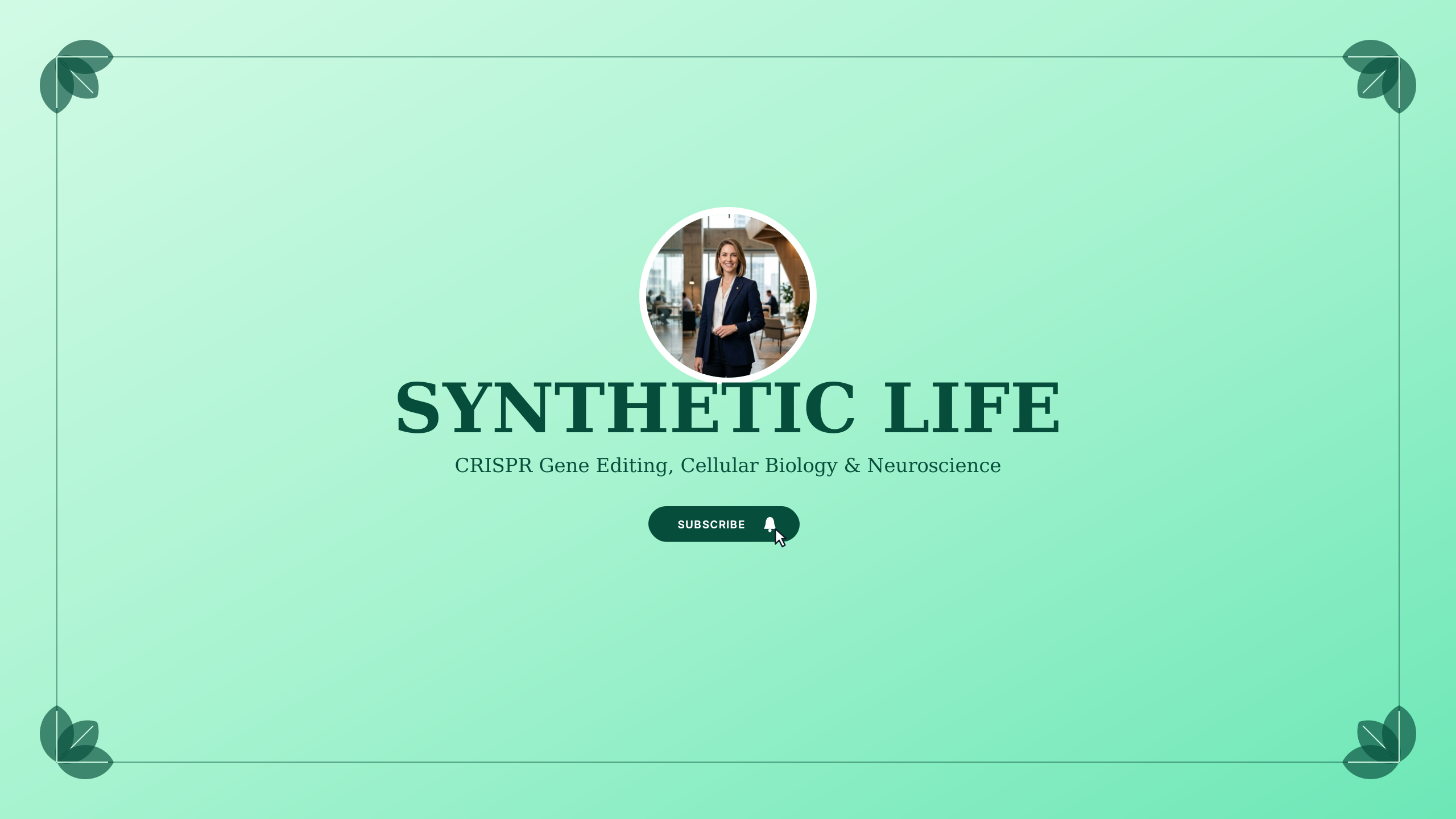
Bio Matrix
educationCleanroom emerald and sterile slate for biology lectures, genetics, and medical explainers.
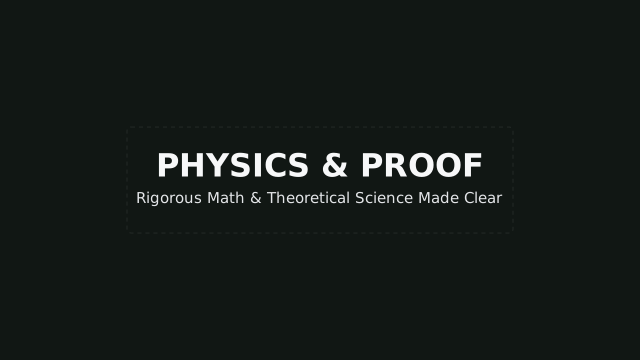
First Principles
educationMathematics and STEM chalkboard dark centered layout.
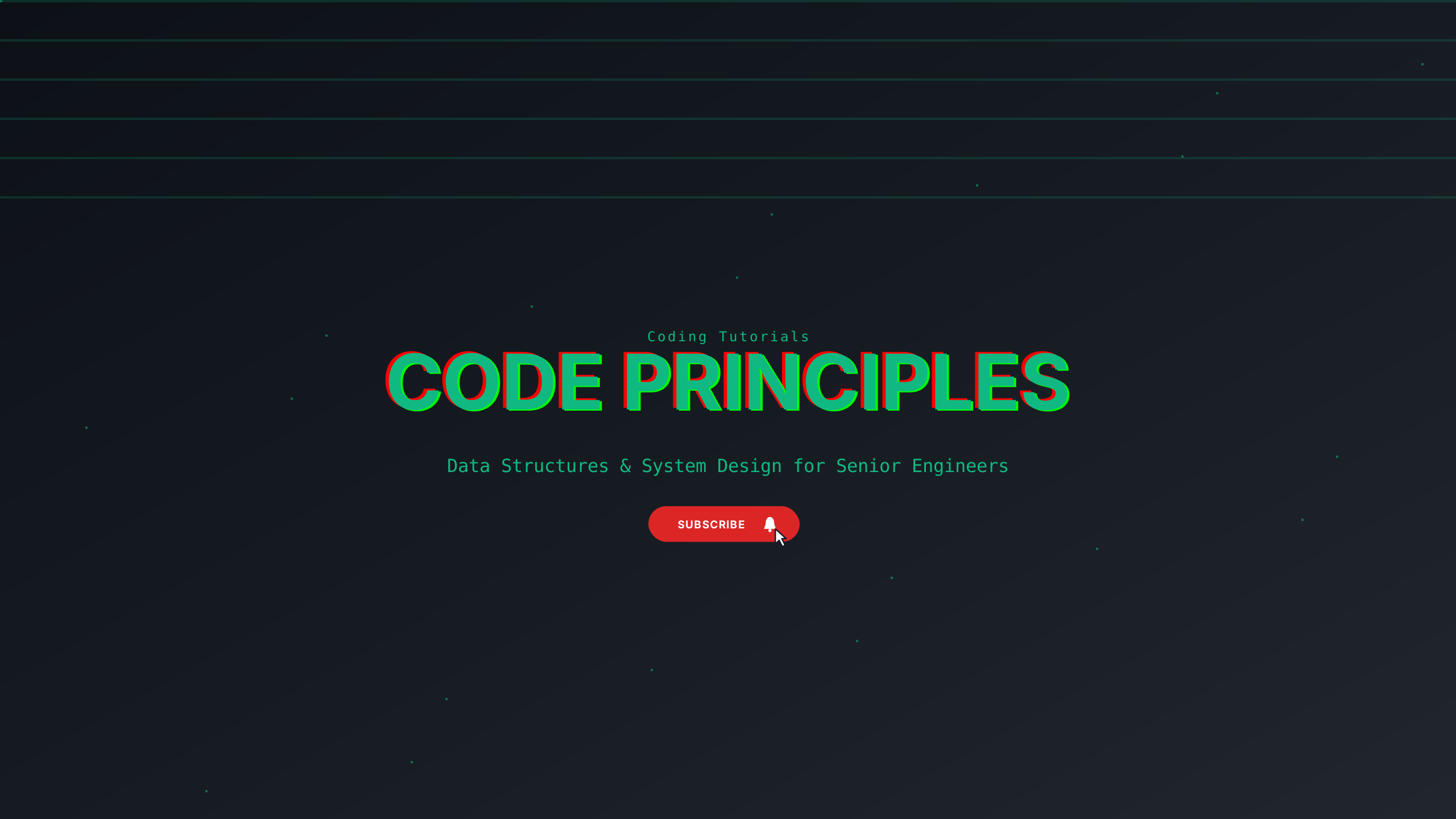
Algorithm Academy
educationClean terminal cyan and dark navy for coding interviews and computer science curricula.
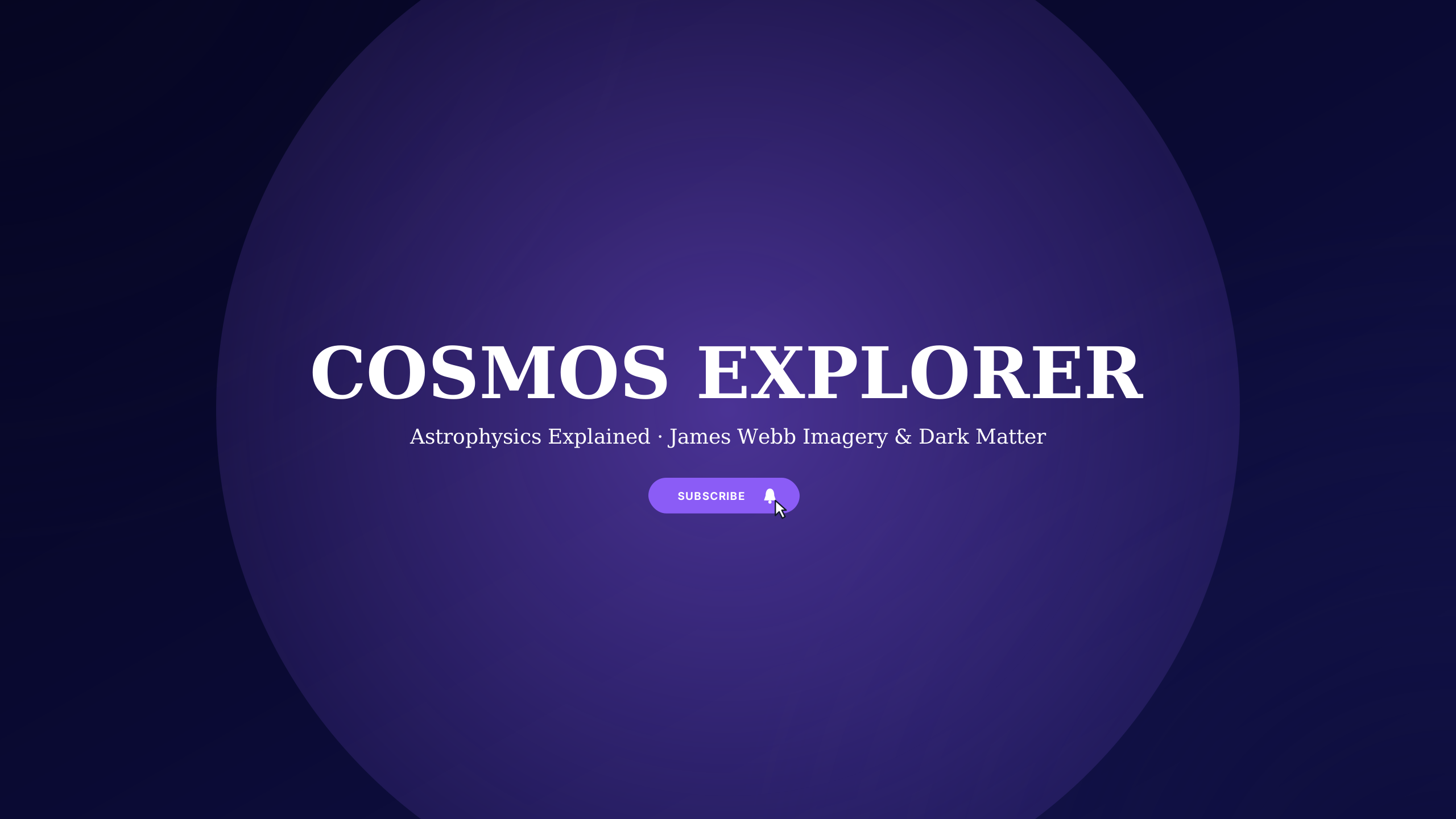
Cosmic Astronomy
educationDeep galaxy blue and starlight gold for astrophysics, deep space, and NASA enthusiasts.
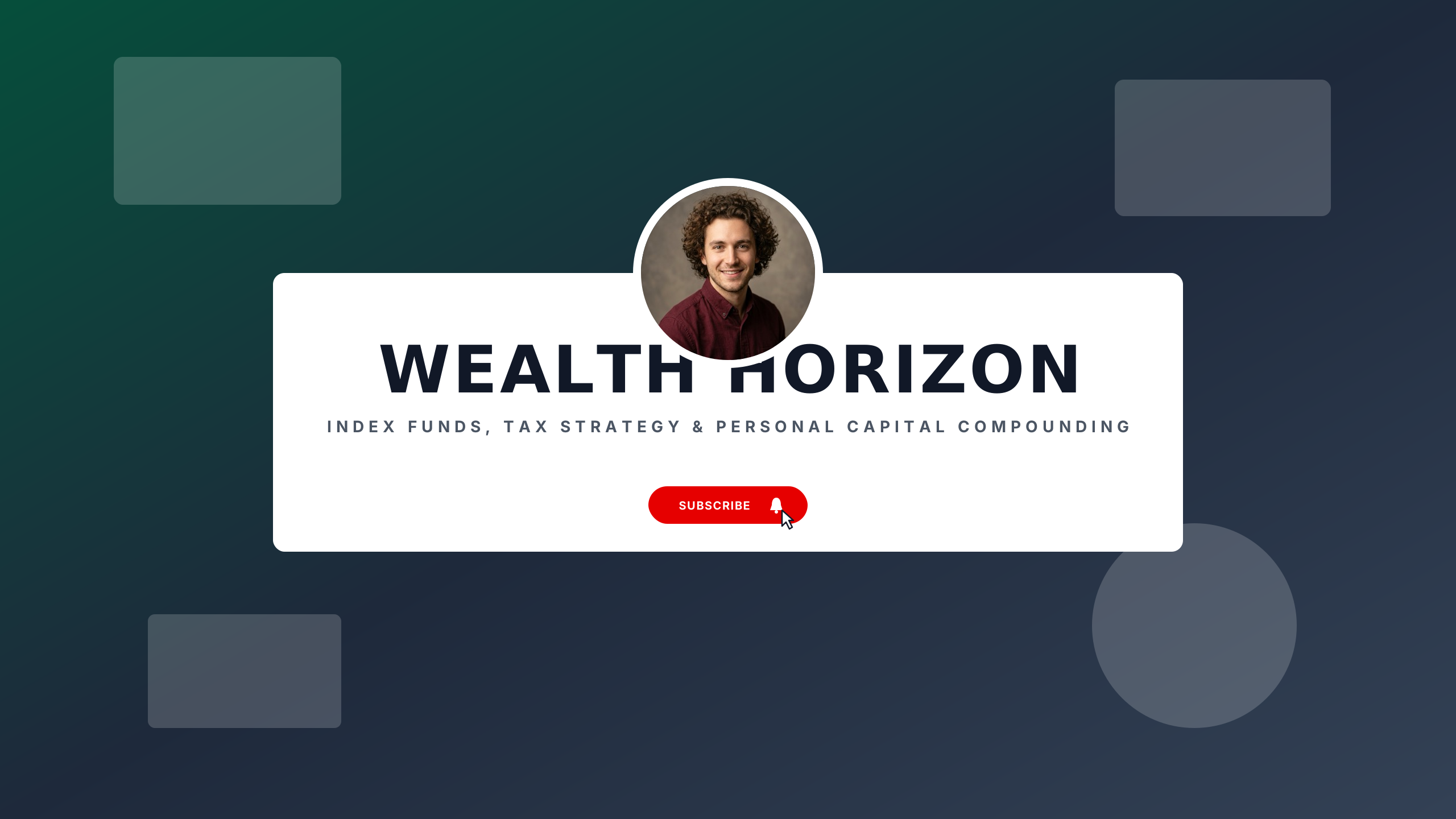
Financial Literacy
educationTreasury emerald and banking slate for personal finance, investing, and economic breakdown.
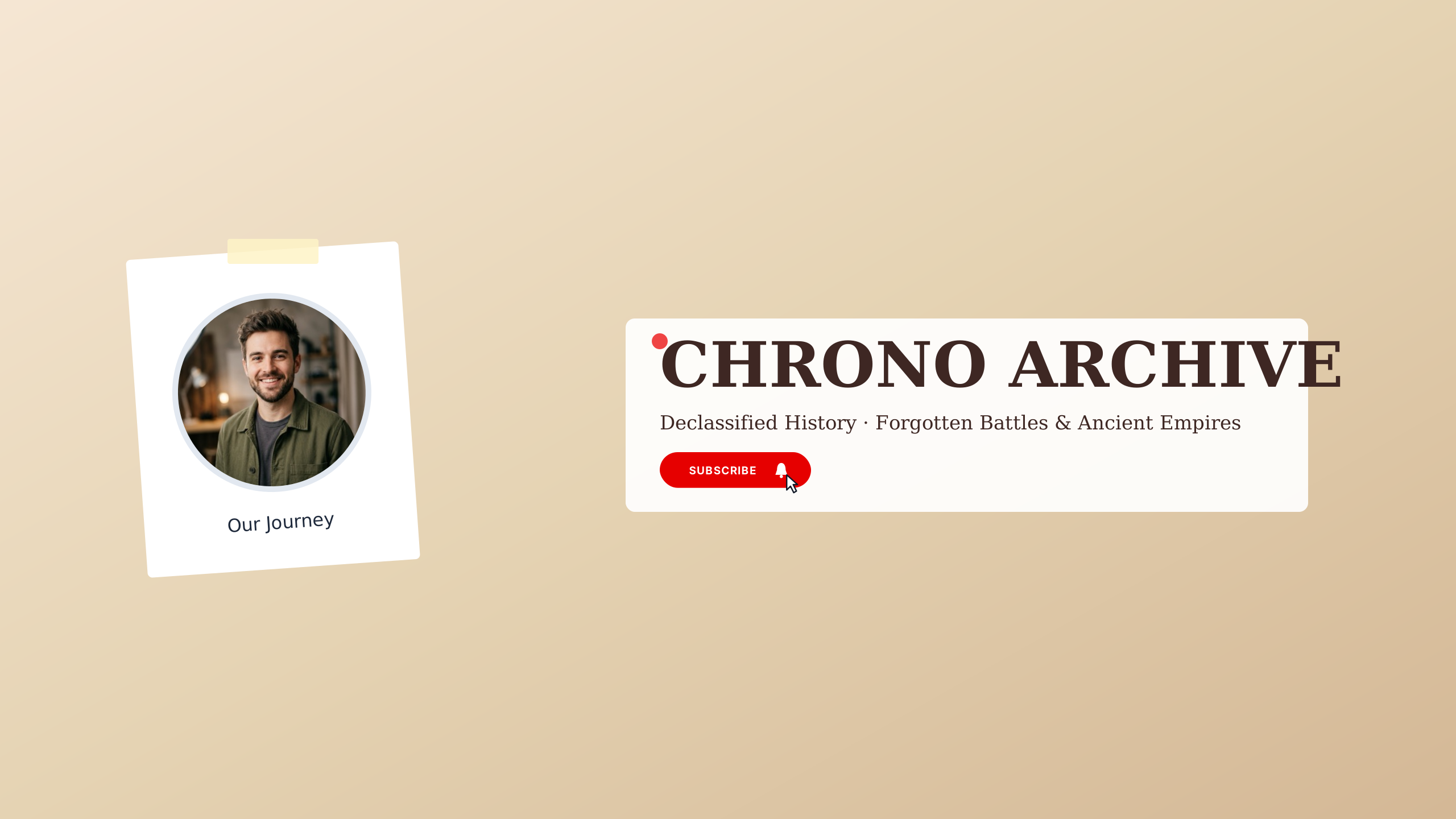
History Uncovered
educationAncient bronze and museum stone for world history documentaries and archaeological studies.
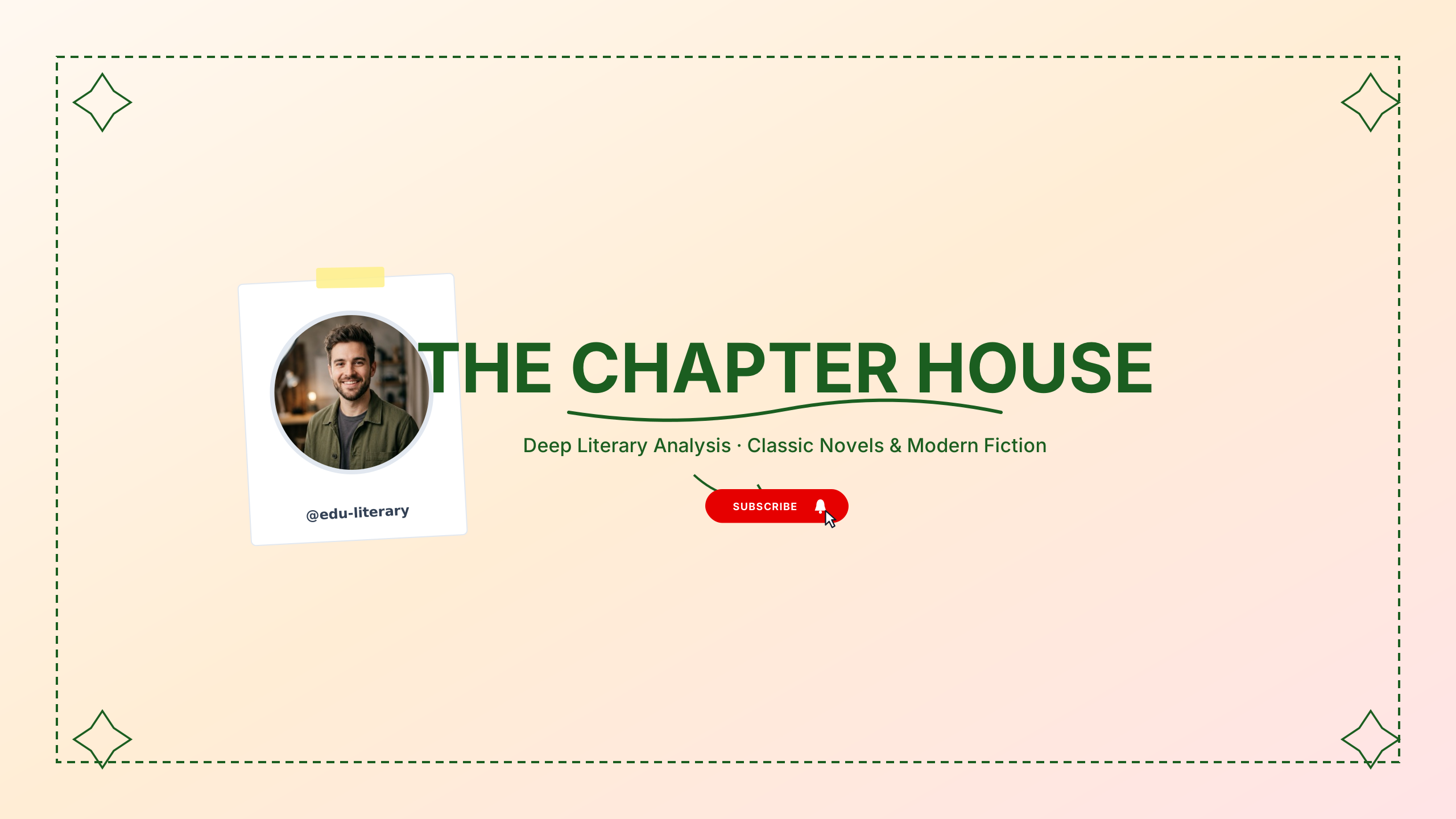
The Book Club
educationDeep forest green and ivory cream for book clubs, literary analysis, and writing craft.

Clarity Explainers
educationLeft-aligned crisp editorial style with subtle divider.
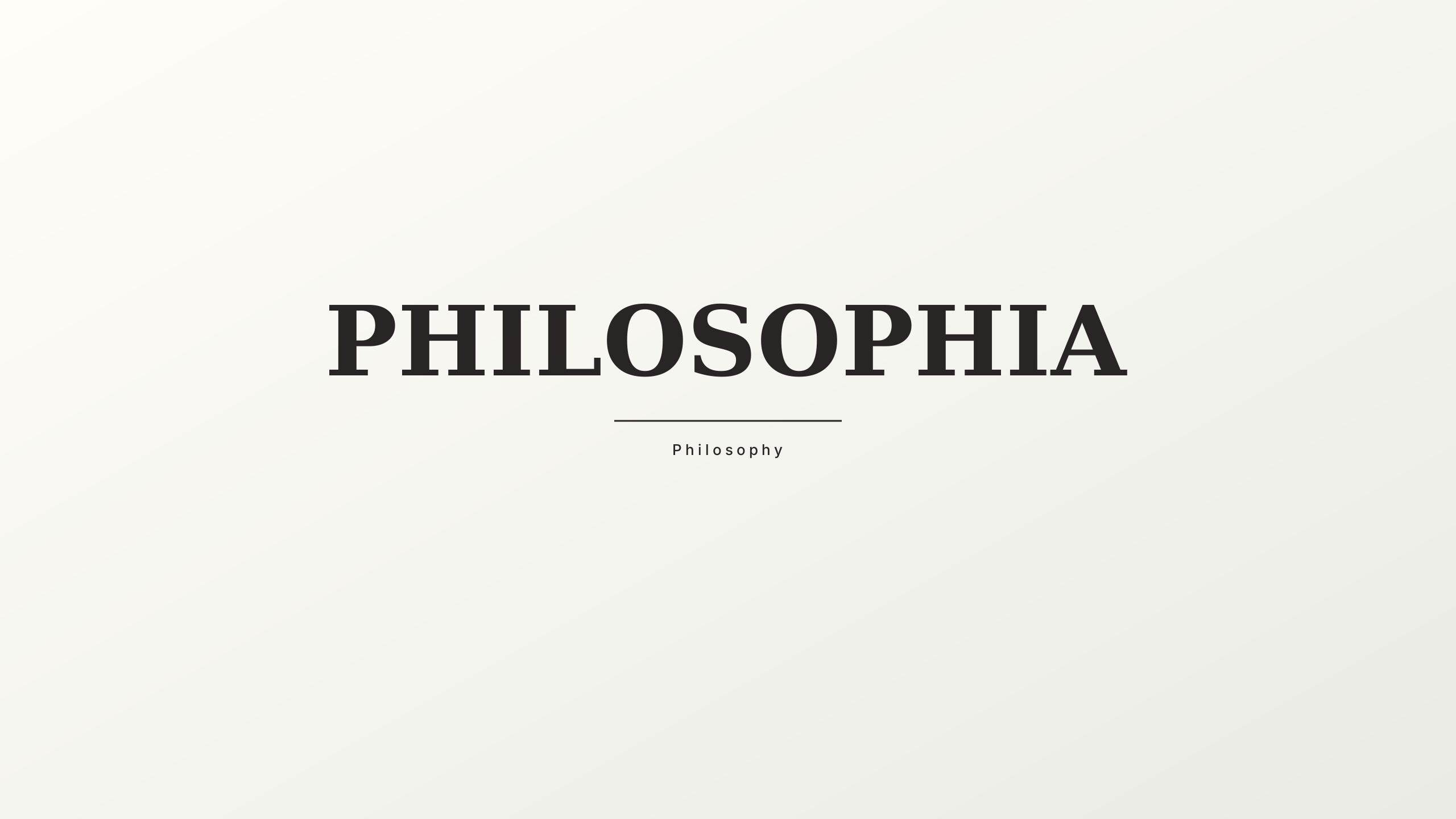
Great Books & Mind
educationClassical antique stone and ink black for philosophy lectures and literary discussions.
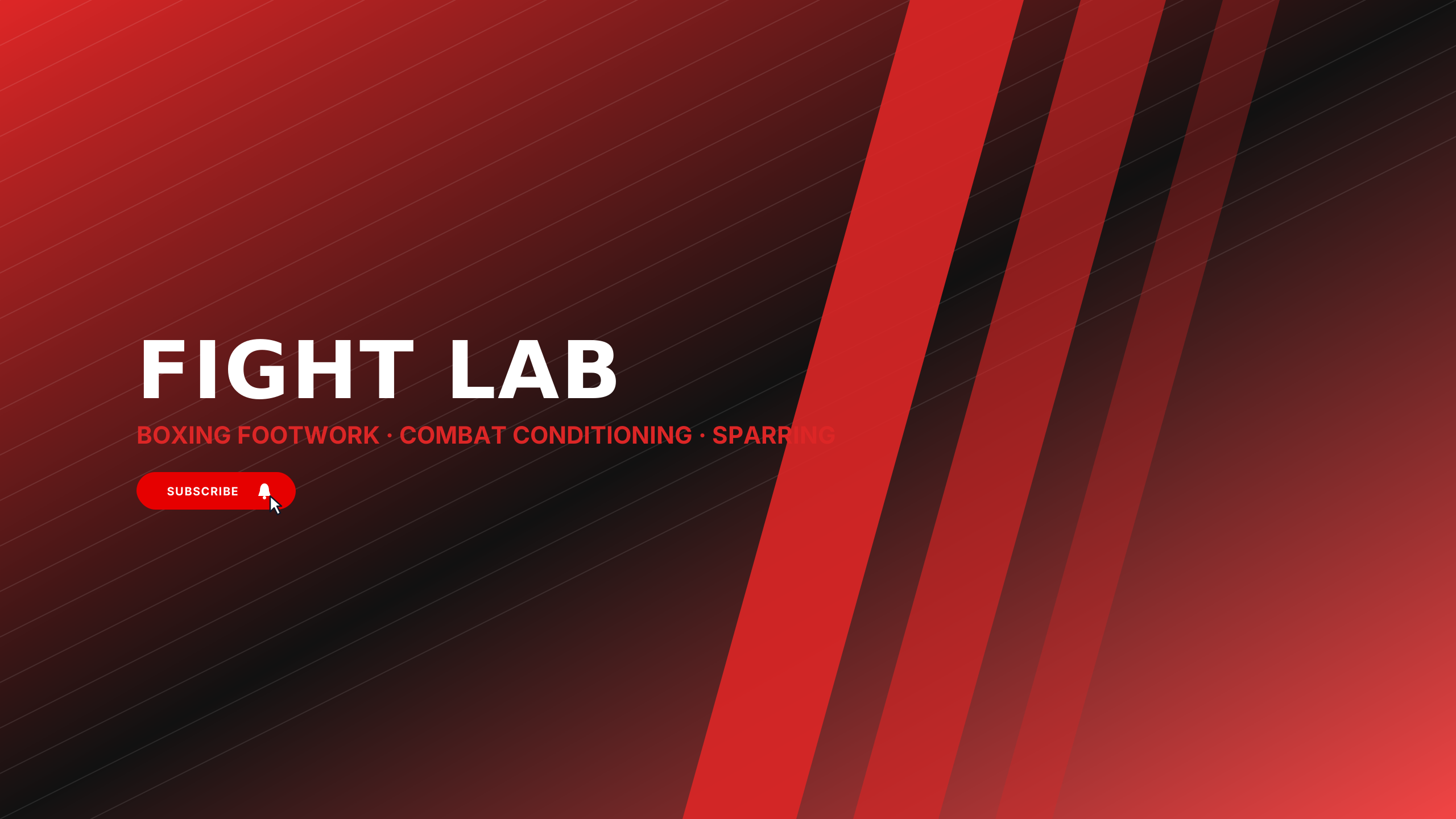
Championship Ring
fitnessChampionship gold and matte black velvet for boxing coaches, Muay Thai, and combat sports.
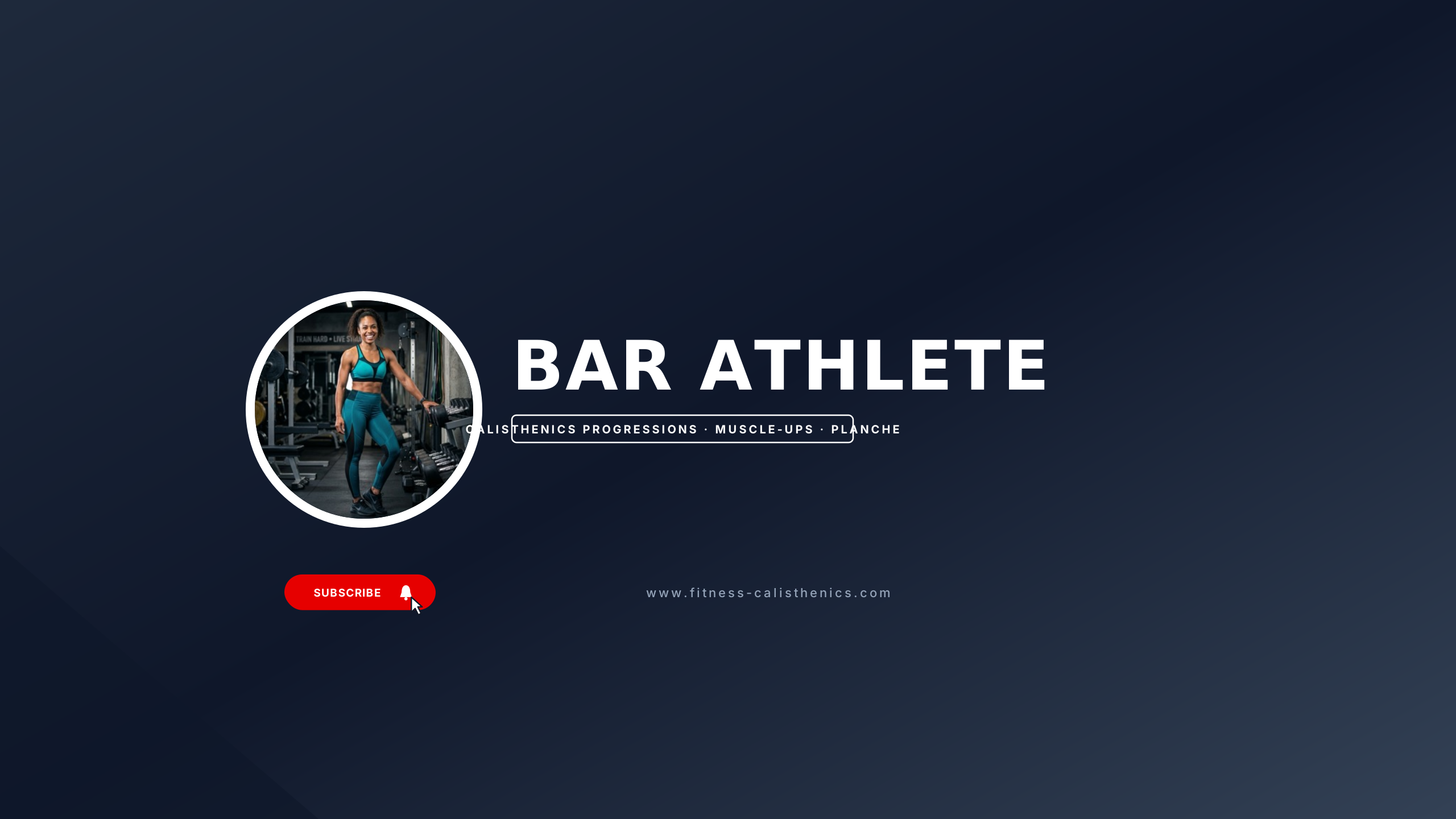
Street Calisthenics
fitnessIndustrial steel and safety yellow for bodyweight mastery, muscle-ups, and street workouts.
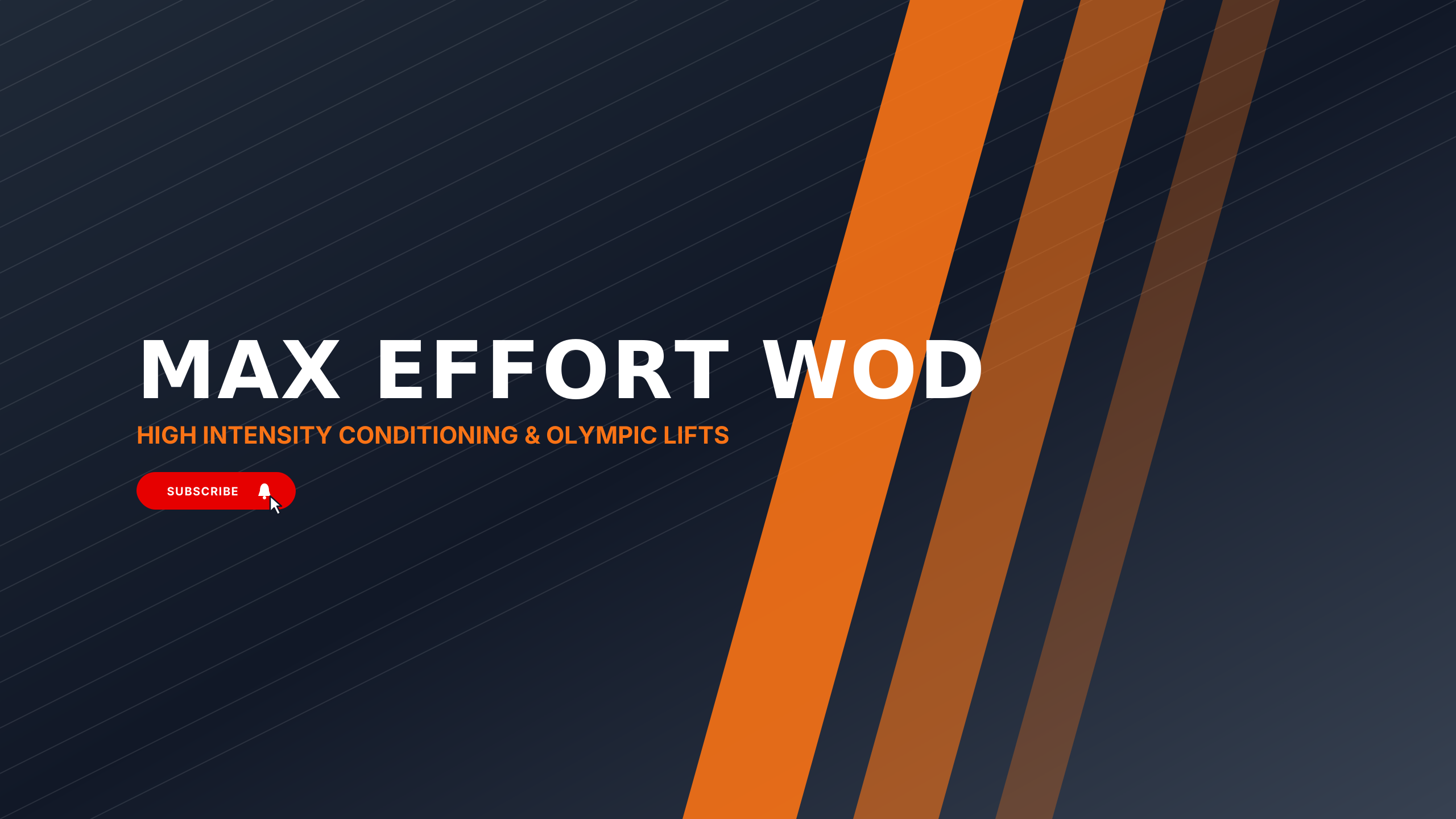
CrossFit Power
fitnessHigh-octane hazard orange and concrete grey for WOD athletes and Olympic weightlifting.
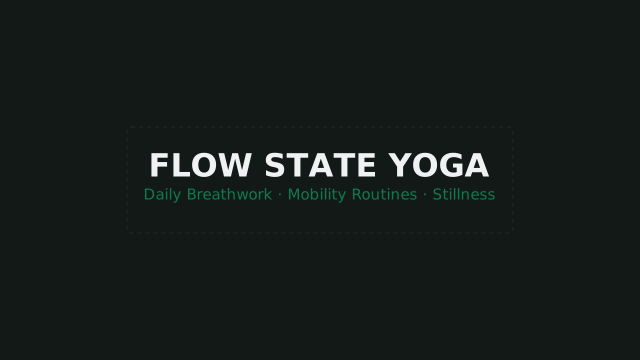
Zen Movement
fitnessCalm slate and sage left-aligned aesthetic with natural balance.
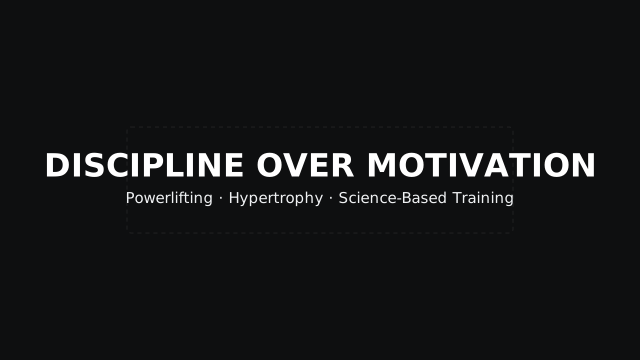
Iron Standard
fitnessMonochrome centered bold athletic styling for strength and bodybuilding.
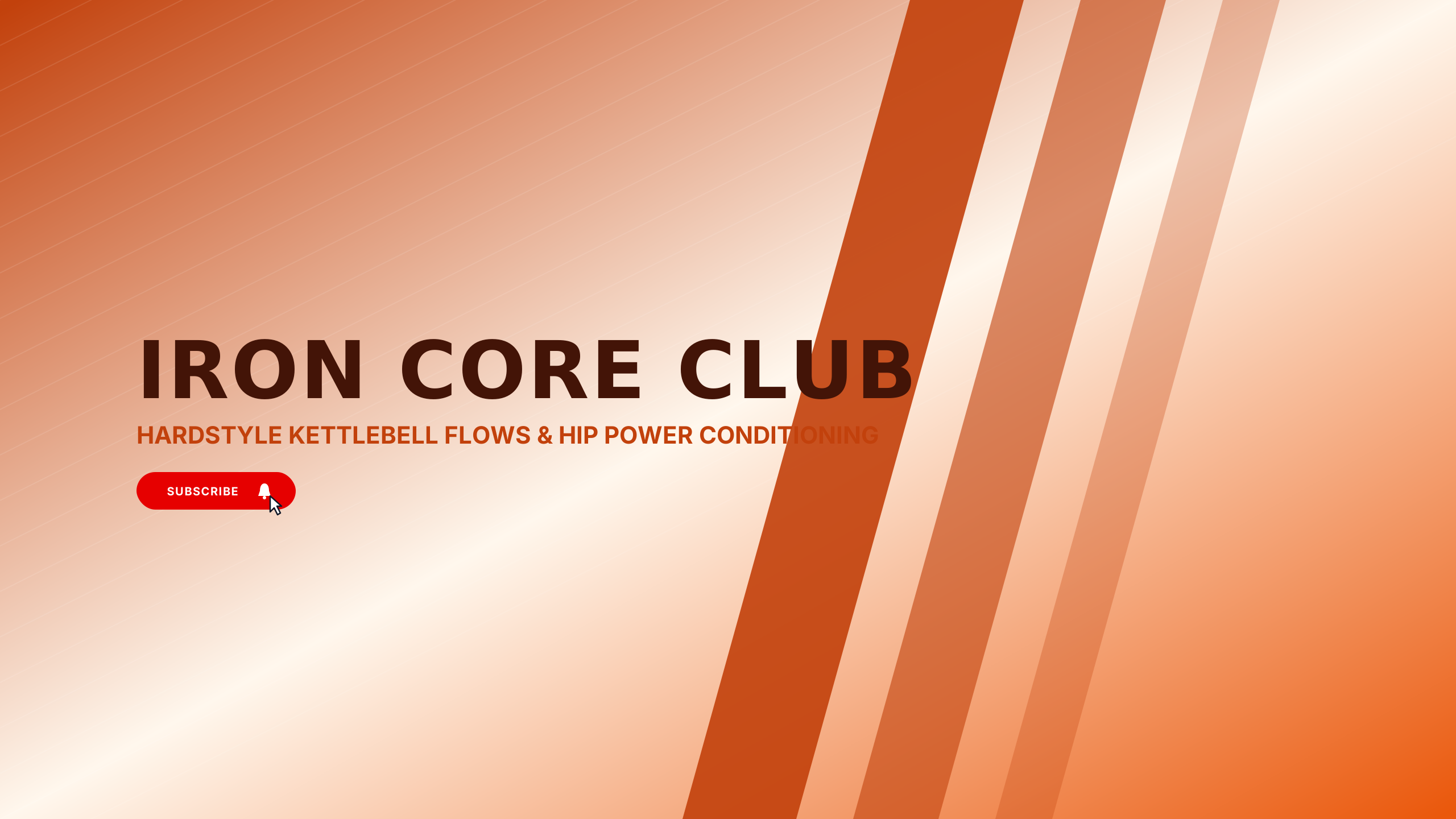
Kettlebell Core
fitnessMatte cast iron and rust orange for kettlebell conditioning and functional mobility.
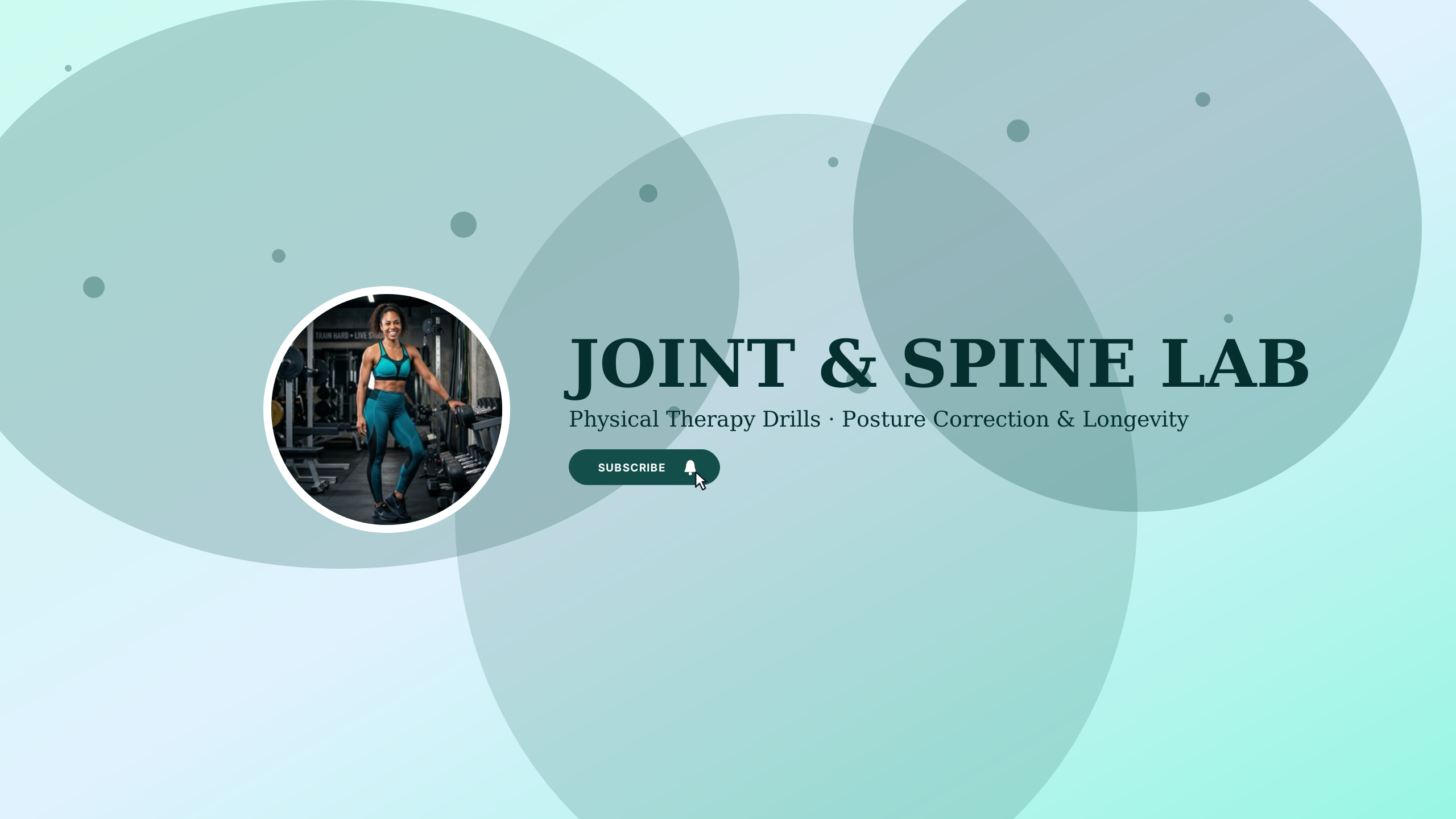
Mobility & Recovery
fitnessSeafoam teal and soft graphite for physical therapists and active recovery specialists.
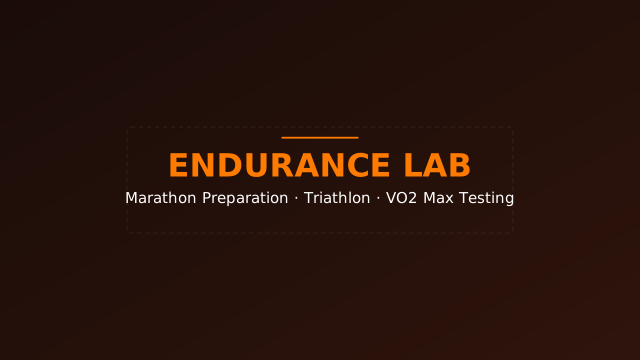
Peak Endurance
fitnessHigh-intensity athletic aesthetic with athlete photo frame and badge.
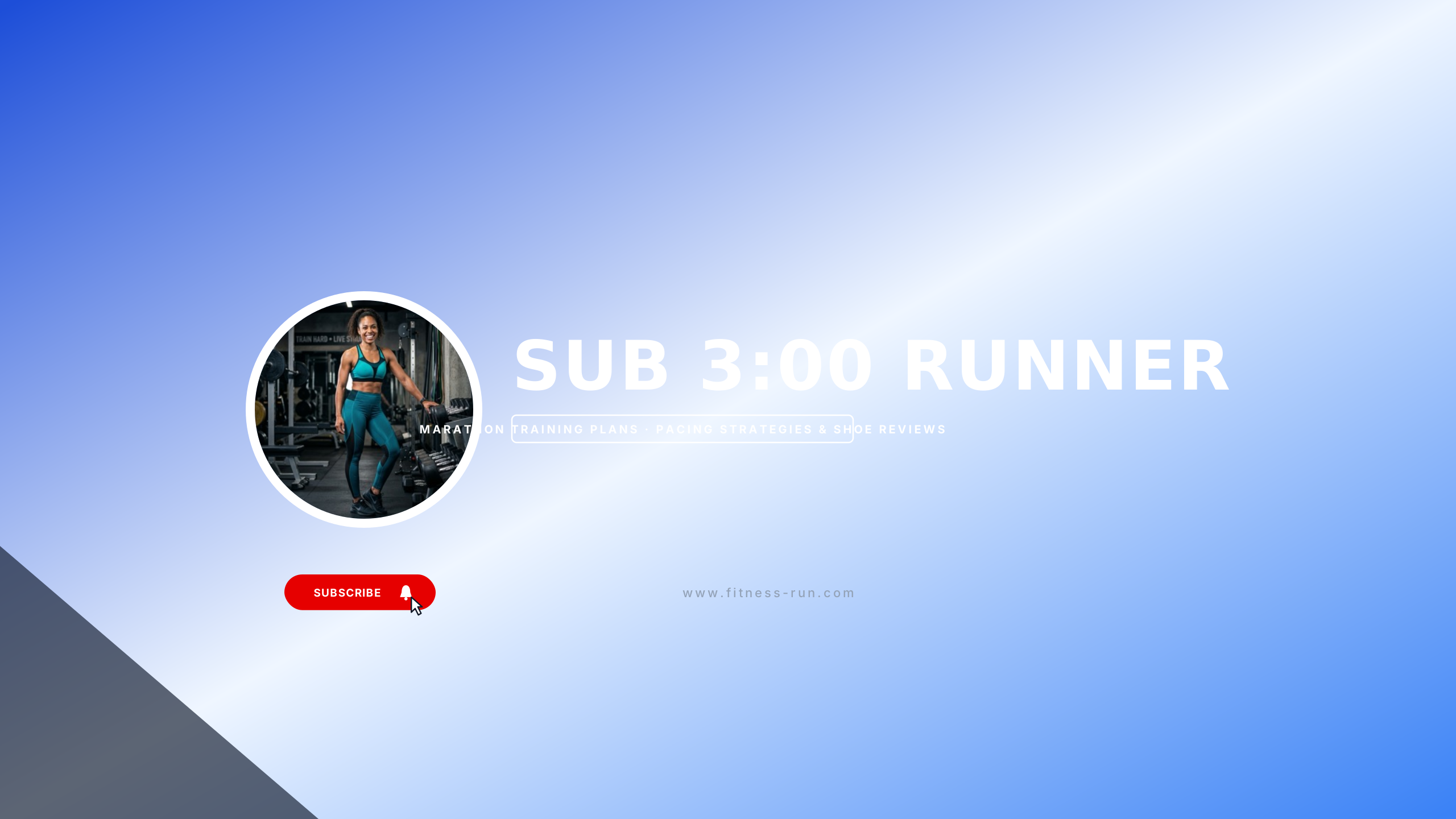
Marathon Pace
fitnessElectric volt and tarmac asphalt for marathon runners, track clubs, and 5K coaches.
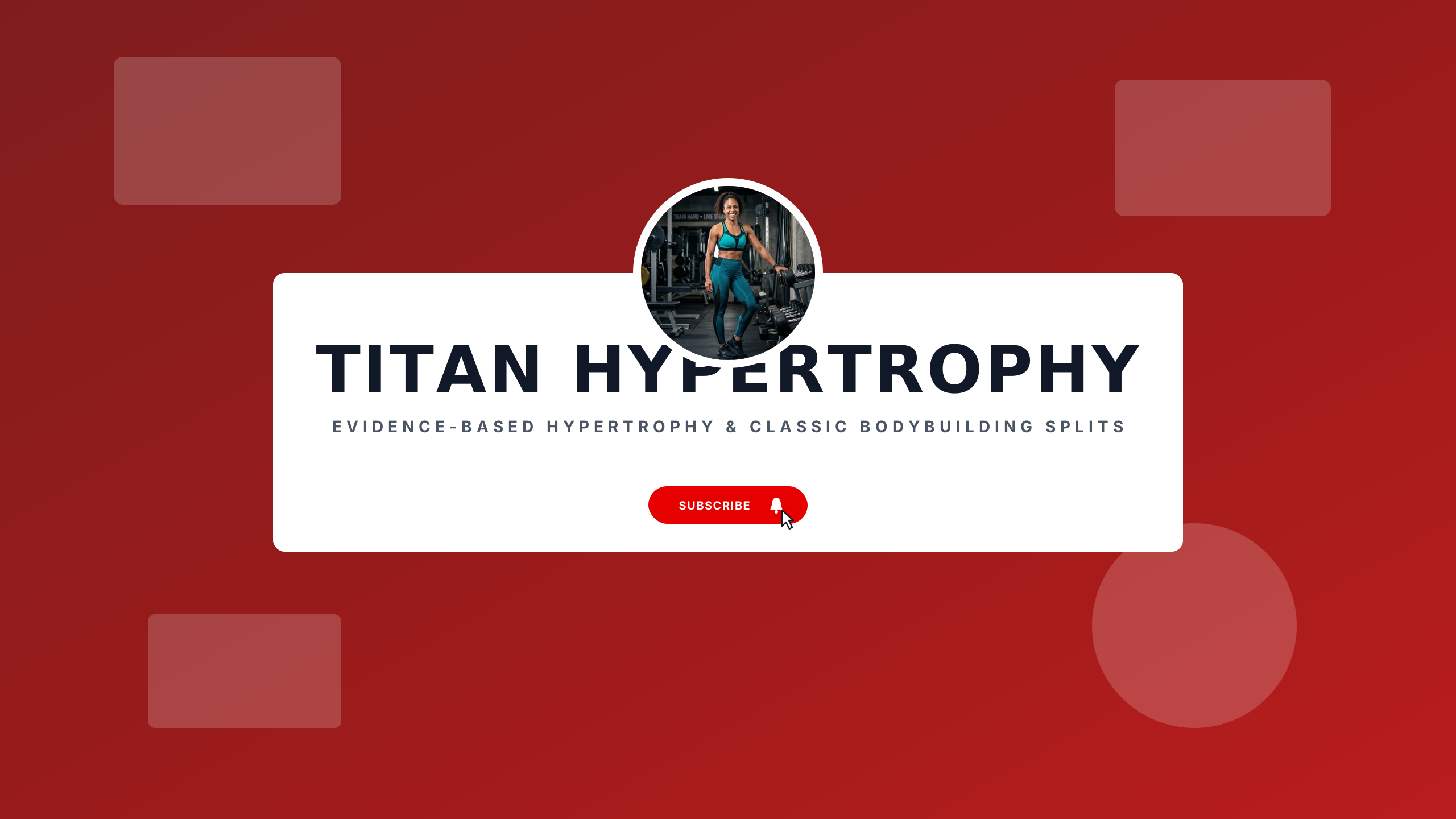
Titan Physique
fitnessCrimson red and gunmetal steel for hypertrophy science and classic physique bodybuilding.
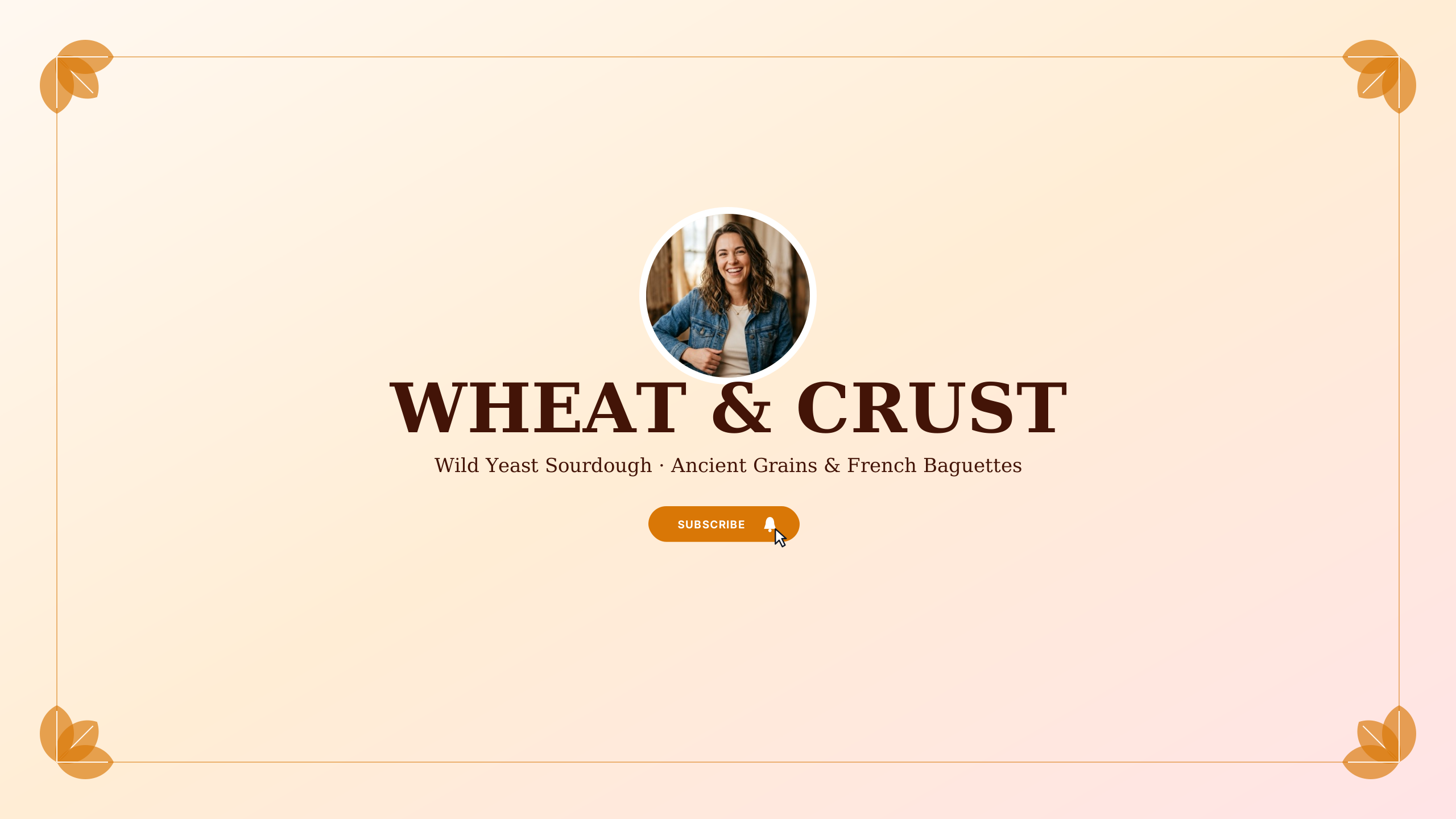
Artisan Bakery
foodGolden wheat and warm flour white for sourdough bakers and pastry enthusiasts.
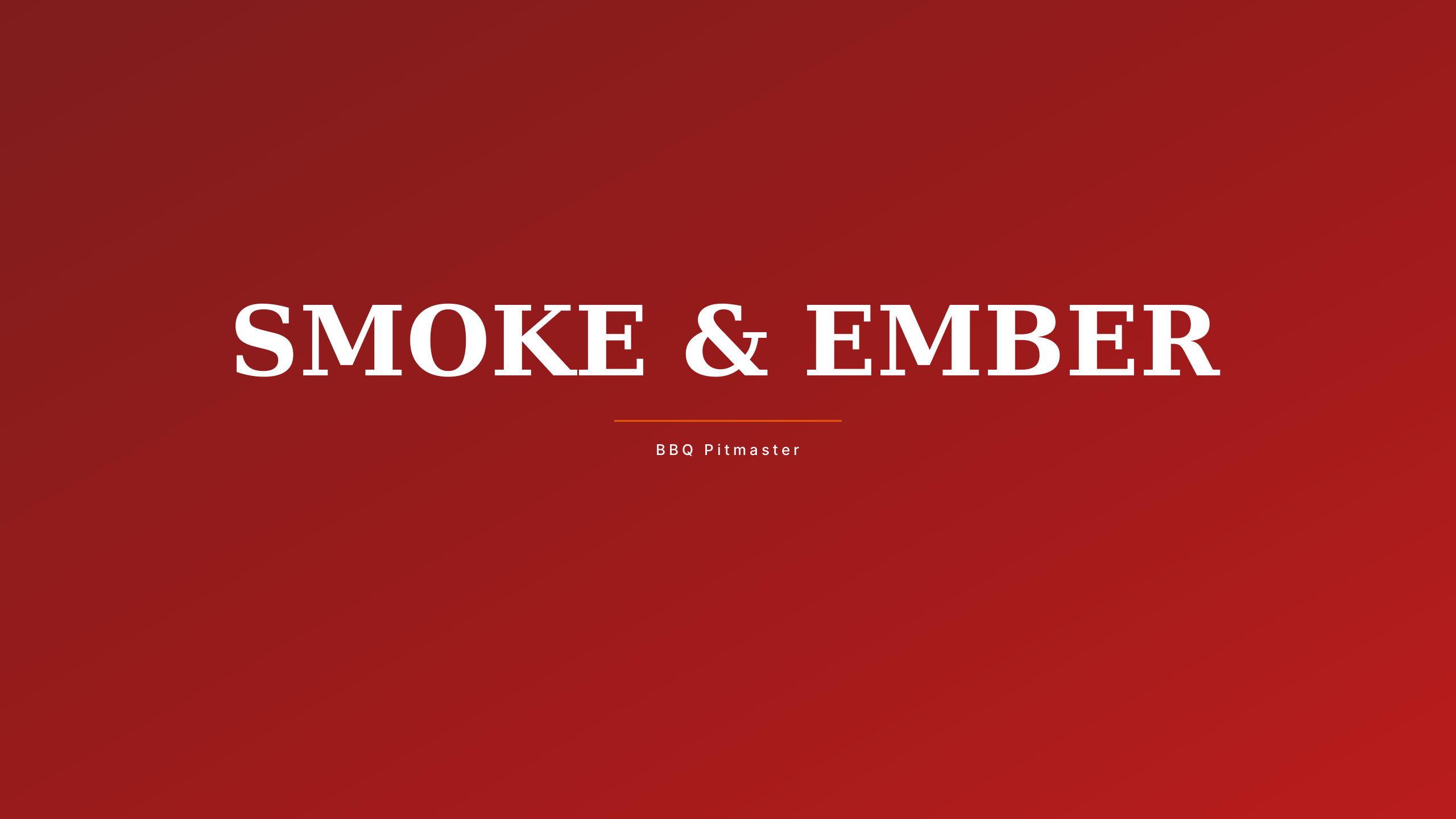
Smokehouse BBQ
foodHickory smoke and glowing ember orange for pitmasters and low-and-slow barbecue.
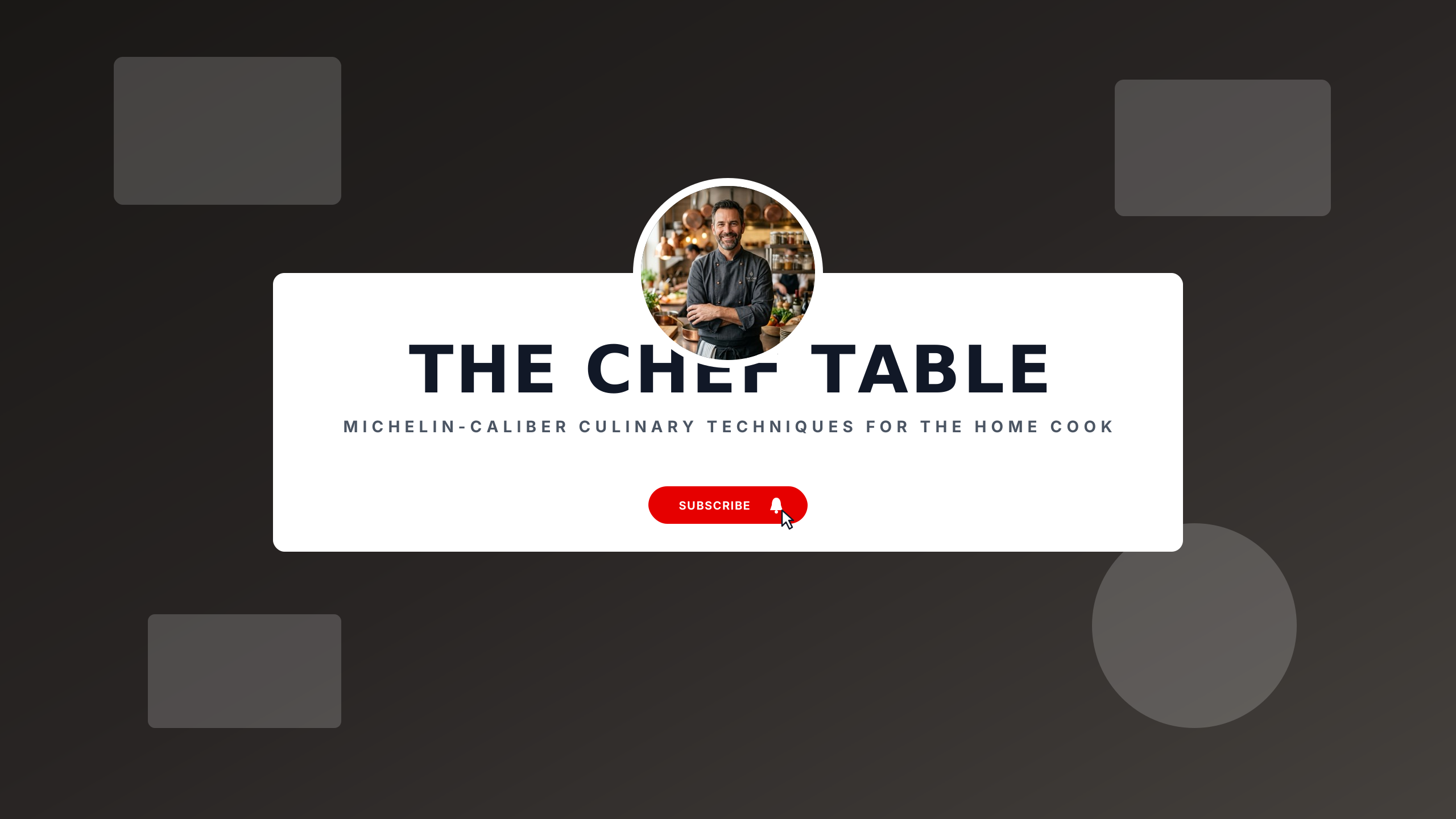
Gourmet Chef Table
foodTruffle black and french gold for masterclass chefs and fine dining techniques.
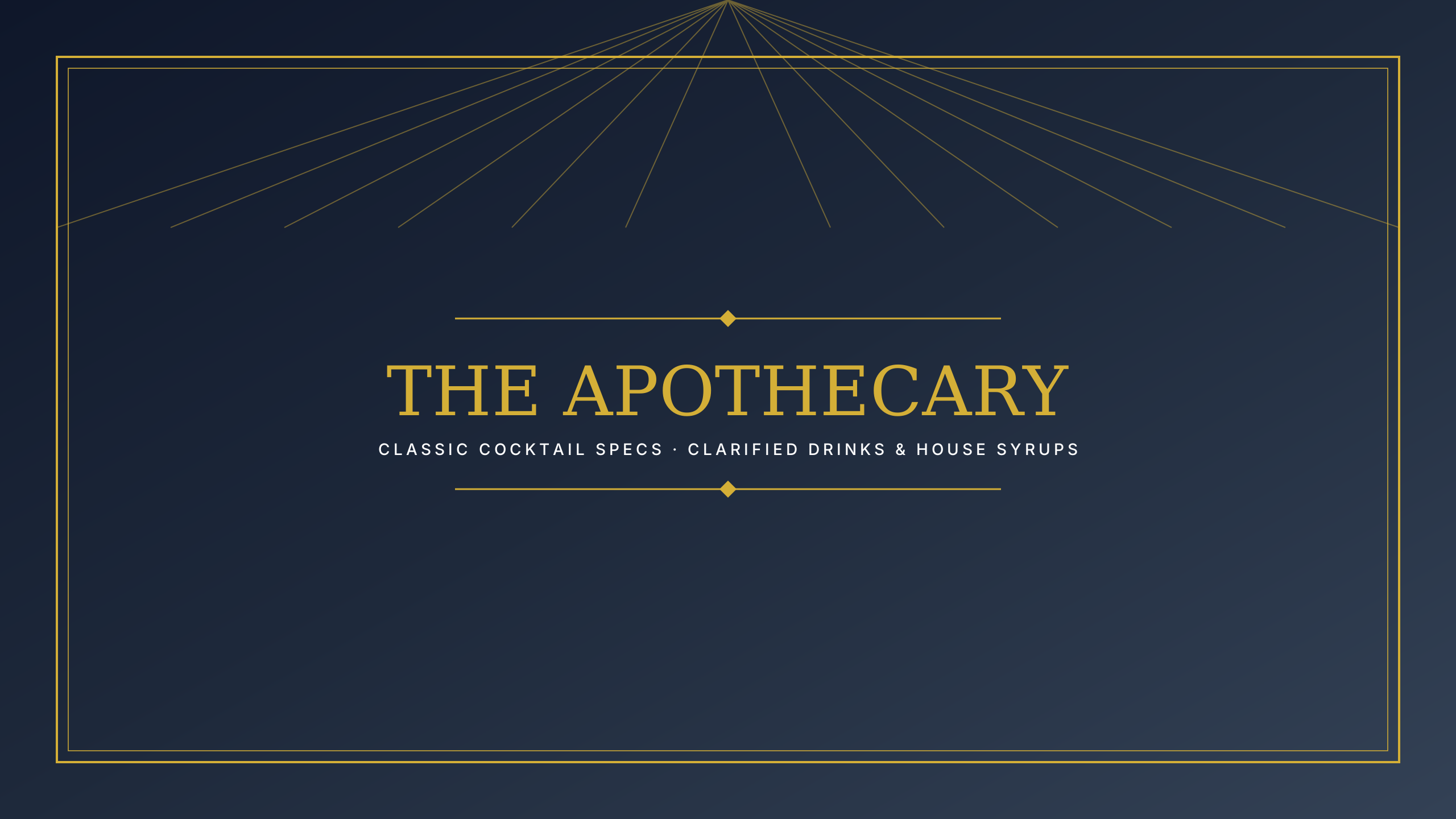
Craft Mixology
foodAmber spirits and speakeasy dark velvet for cocktail bartenders and home mixology.
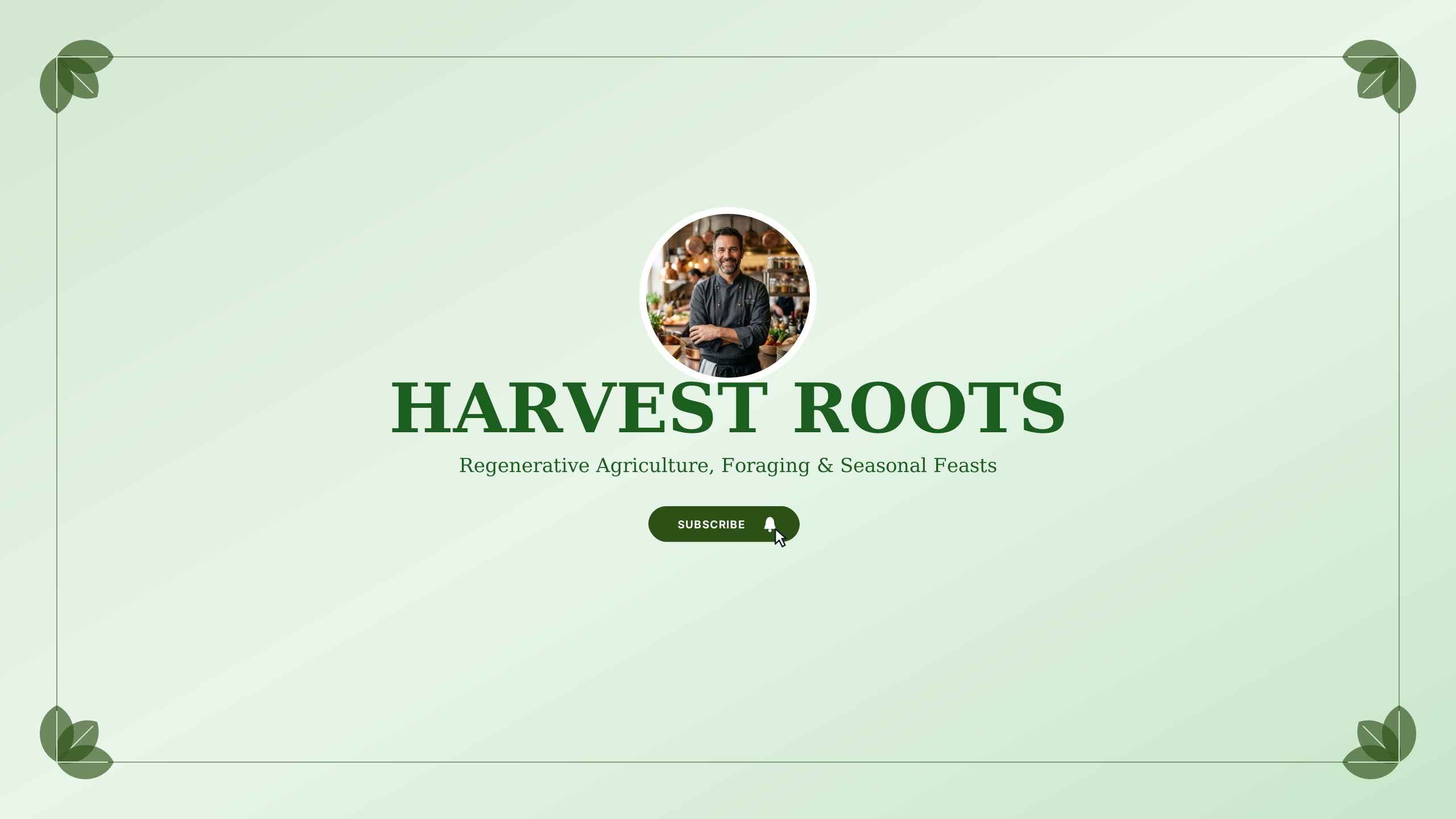
Farm to Table
foodEarthy harvest sage and soil brown for homesteaders and organic seasonal cooking.
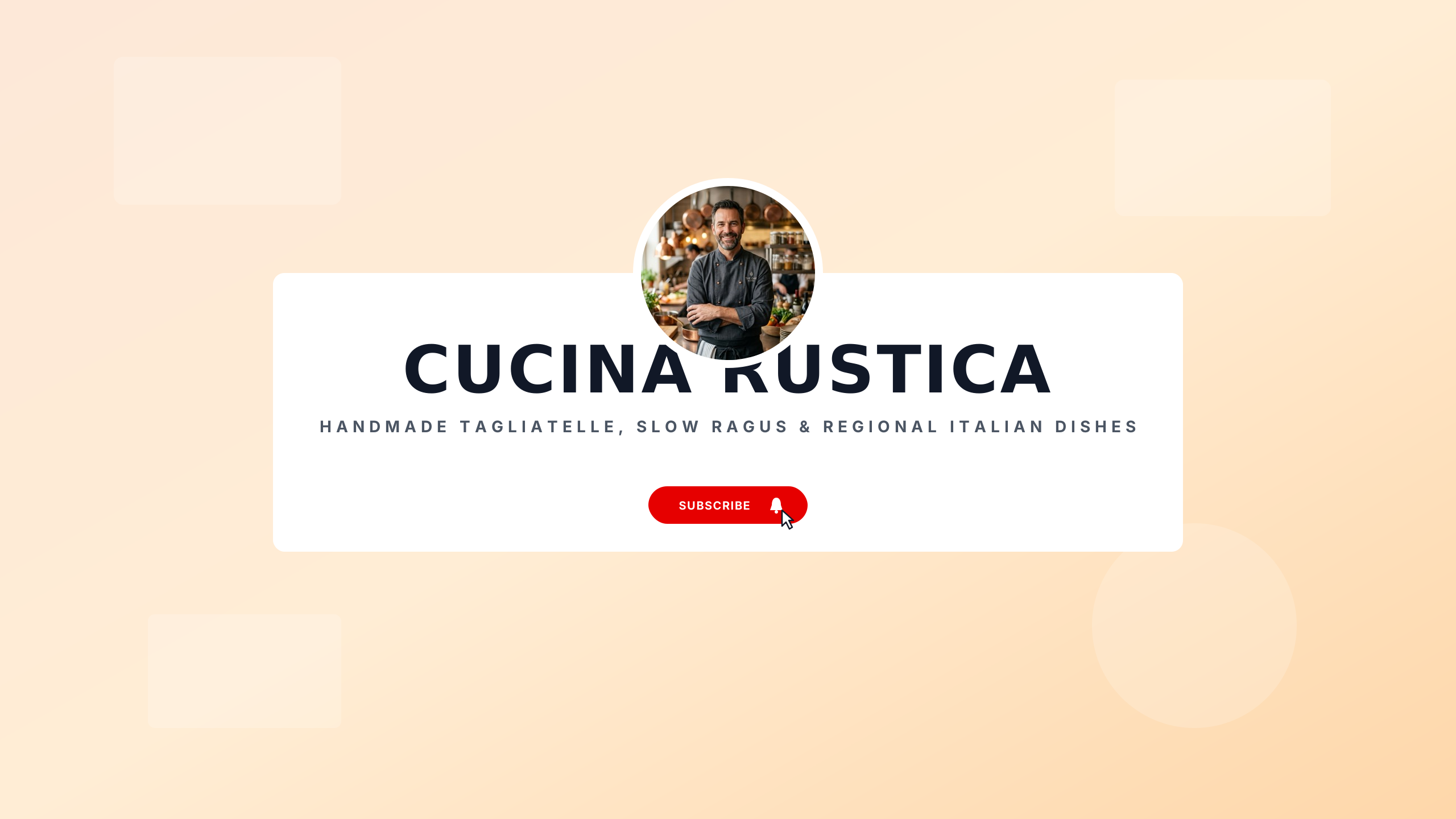
Nonna’s Trattoria
foodBurnt sienna and virgin olive green for rustic hand-rolled pasta and Italian comfort food.
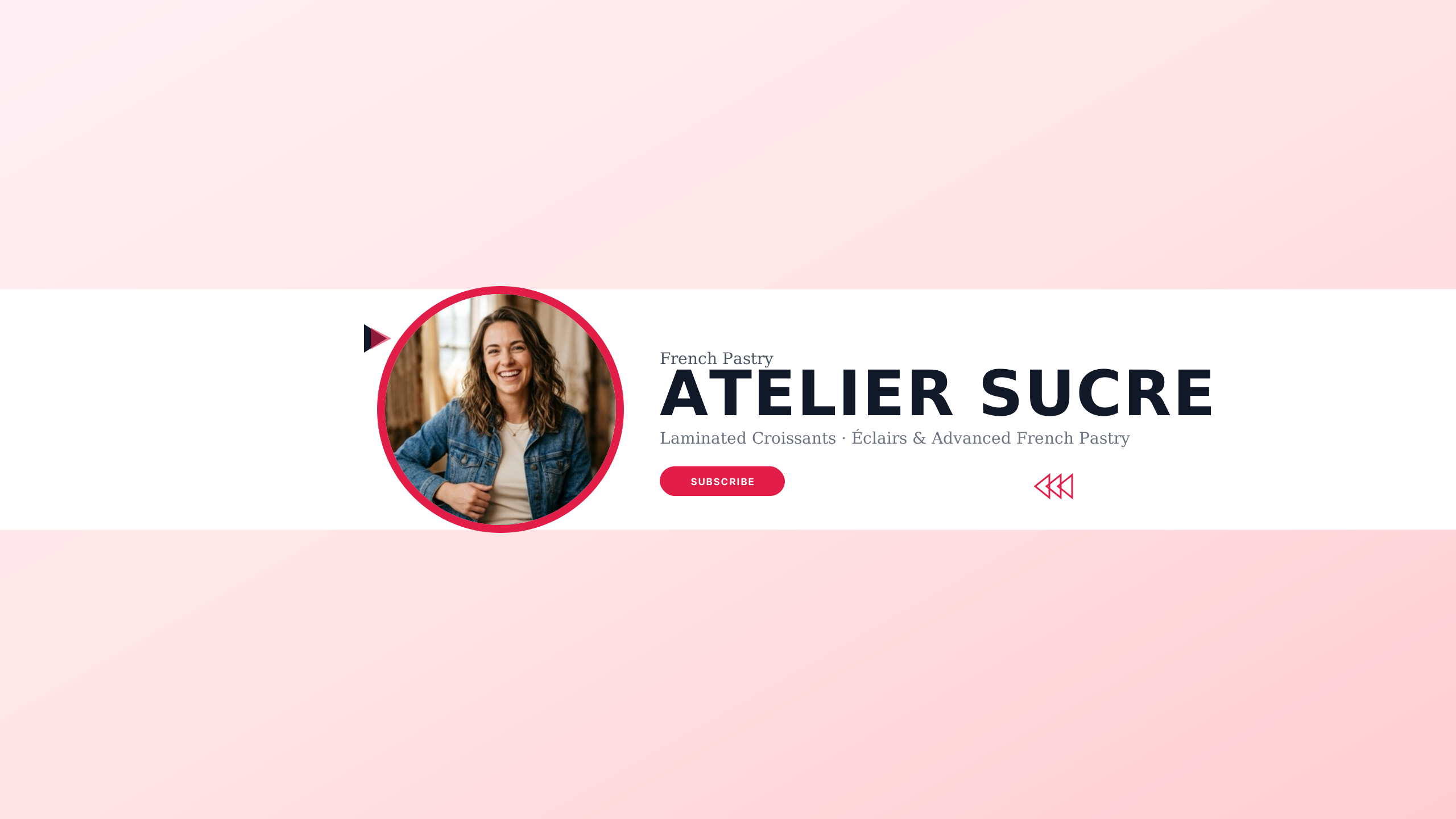
French Pâtisserie
foodMacaron pastel pink and marble grey for pastry chefs and delicate viennoiserie.
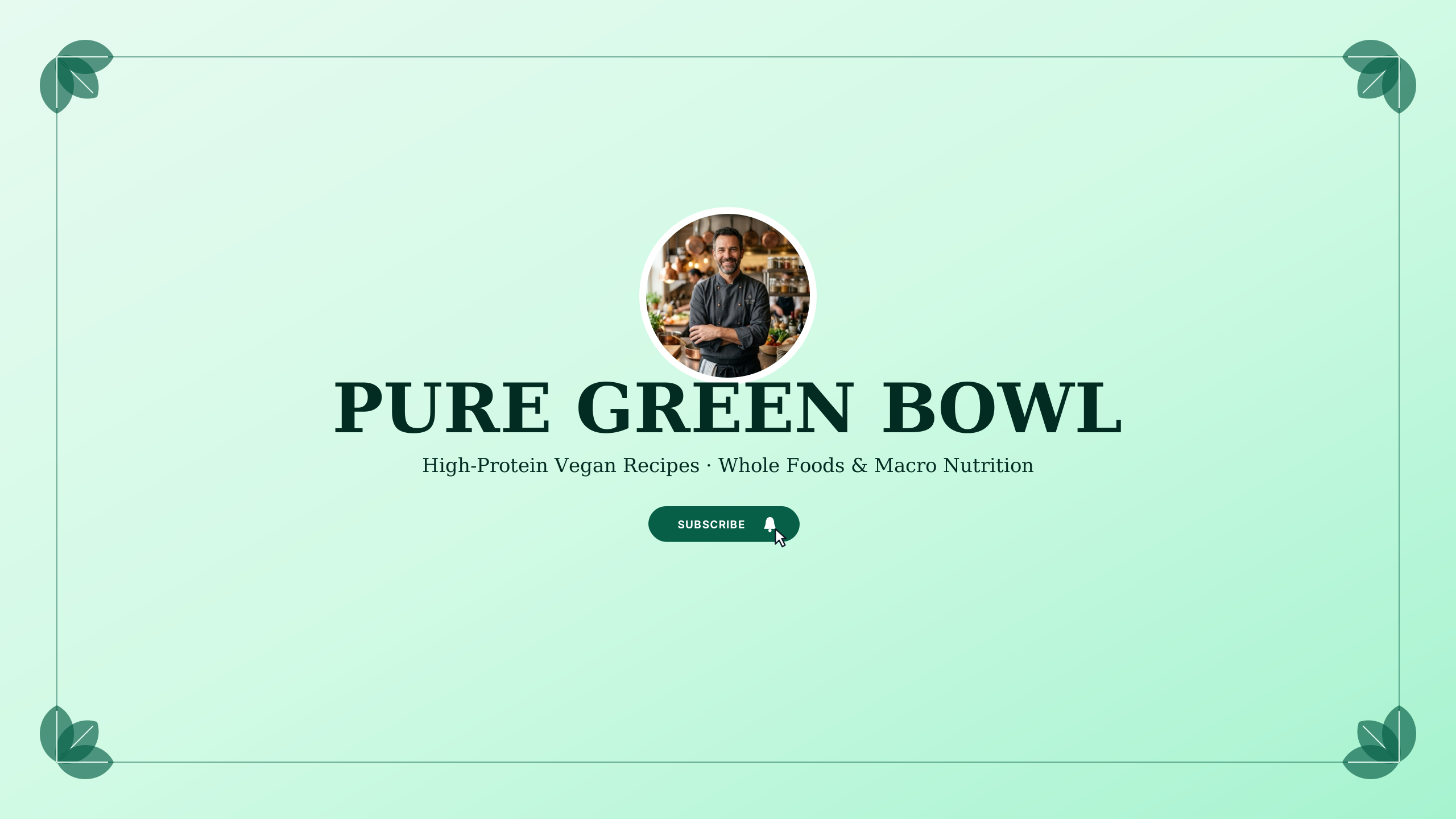
Plant-Based Kitchen
foodVibrant avocado green and clean linen for vegan nutrition and high-flavor plant cooking.
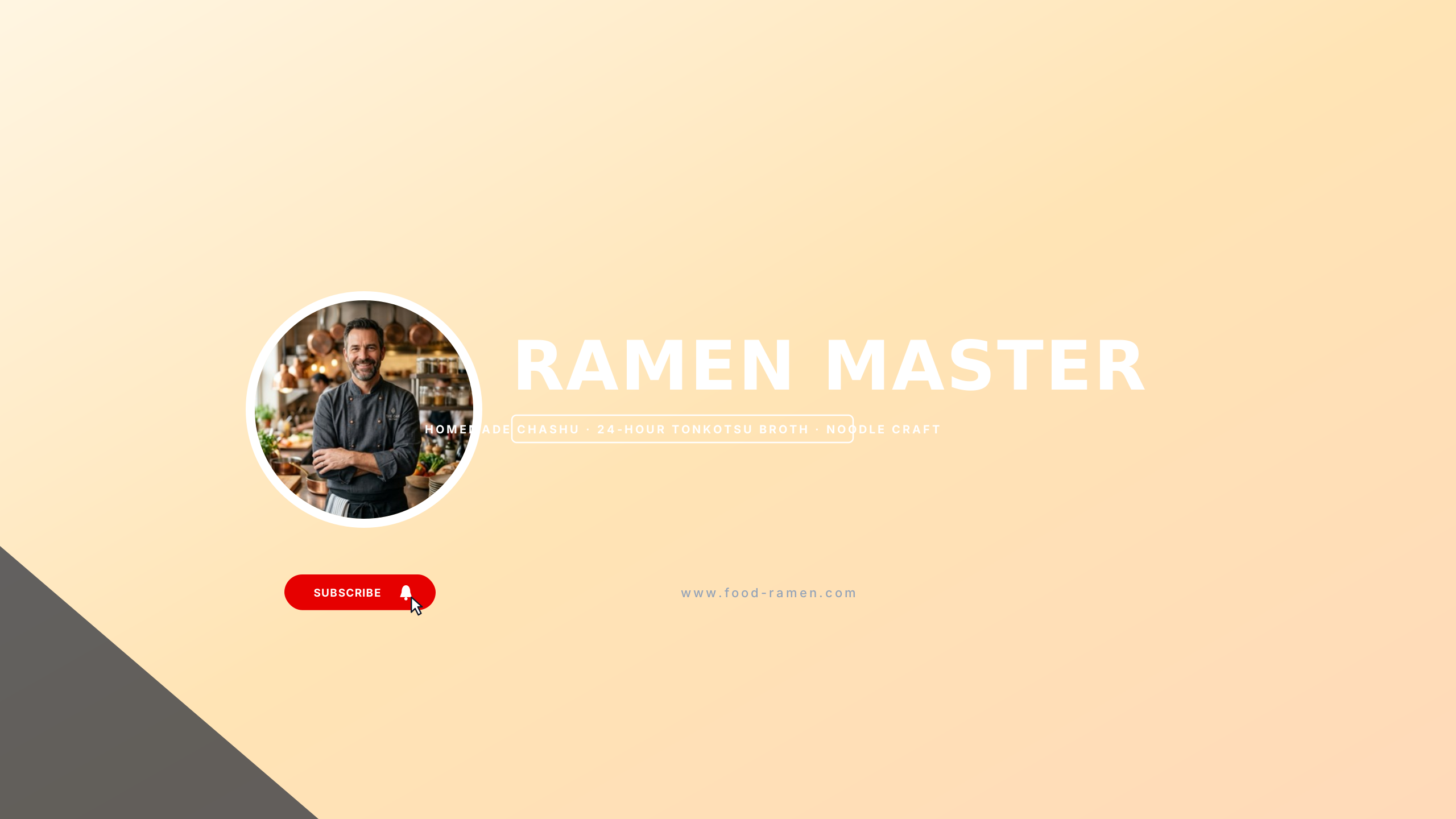
Tokyo Ramen Bar
foodNori black and savory broth gold for noodle enthusiasts and ramen shop reviews.
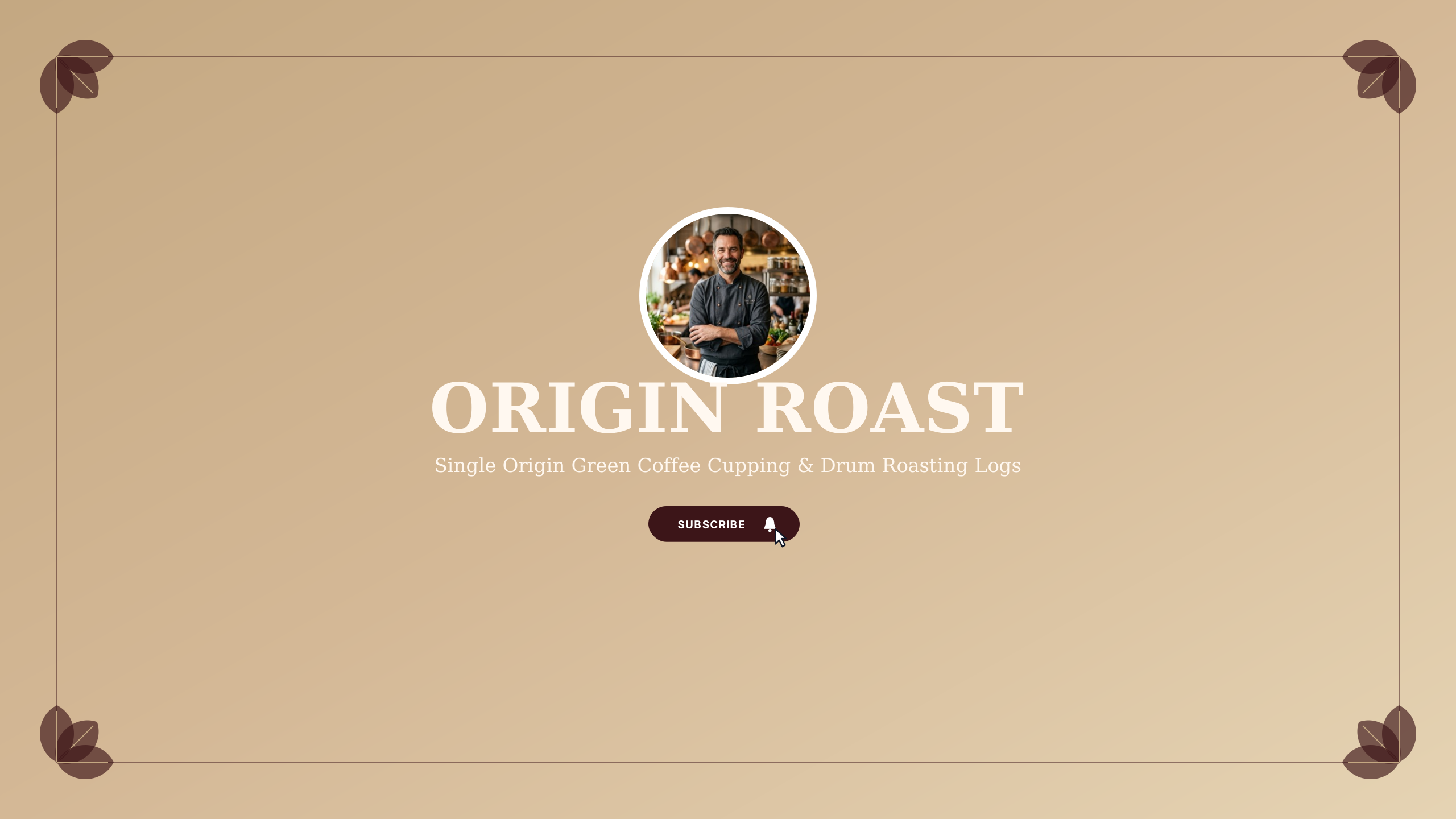
Coffee Roastery
foodDark coffee bean roast and burlap tan for specialty coffee roasters.
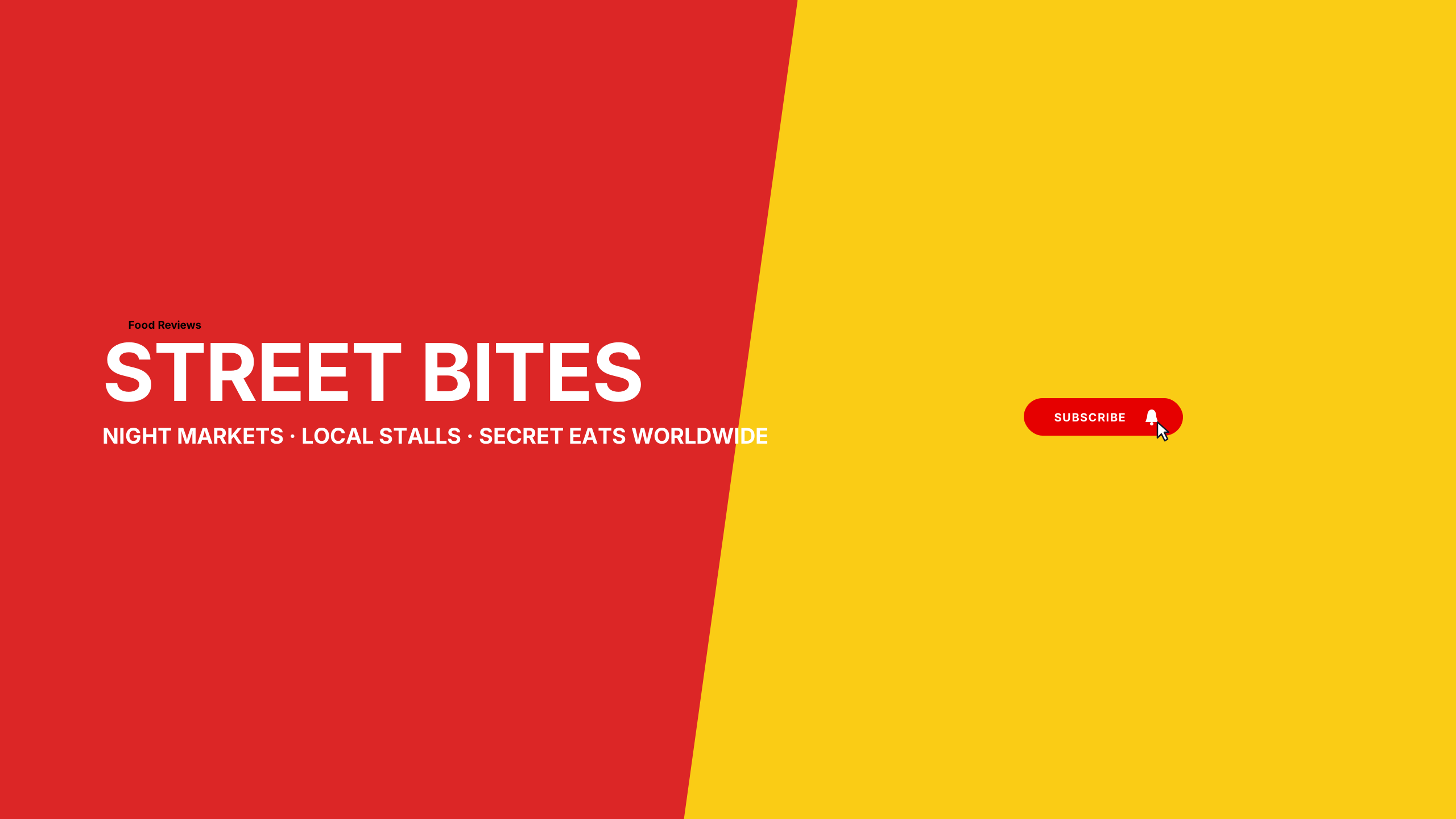
Street Food Journey
foodSpicy chili red and wok black for street food vloggers and night market exploration.
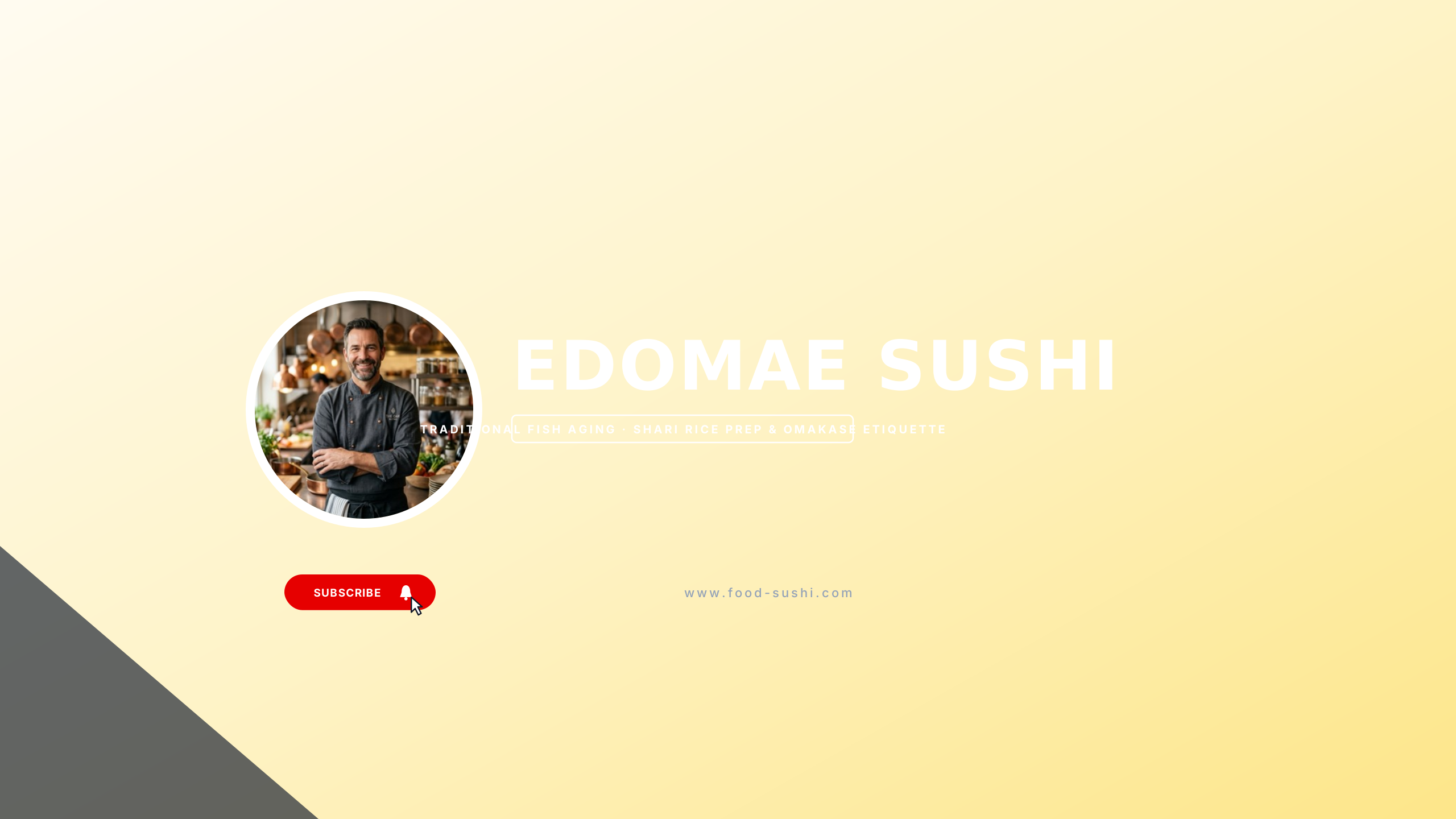
Edomae Omakase
foodHinoki cypress clean wood and nori dark teal for sushi masters and Japanese knife skills.
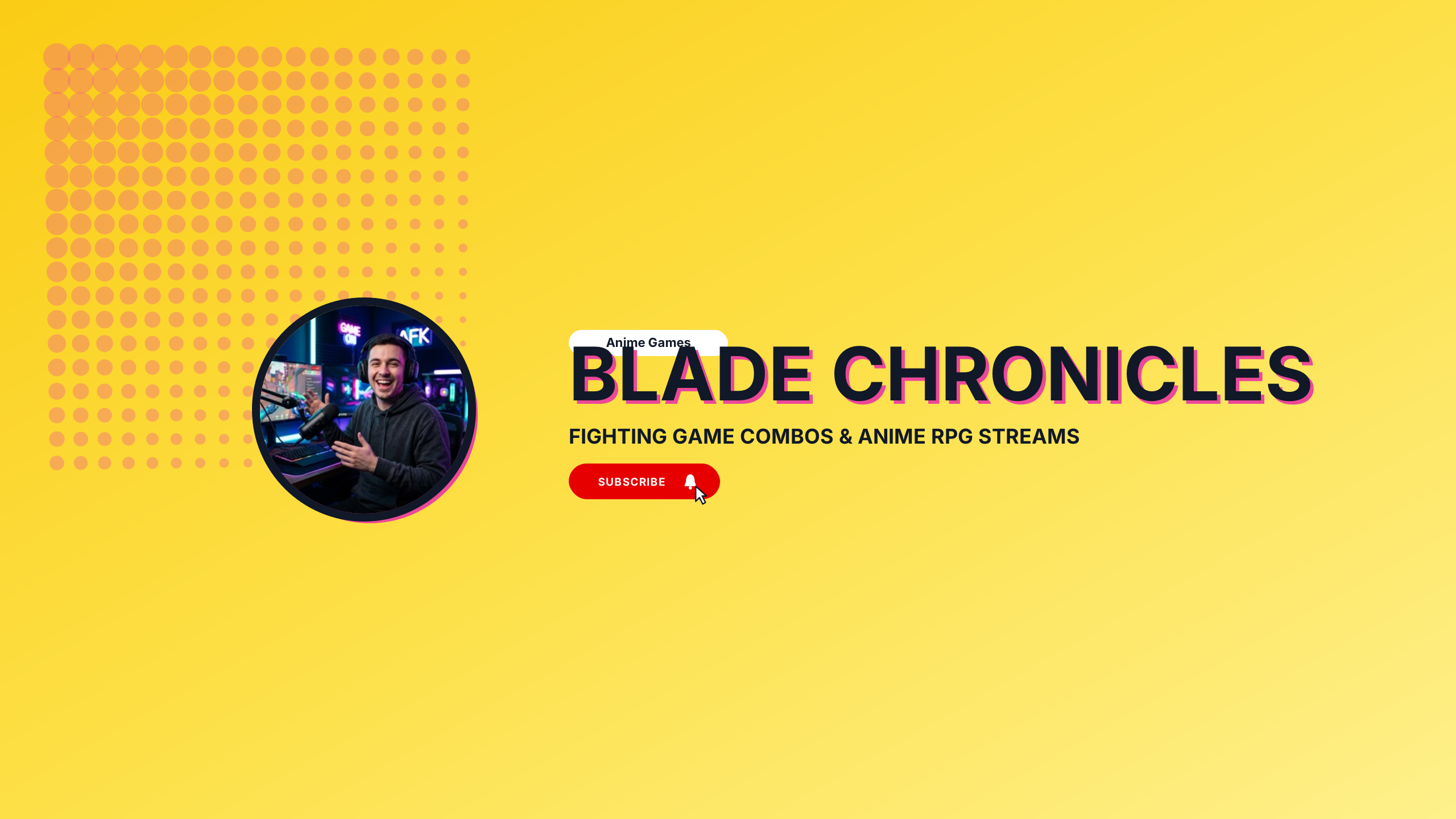
Anime Battle
gamingHigh-energy crimson and electric violet battle aesthetic for anime gaming and fighting games.
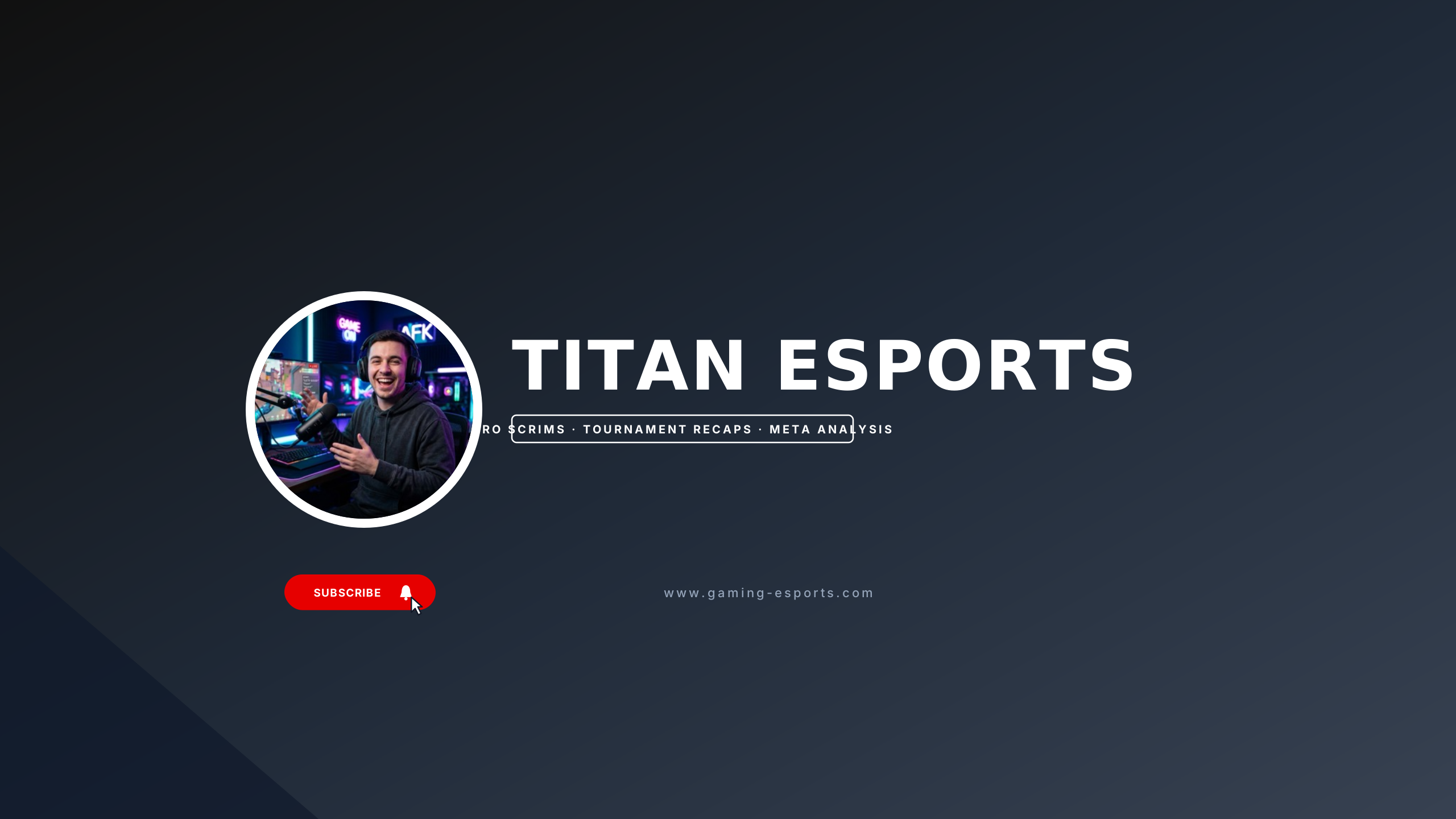
Esports Arena
gamingHigh-voltage electric yellow and carbon black for competitive FPS tournaments and pro leagues.
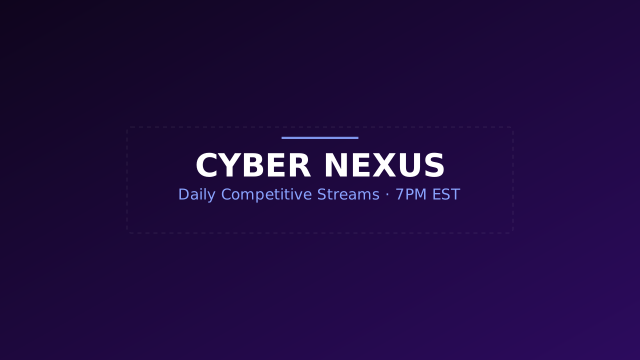
Neon Cyber
gamingHigh-energy dark cyberpunk theme with vibrant violet and indigo accents.
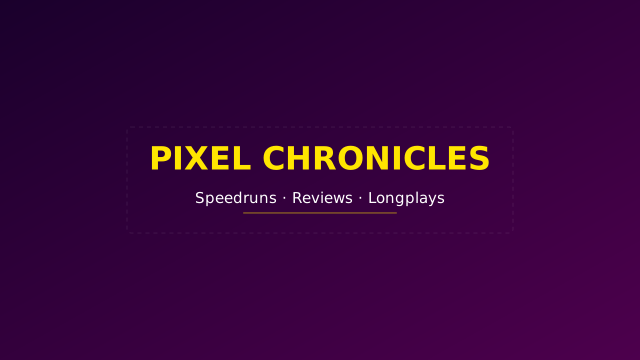
Retro Arcade
gamingNostalgic 80s arcade styling with bold contrasts and punchy typography.
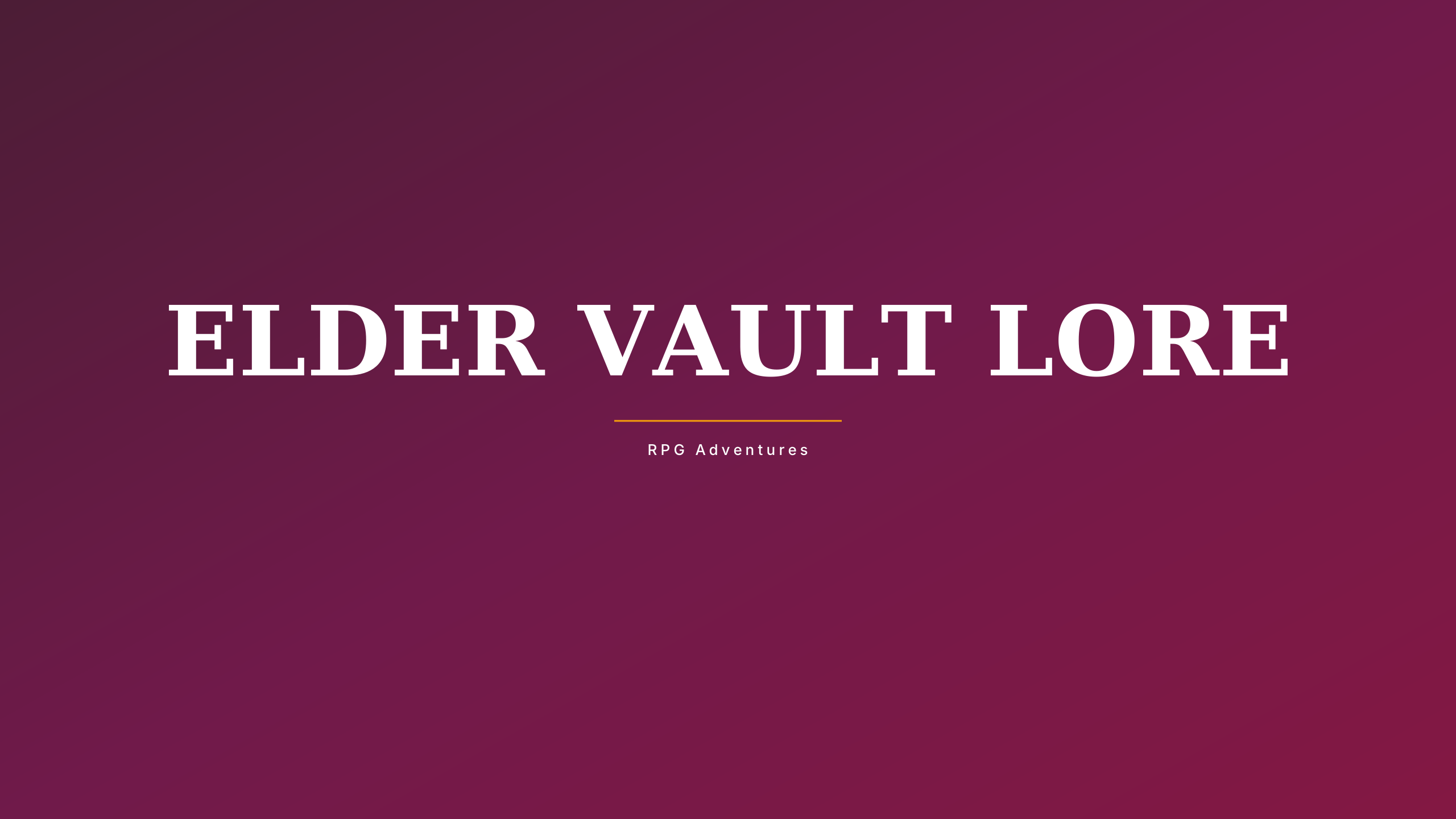
Dark Fantasy RPG
gamingAncient obsidian and burnished gold gothic composition for Souls-like and fantasy lore.
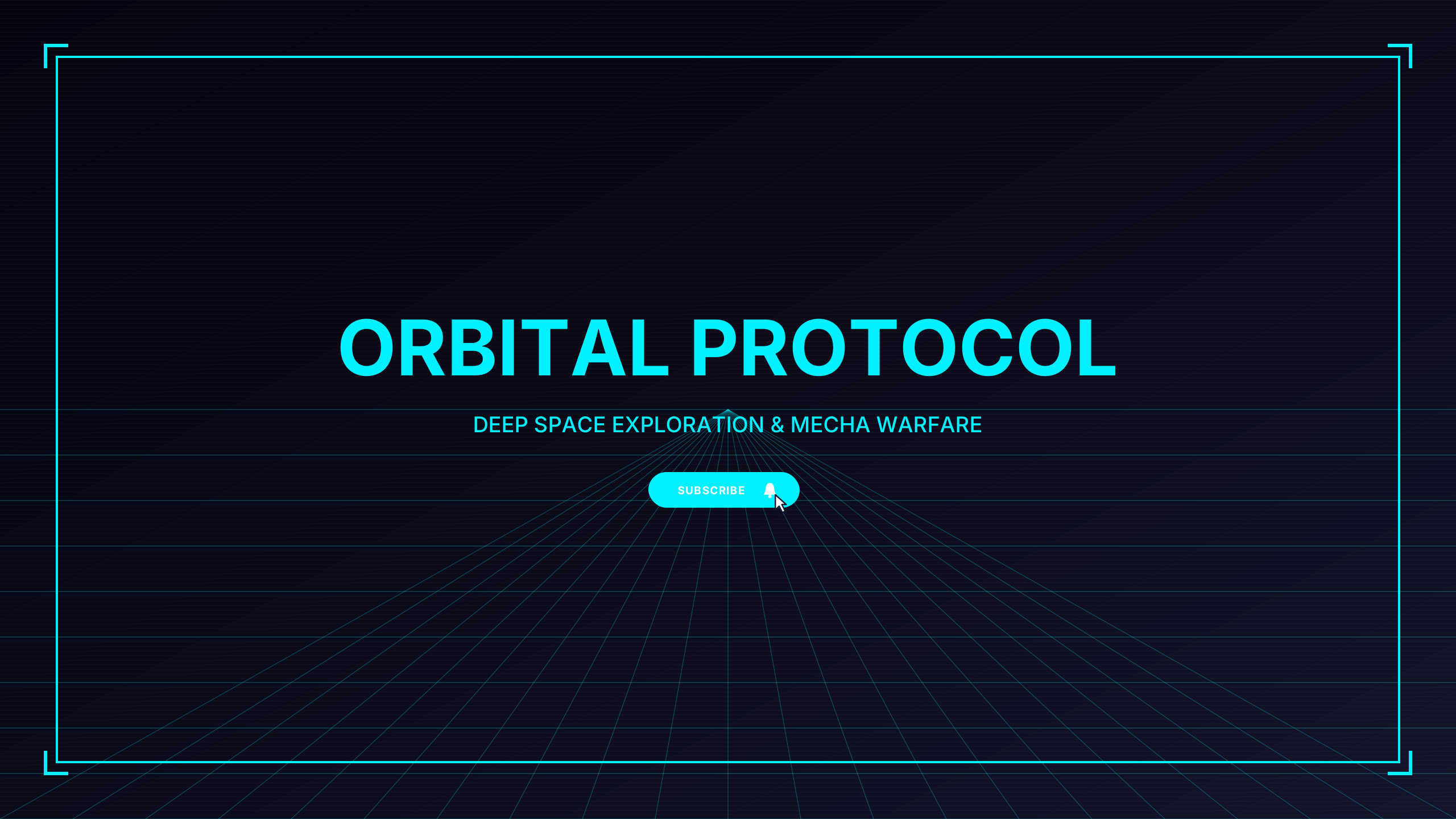
Sci-Fi Holo
gamingFuturistic holographic cyan and navy telemetry for space sims, mecha, and sci-fi FPS.
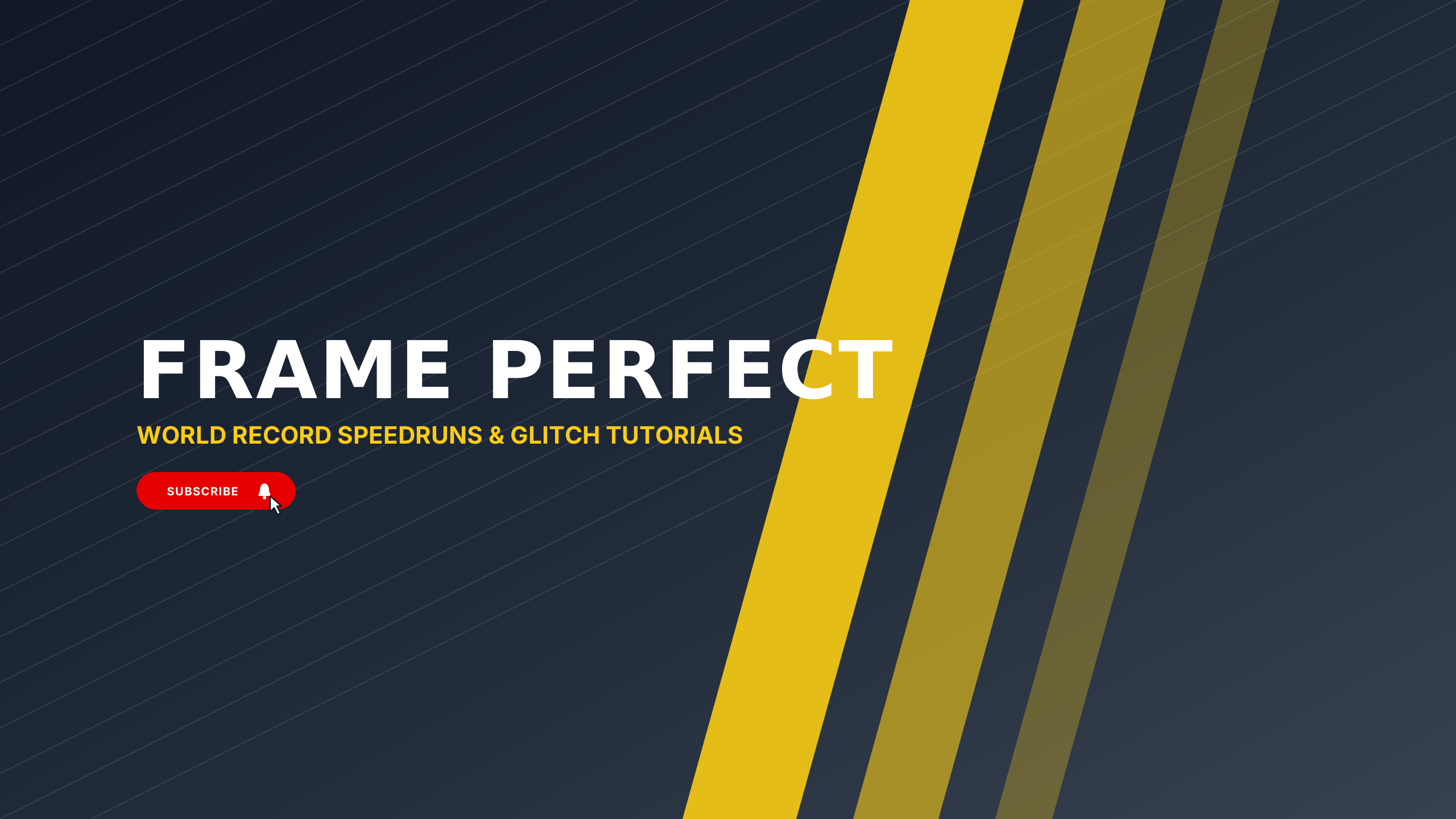
Speedrun Minimal
gamingSplit-second stopwatch aesthetic with mint accents and precision timer tick indicators.
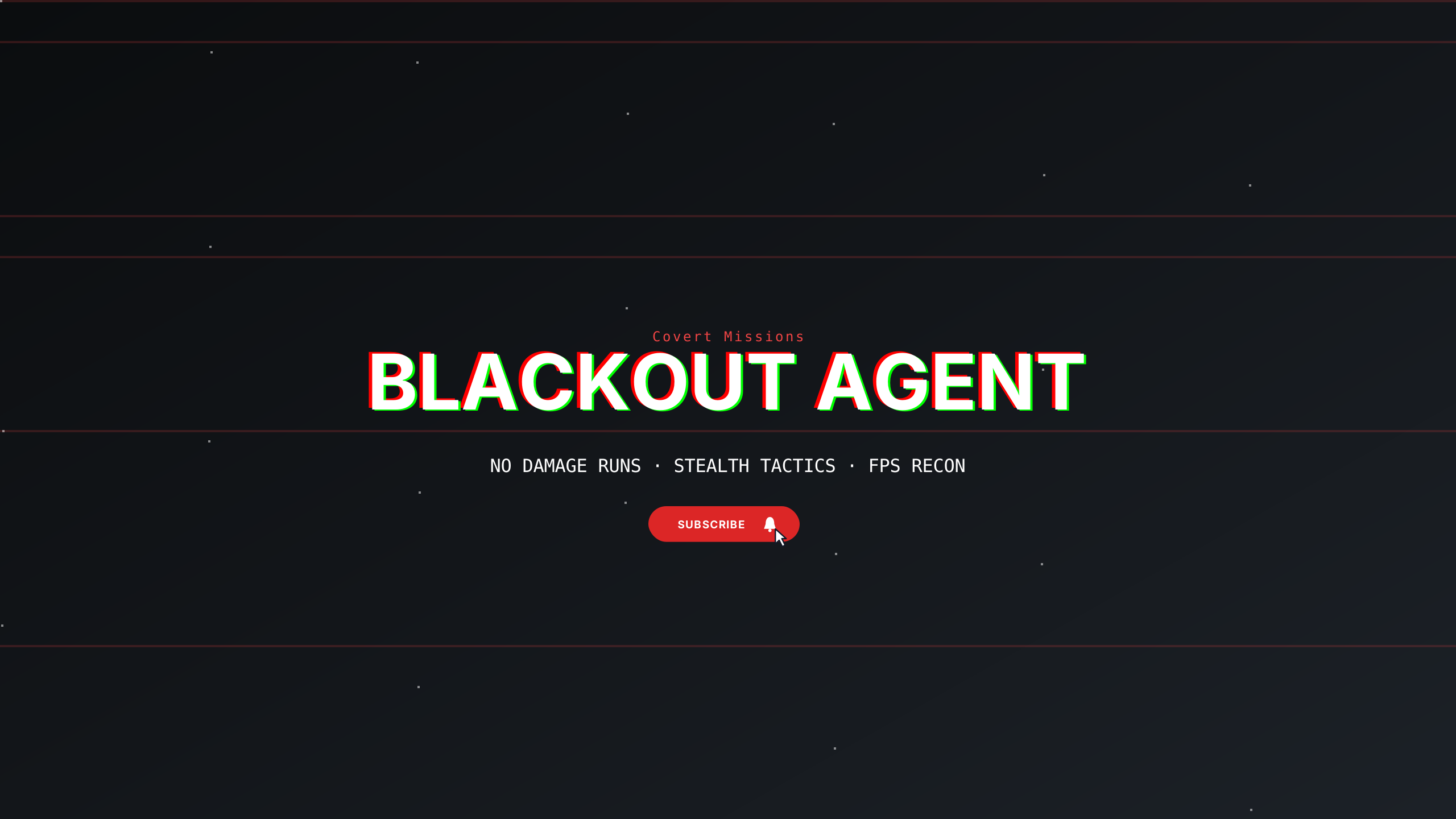
Stealth Operative
gamingTactical night-ops palette with sonar green crosshair markers and military coordinates.
Tactical Elite
gamingMinimal utilitarian military grid aesthetic for FPS and strategy creators.
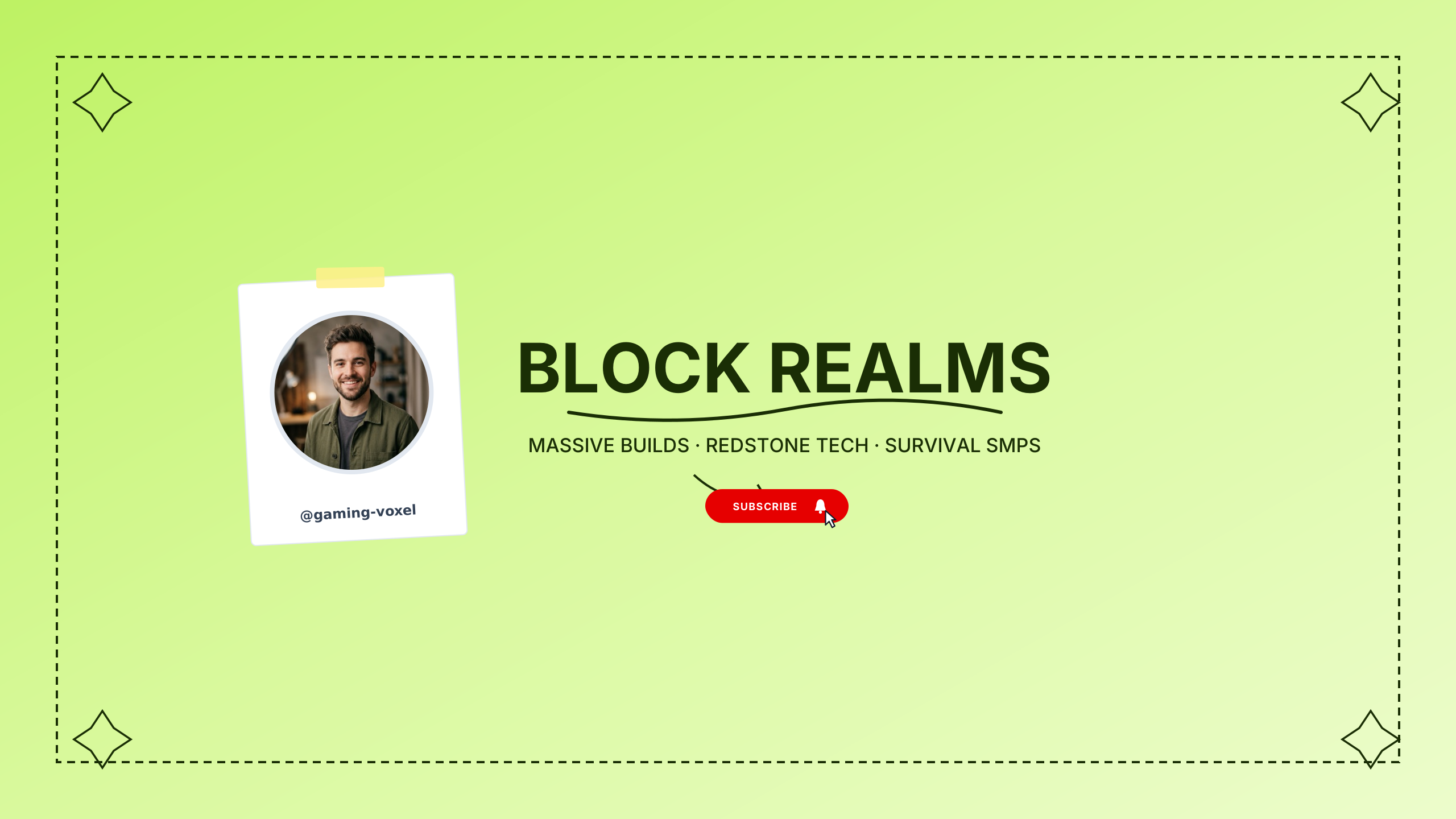
Voxel Craft
gamingPlayful pixelated earth and sky blocks for sandbox builders, survival, and voxel games.
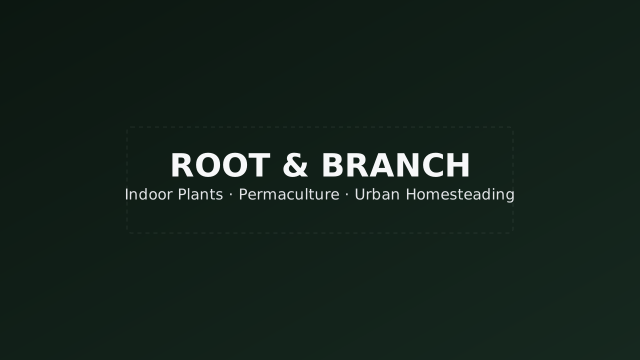
Greenhouse Journal
lifestyleSubtle dark forest green left-aligned tones for gardening and nature.
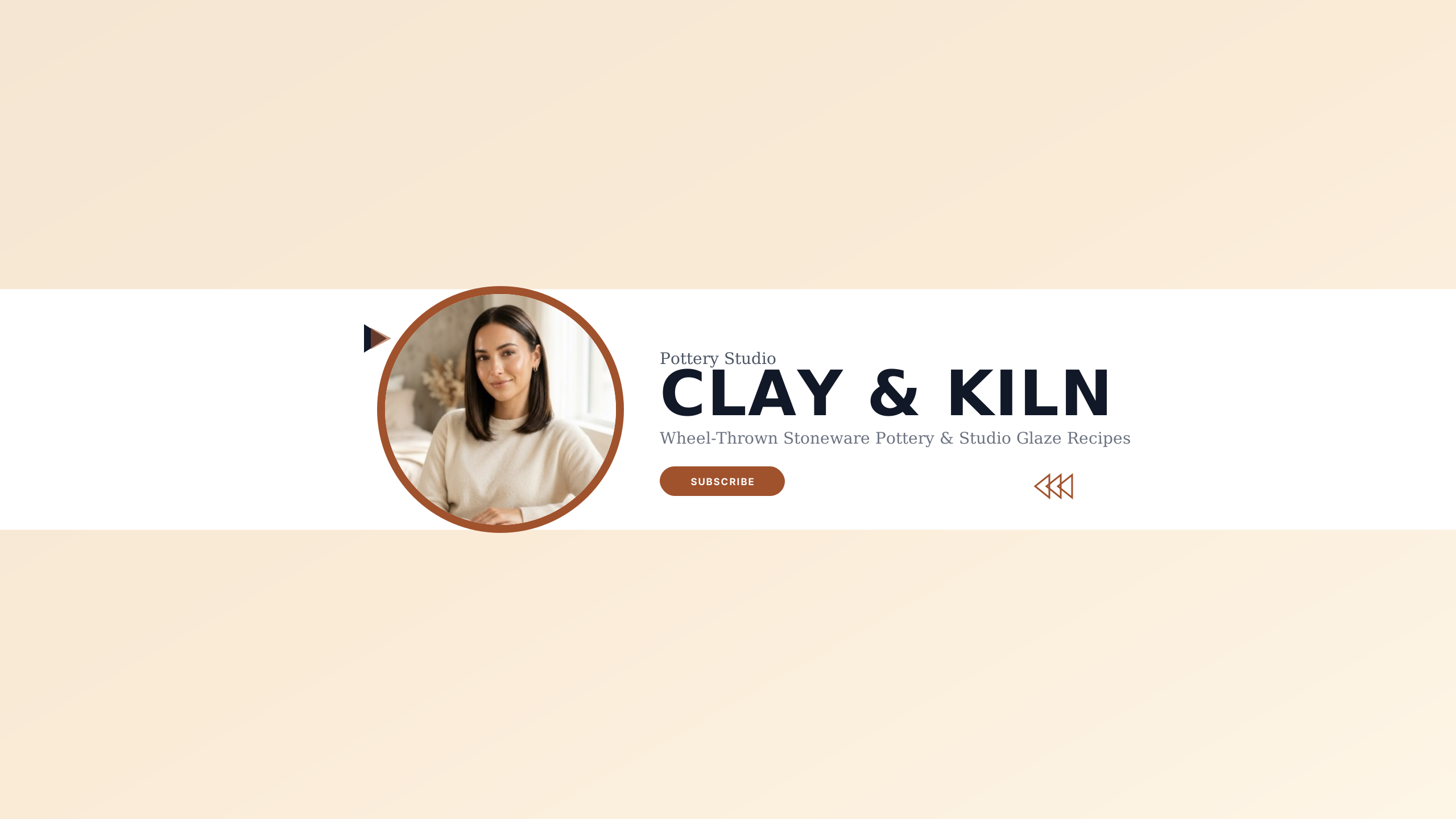
Ceramic Studio
lifestyleTerracotta clay and sandstone glaze for pottery artists and artisan craftsmen.
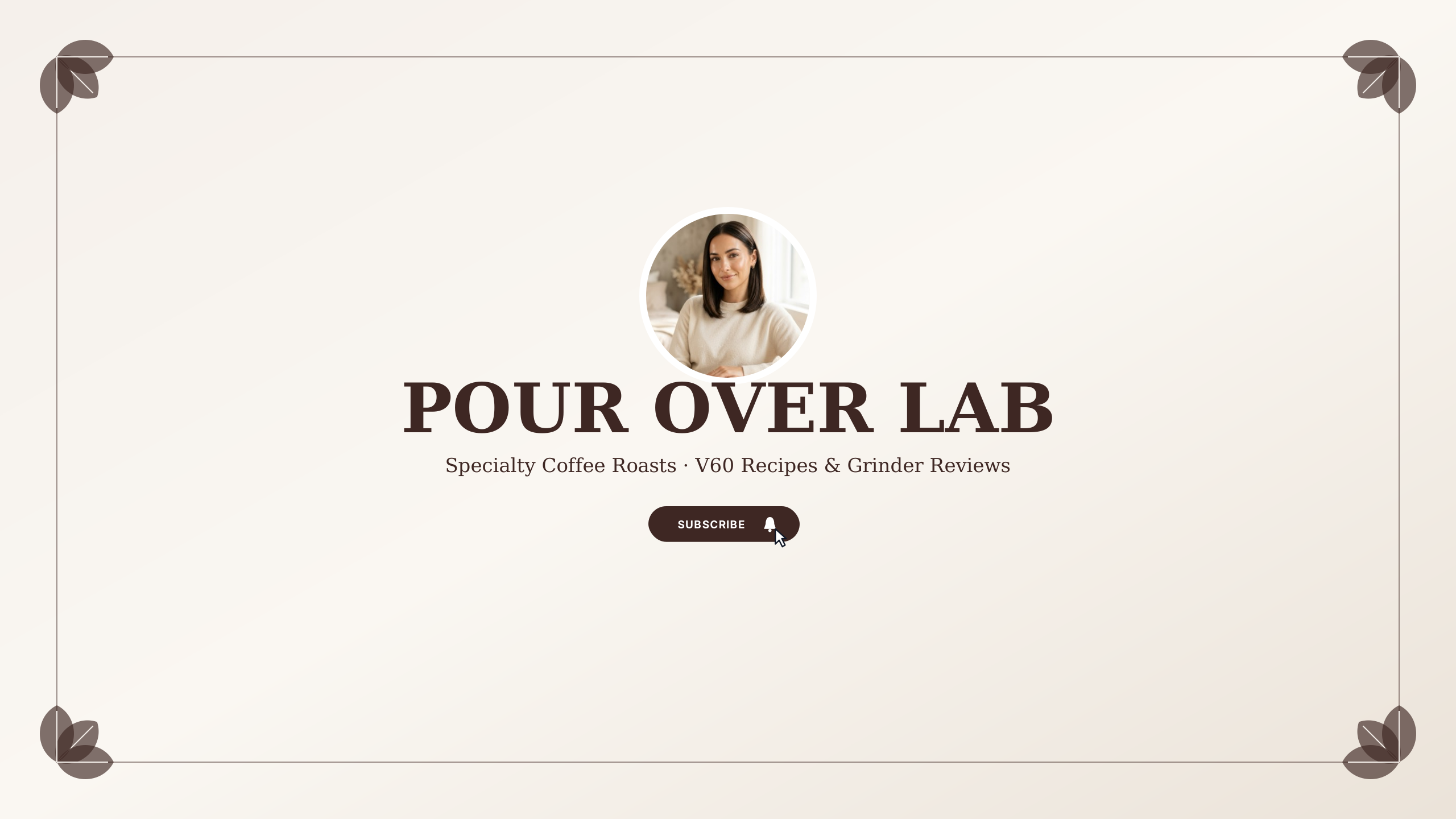
Pour-Over Notes
lifestyleEspresso roast and steamed milk hues for home baristas and specialty coffee gear.
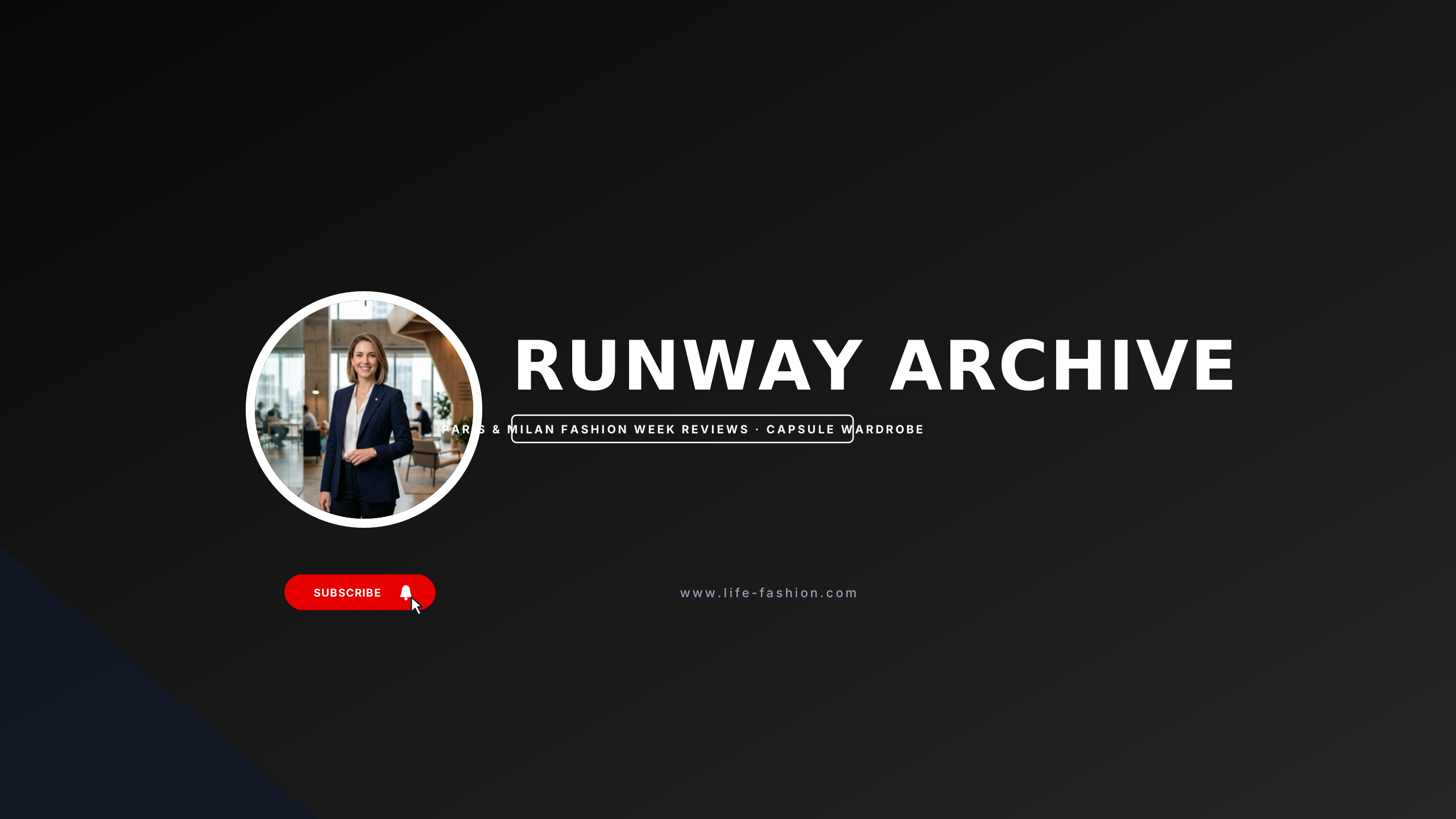
Editorial Runway
lifestyleHaute couture monochrome typography and magazine styling for fashion creators.
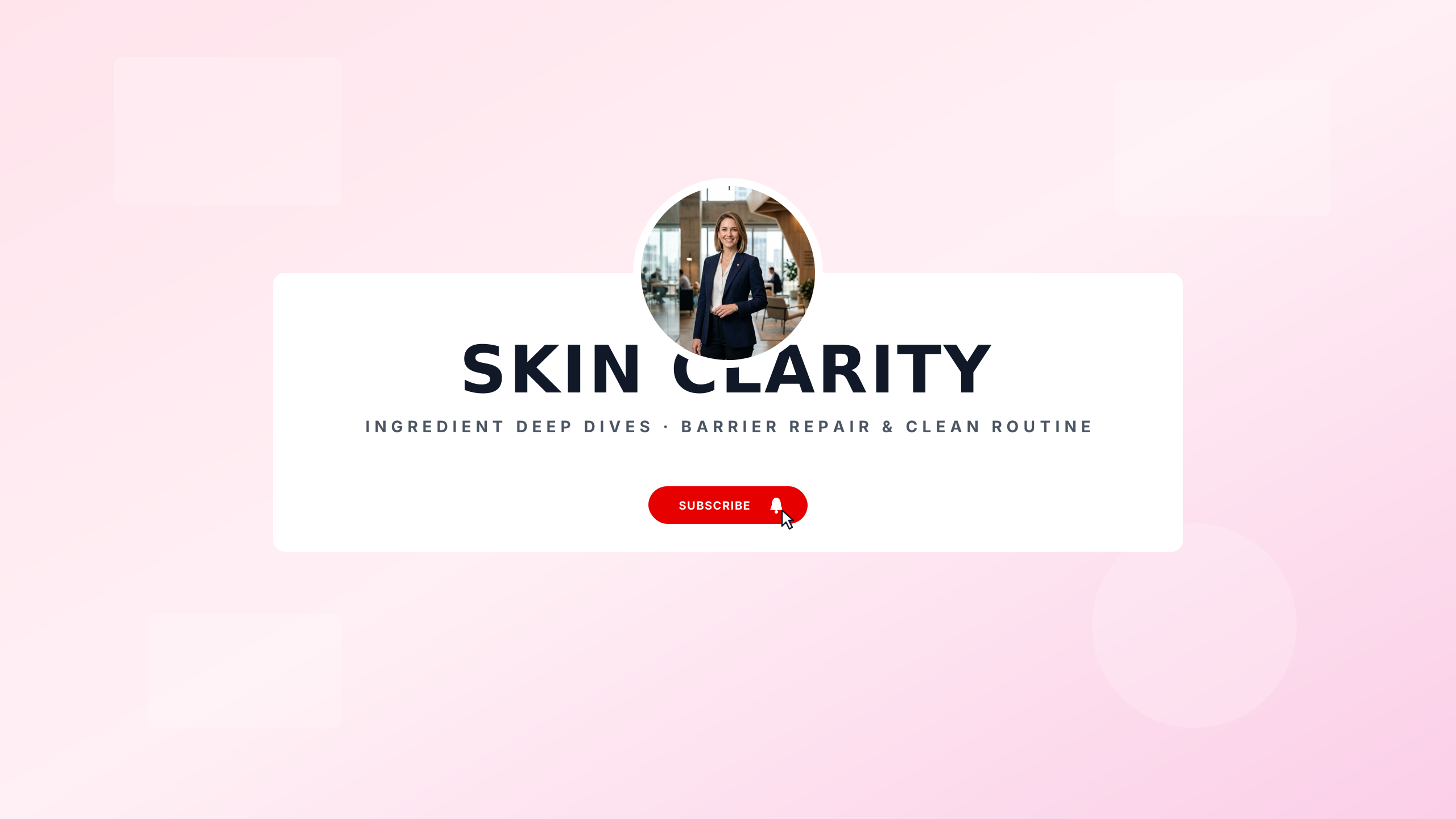
Glow Skincare
lifestyleRose quartz and warm bone minimalism for skincare routines and cosmetic chemists.
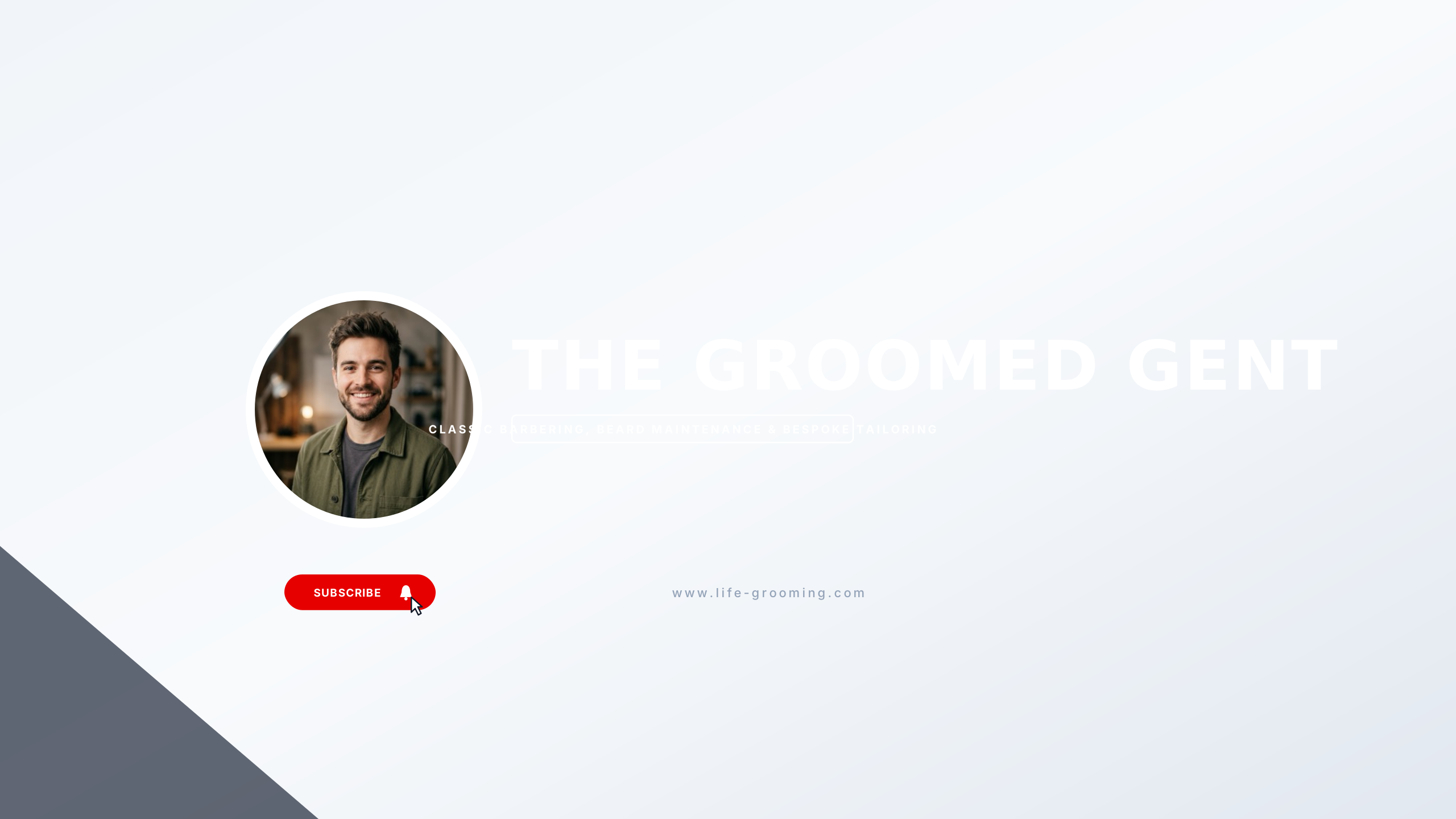
The Groomed Man
lifestyleVintage barber blue and tan leather for men’s grooming, haircuts, and tailoring.
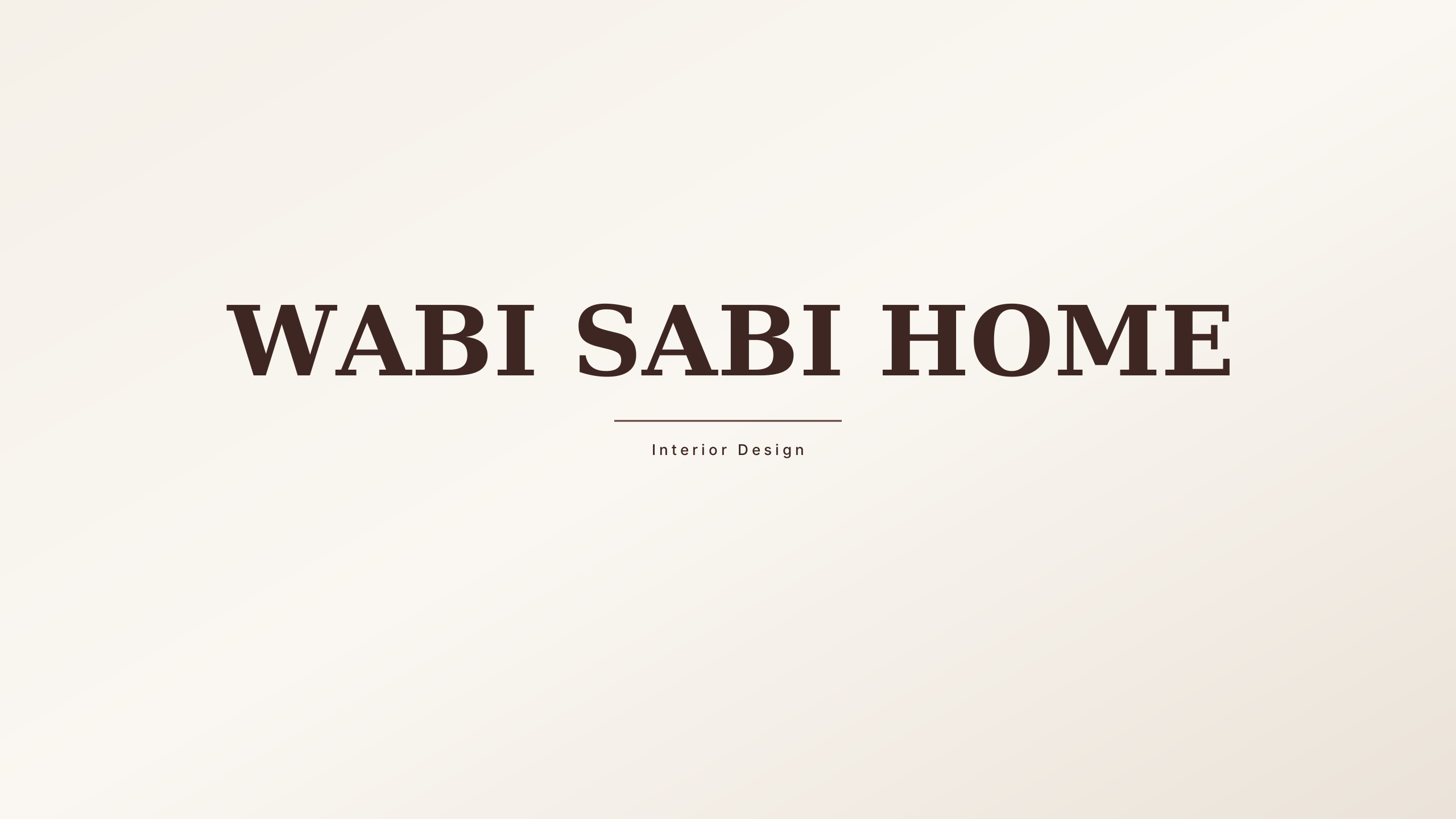
Japandi Living
lifestyleHinoki wood tan and wabi-sabi grey for interior design and slow living vlogs.
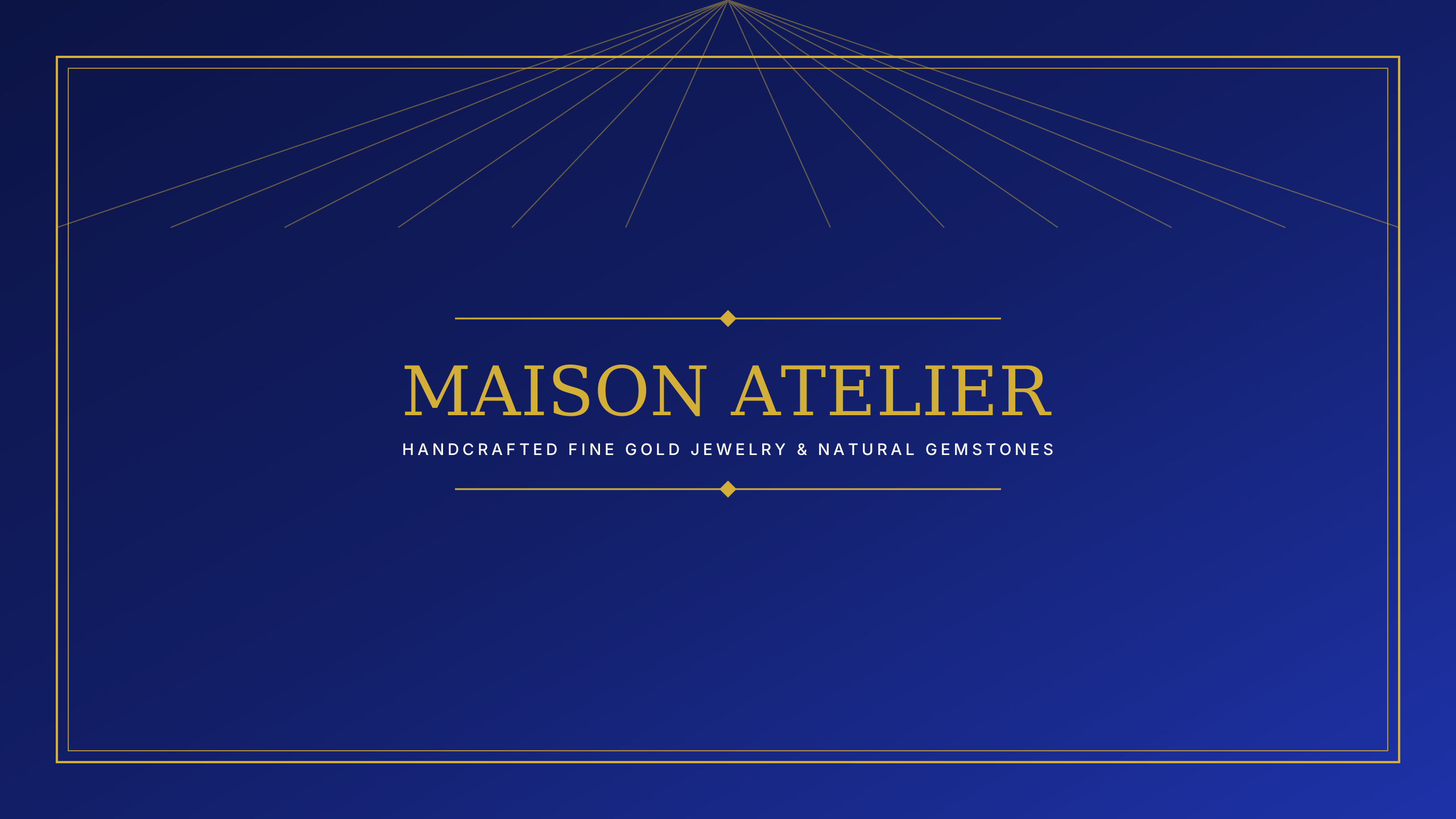
Fine Jewelry Atelier
lifestyleChampagne gold and deep obsidian for bespoke jeweler studios and gemology.
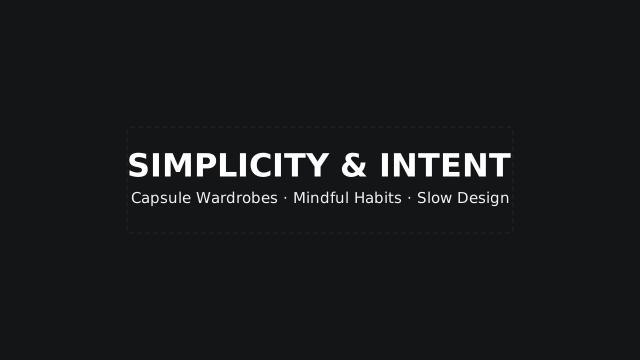
Quiet Living
lifestyleDeep charcoal centered palette for slow intentional living.
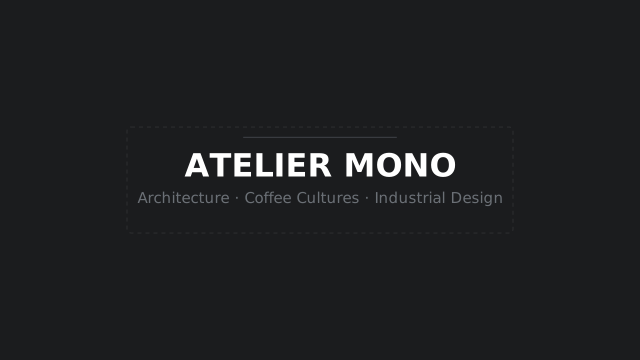
Architectural Slate
lifestyleBrutalist slate monochrome theme with frame accent.
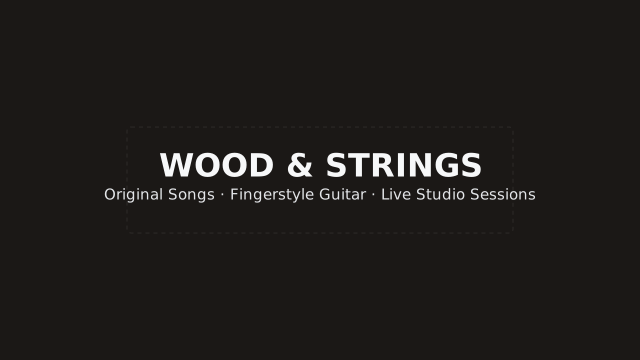
Acoustic Loft
musicEarthy organic tones and left-aligned serif display for indie artists.
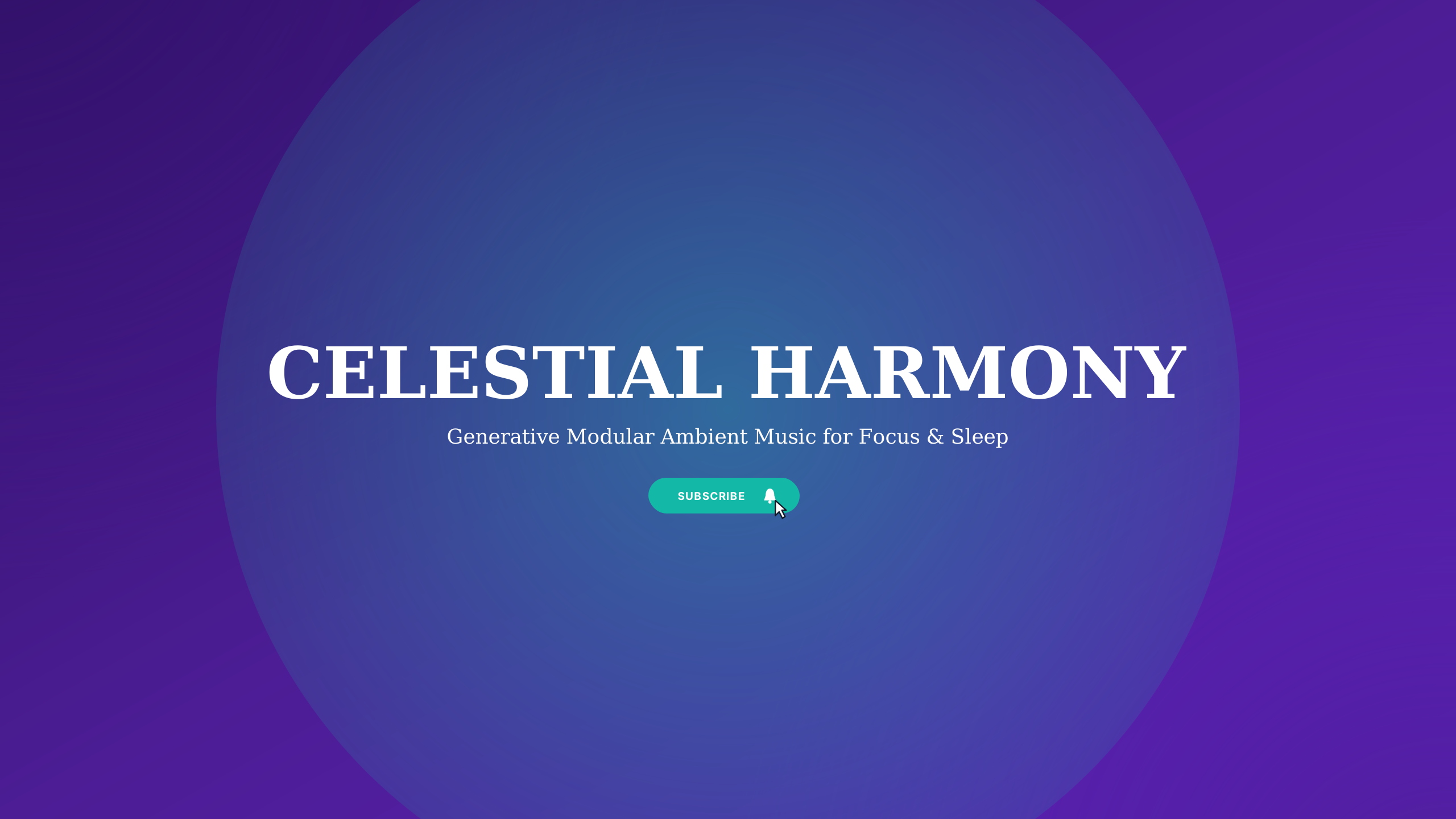
Ambient Soundscape
musicEthereal lavender and deep celestial space for meditation drones and modular synthesis.
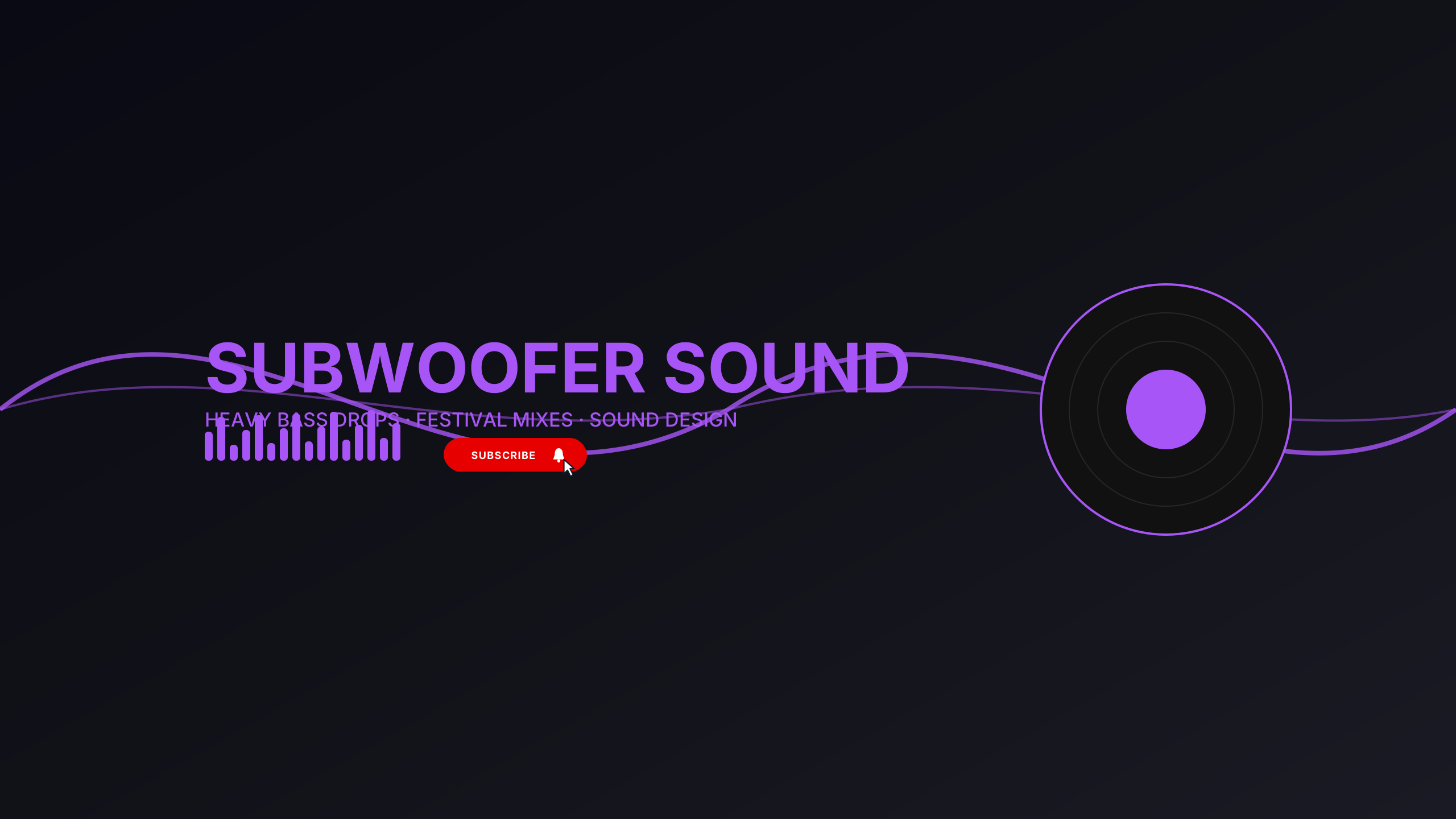
Bass Drop EDM
musicElectric laser lime and ultraviolet for festival EDM, dubstep, and electronic producers.
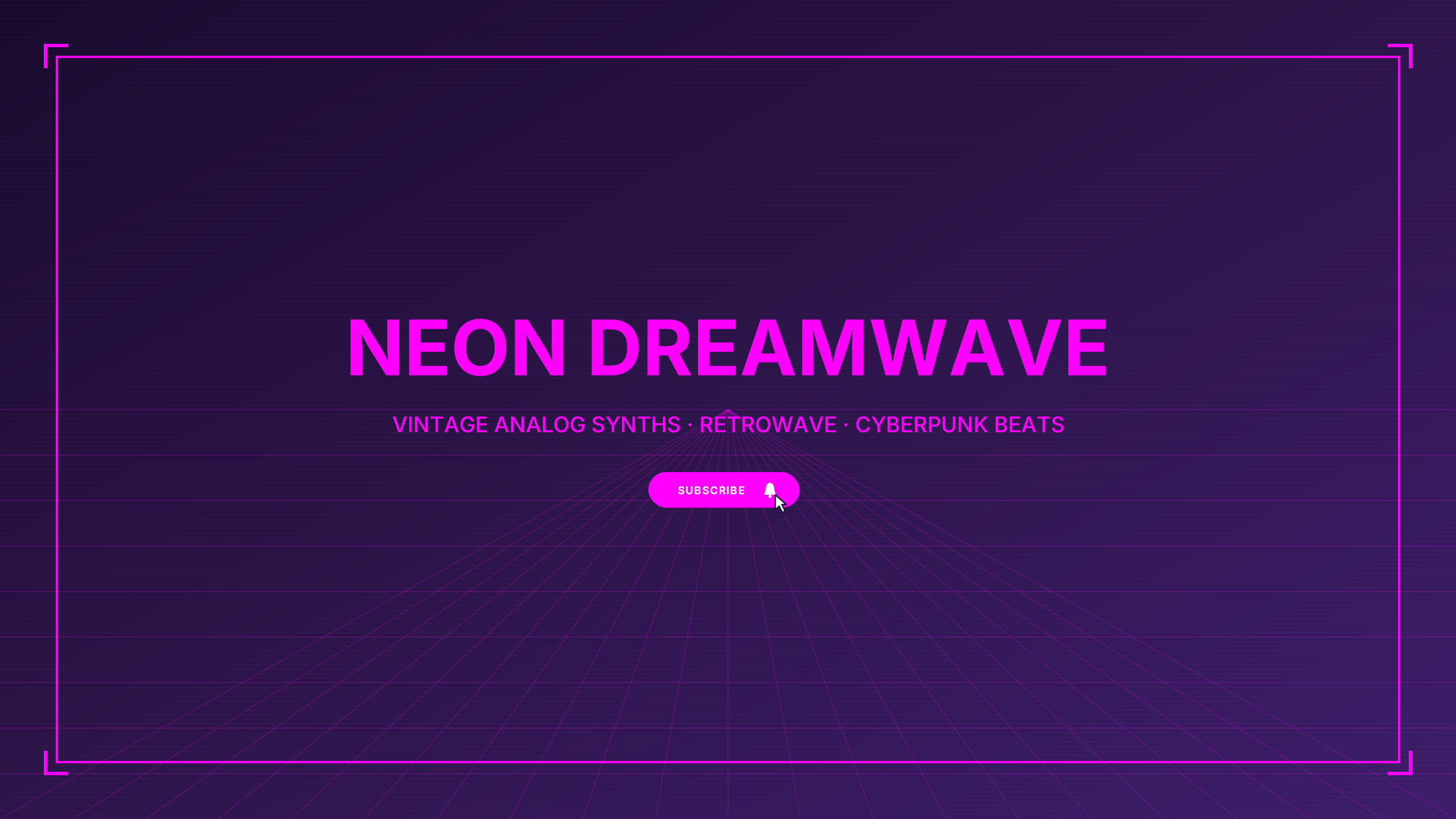
Cyber Synthwave
musicSunset coral and outrun violet for retro electronic artists and 80s dreamwave.
Midnight Lofi
musicDeep purple twilight palette with centered cozy styling.
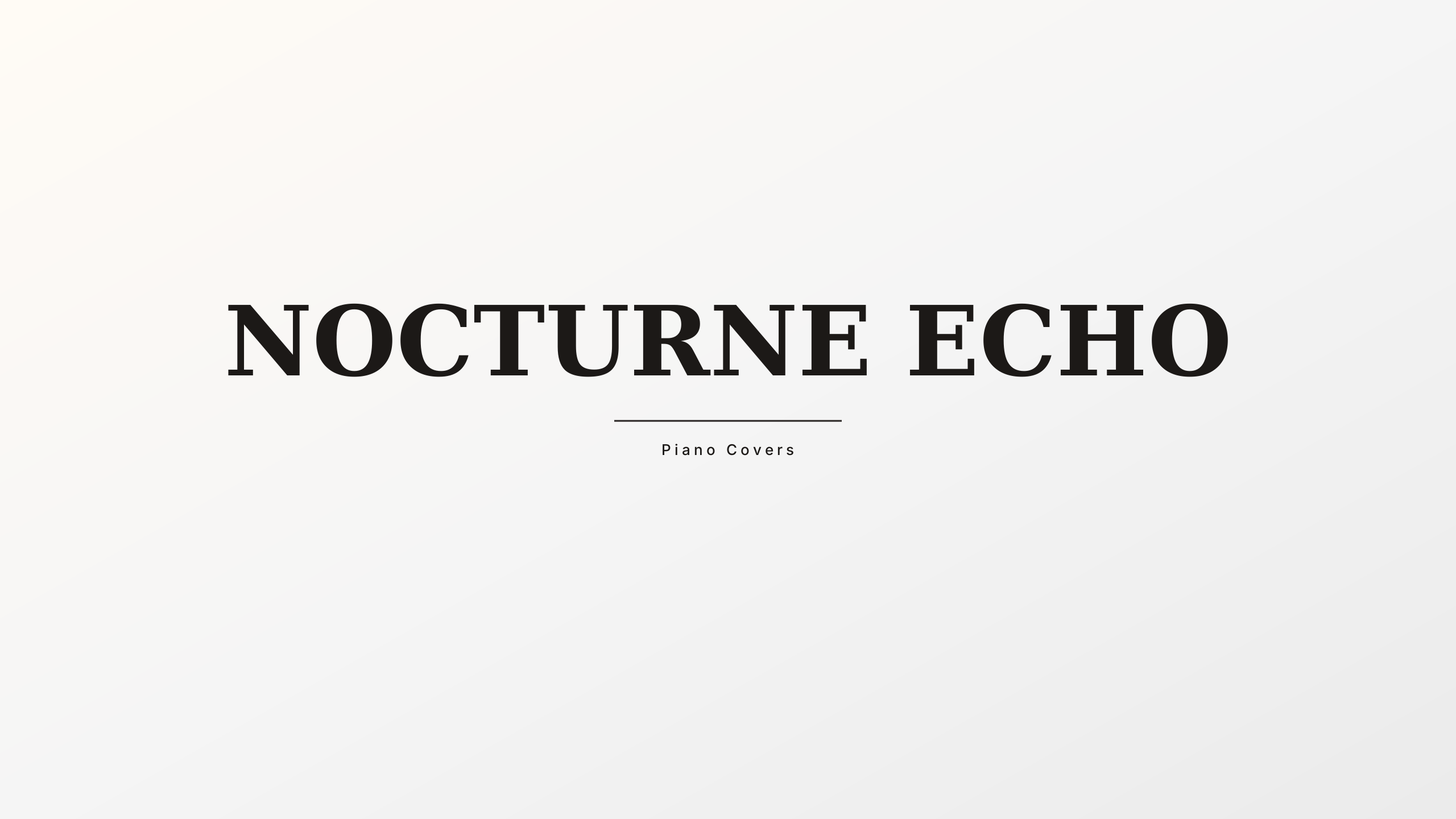
Neo Classical
musicIvory and grand piano charcoal for cinematic composers, pianists, and orchestral music.
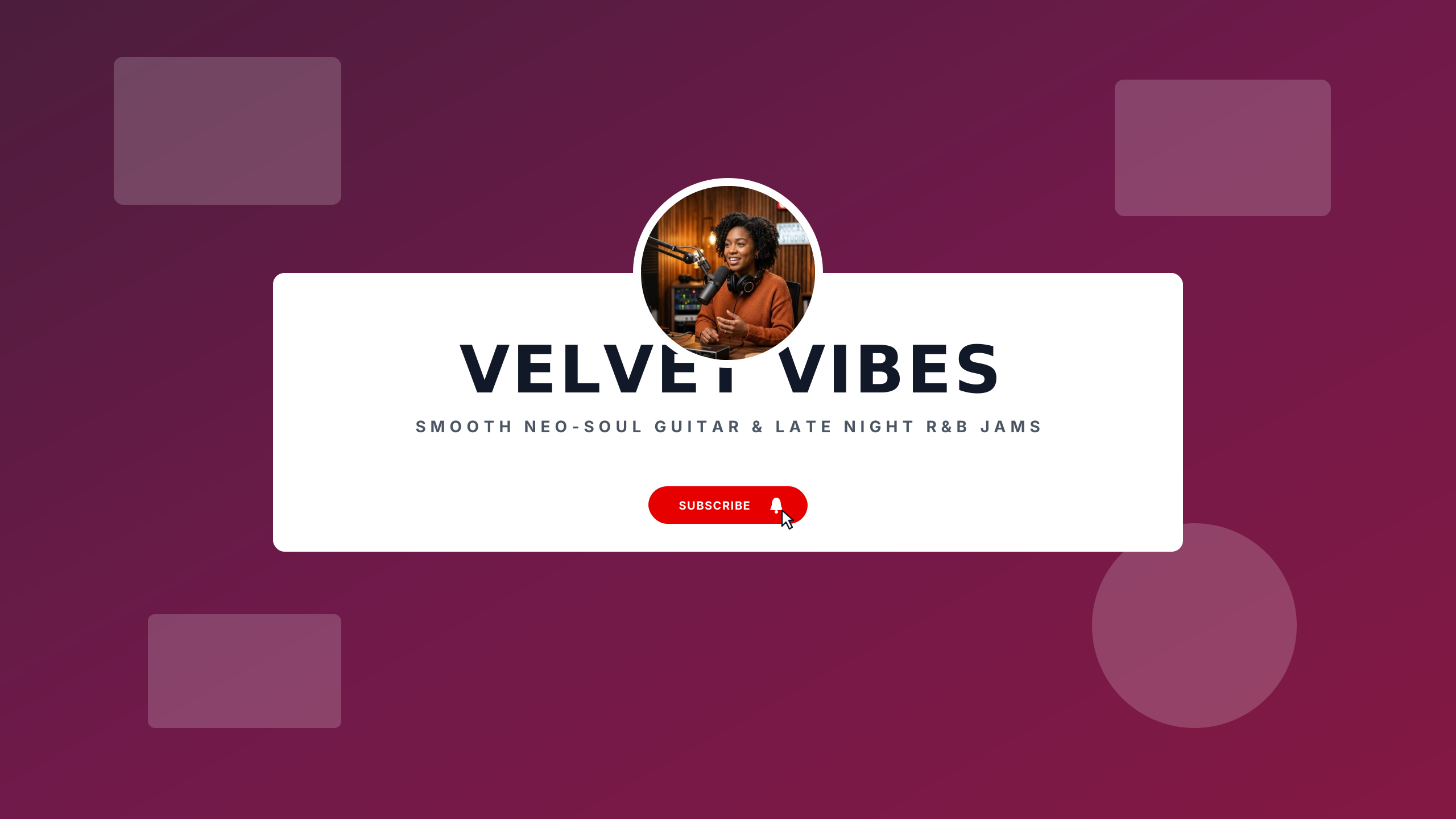
Neo-Soul Grooves
musicWarm caramel and deep violet velvet for R&B, modern soul, and instrumental grooves.
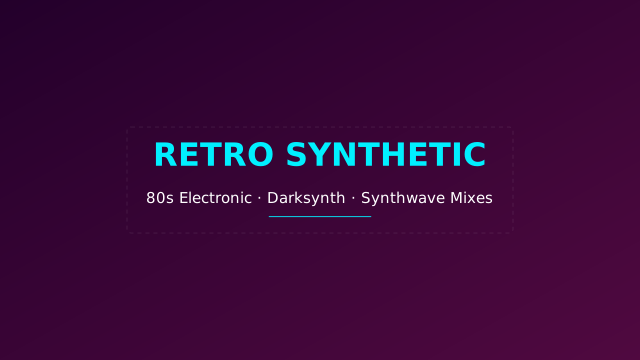
Outrun Wave
musicElectric magenta and cyan horizon gradient for synth and retro wave.
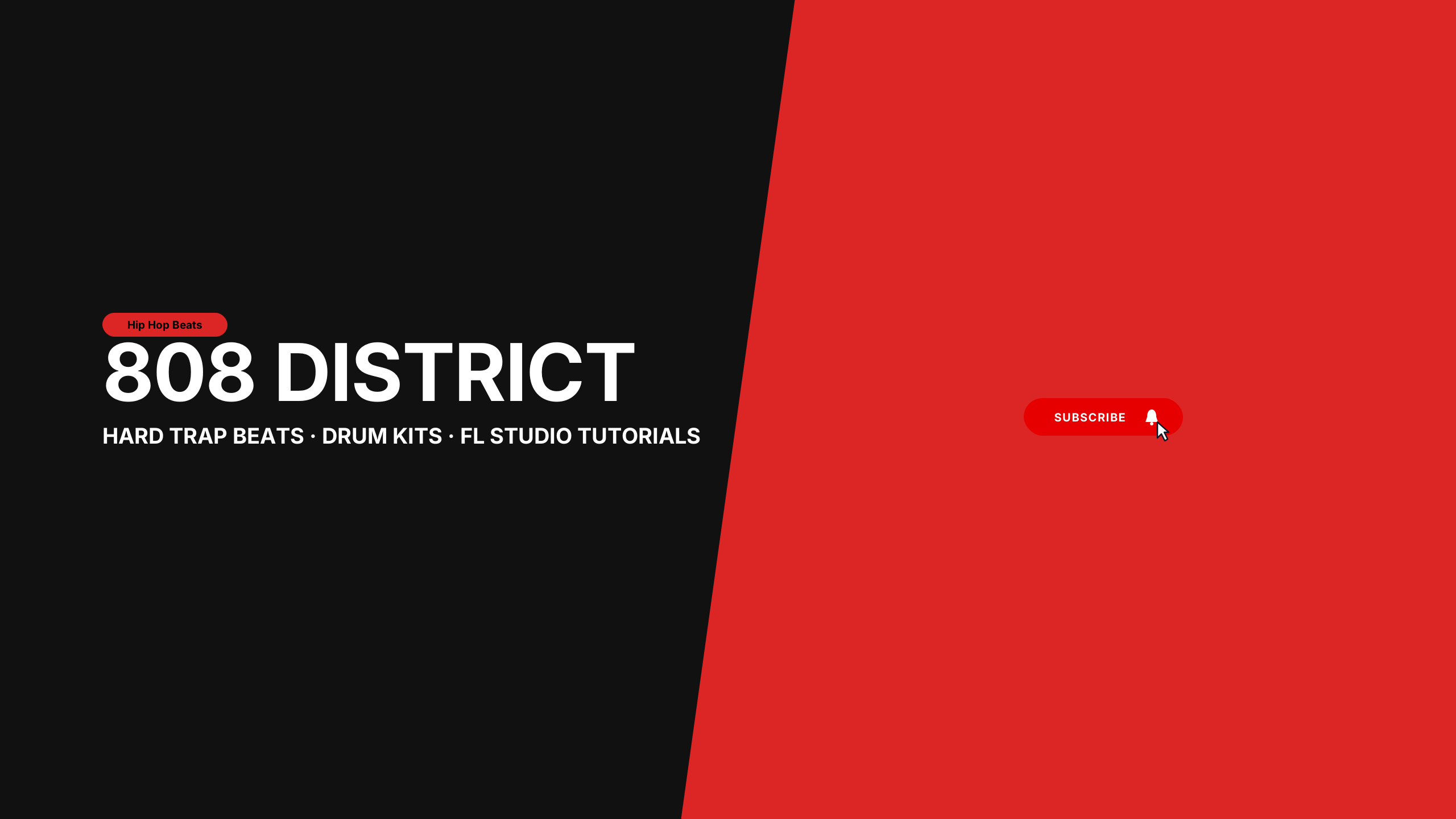
Trap Beatmaker
musicHigh-contrast 808 orange and matte carbon for hip hop beatmakers and FL Studio producers.
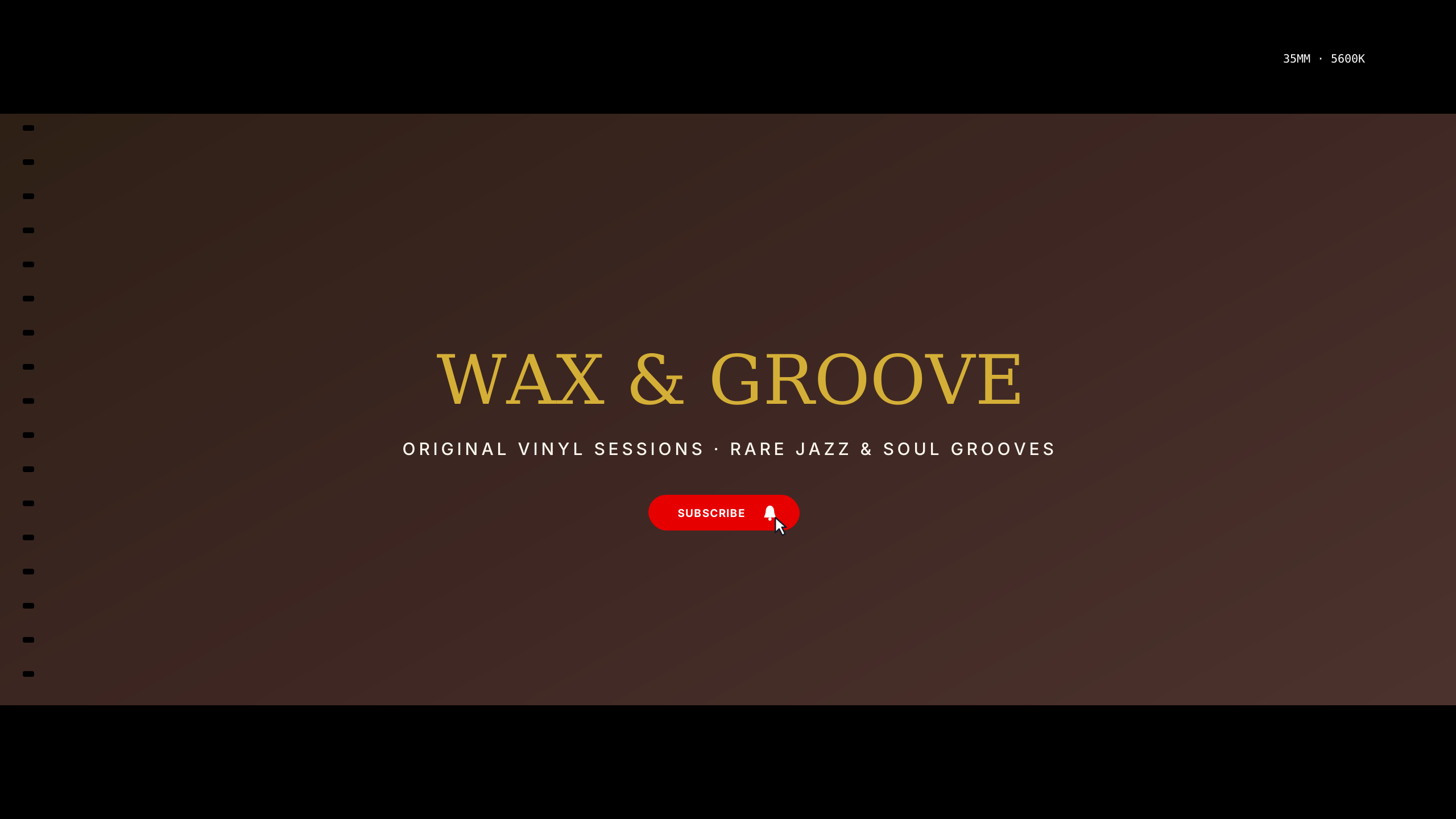
Vinyl Lounge
musicRetro warm amber and velvet noir for record collectors, jazz bars, and crate diggers.
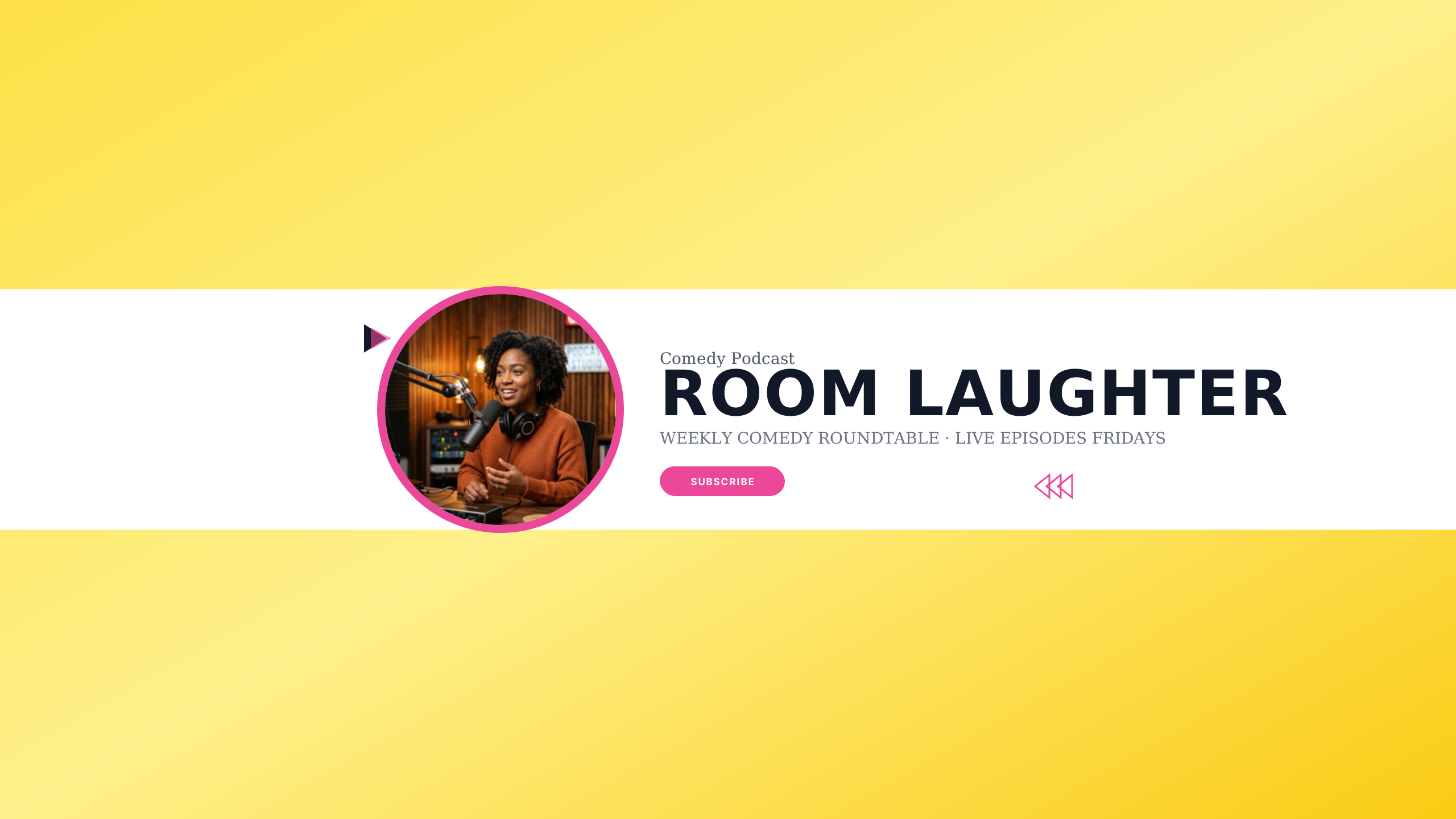
Comedy Spotlight
podcastVibrant sunburst yellow and dark plum for stand-up comics and improv podcasts.
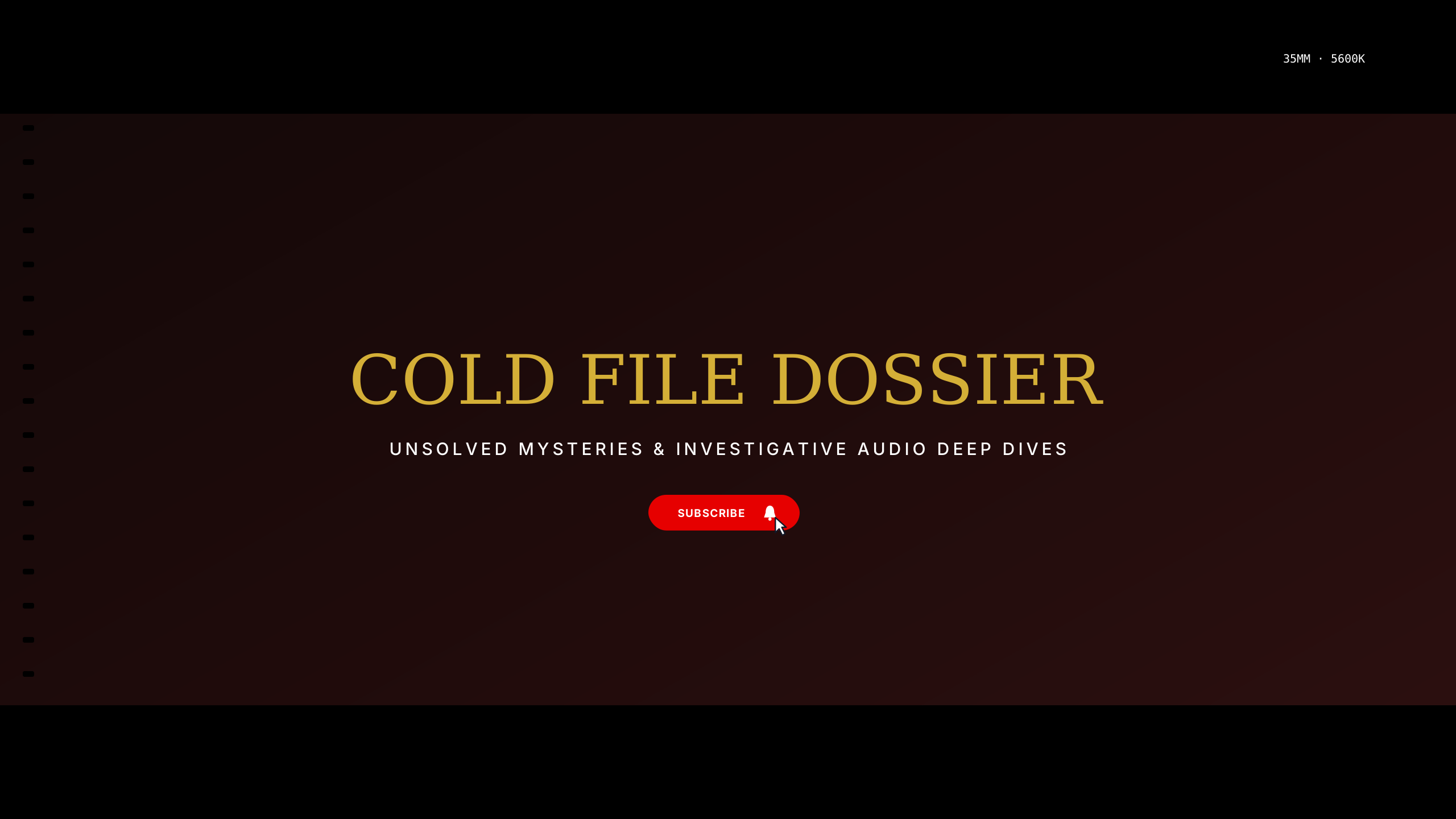
True Crime Files
podcastChilling forensic red and shadow black for investigative journalism and cold cases.
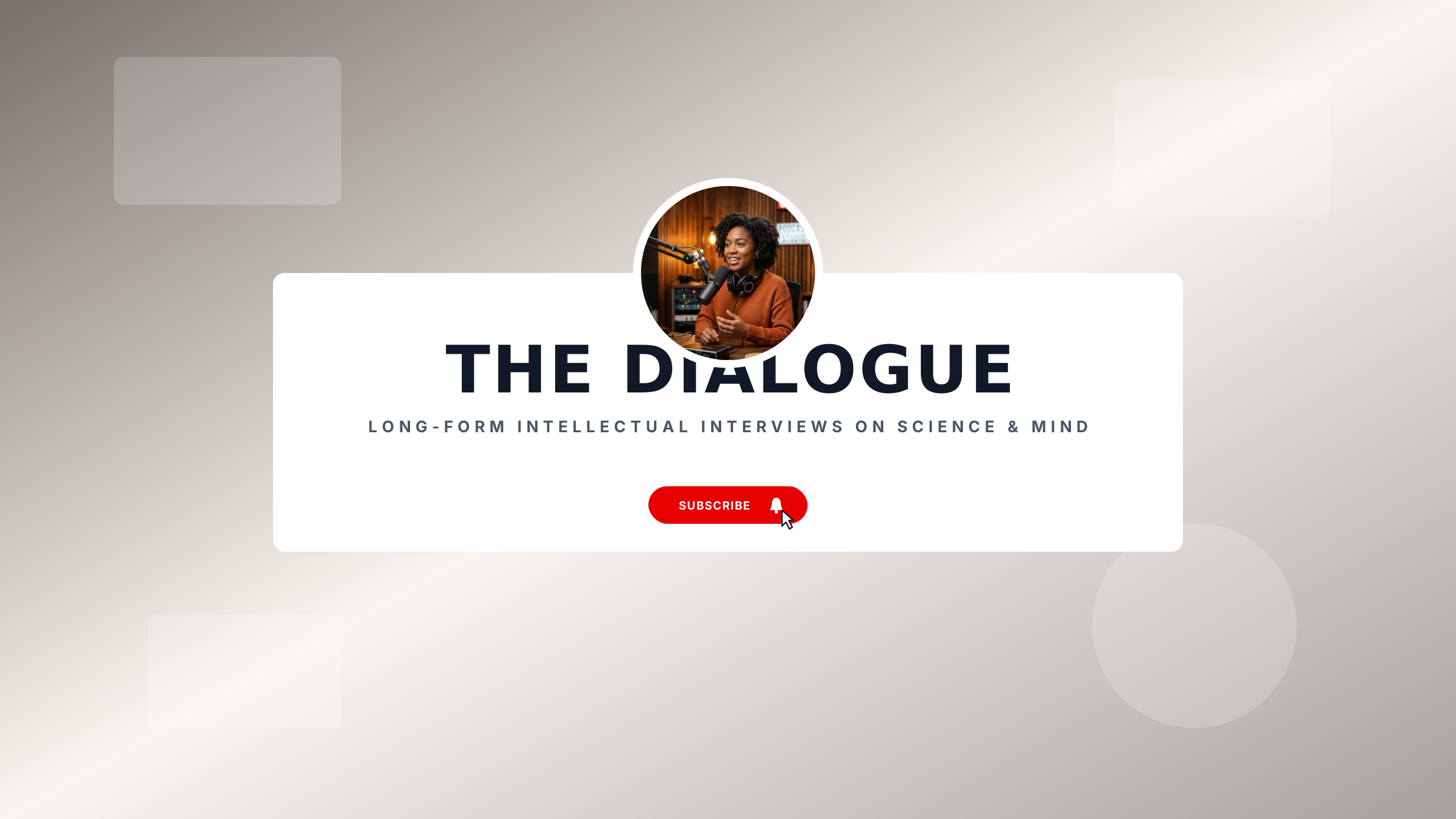
Deep Dialogue
podcastMuted terracotta and warm basalt for long-form intellectual discussions.
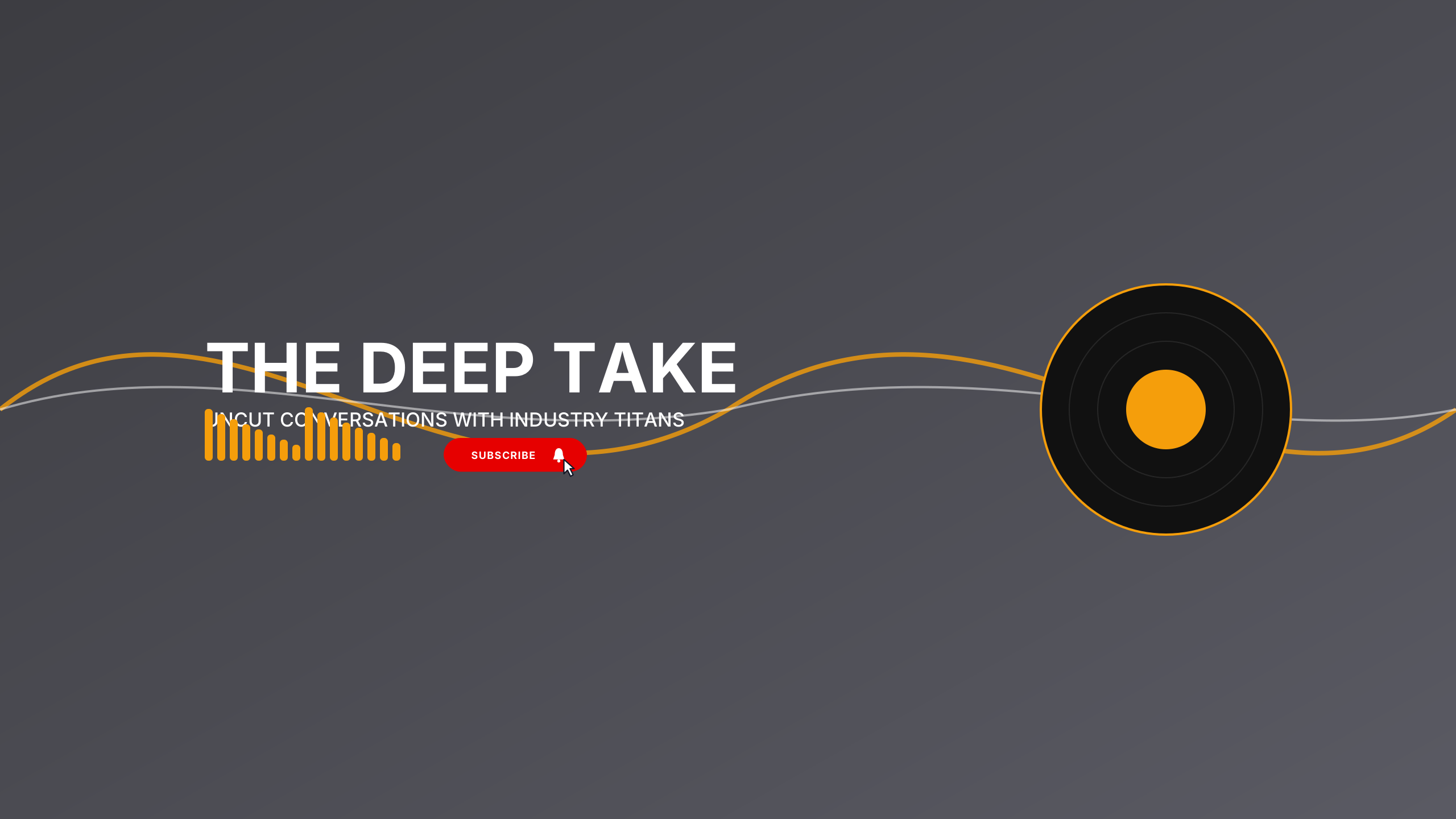
Acoustic Diffuser
podcastWarm amber and deep charcoal with studio acoustic wood ribbing elements.
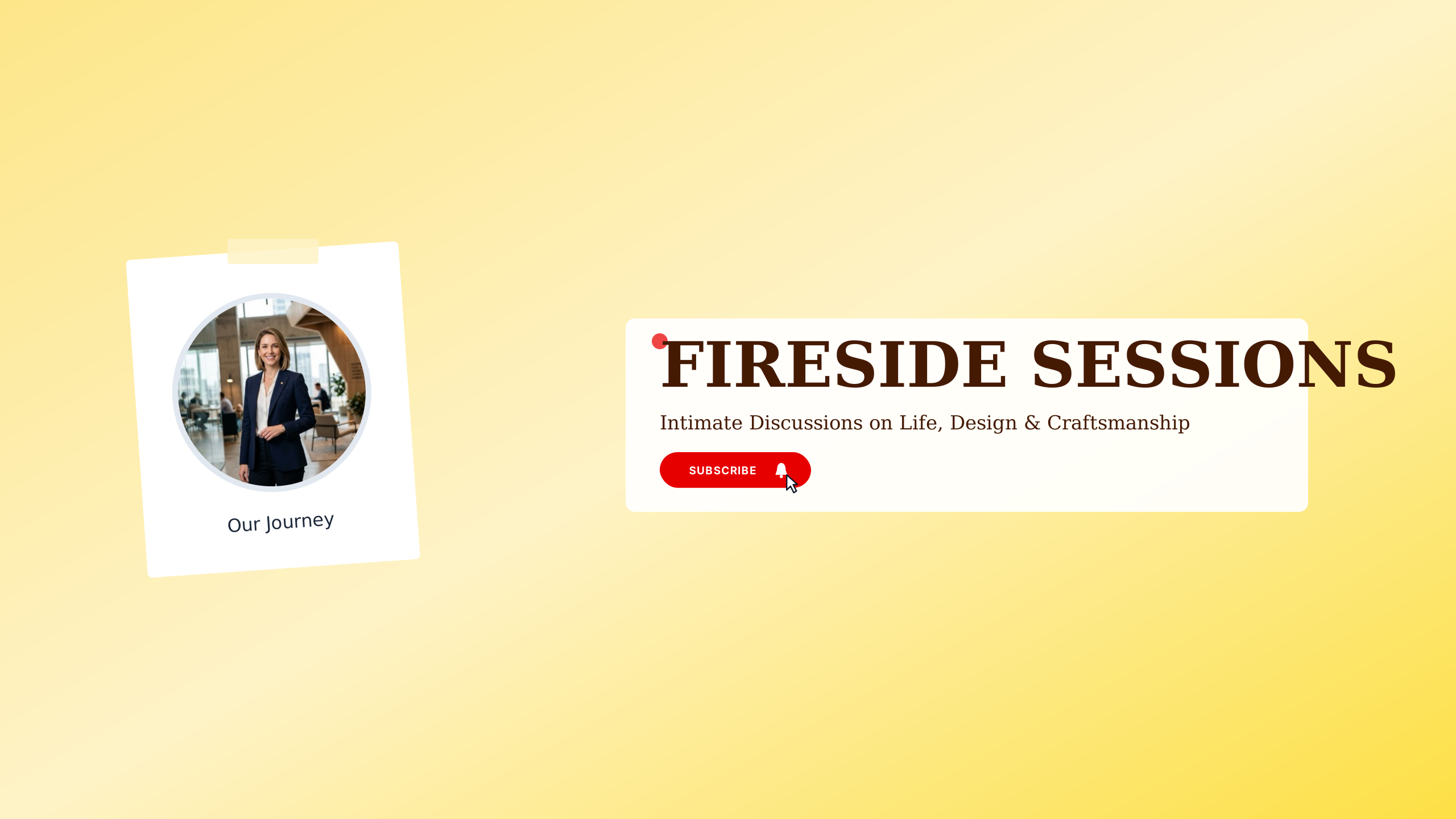
Fireside Chats
podcastWarm ember tones and rich walnut for intimate founder and craft chats.
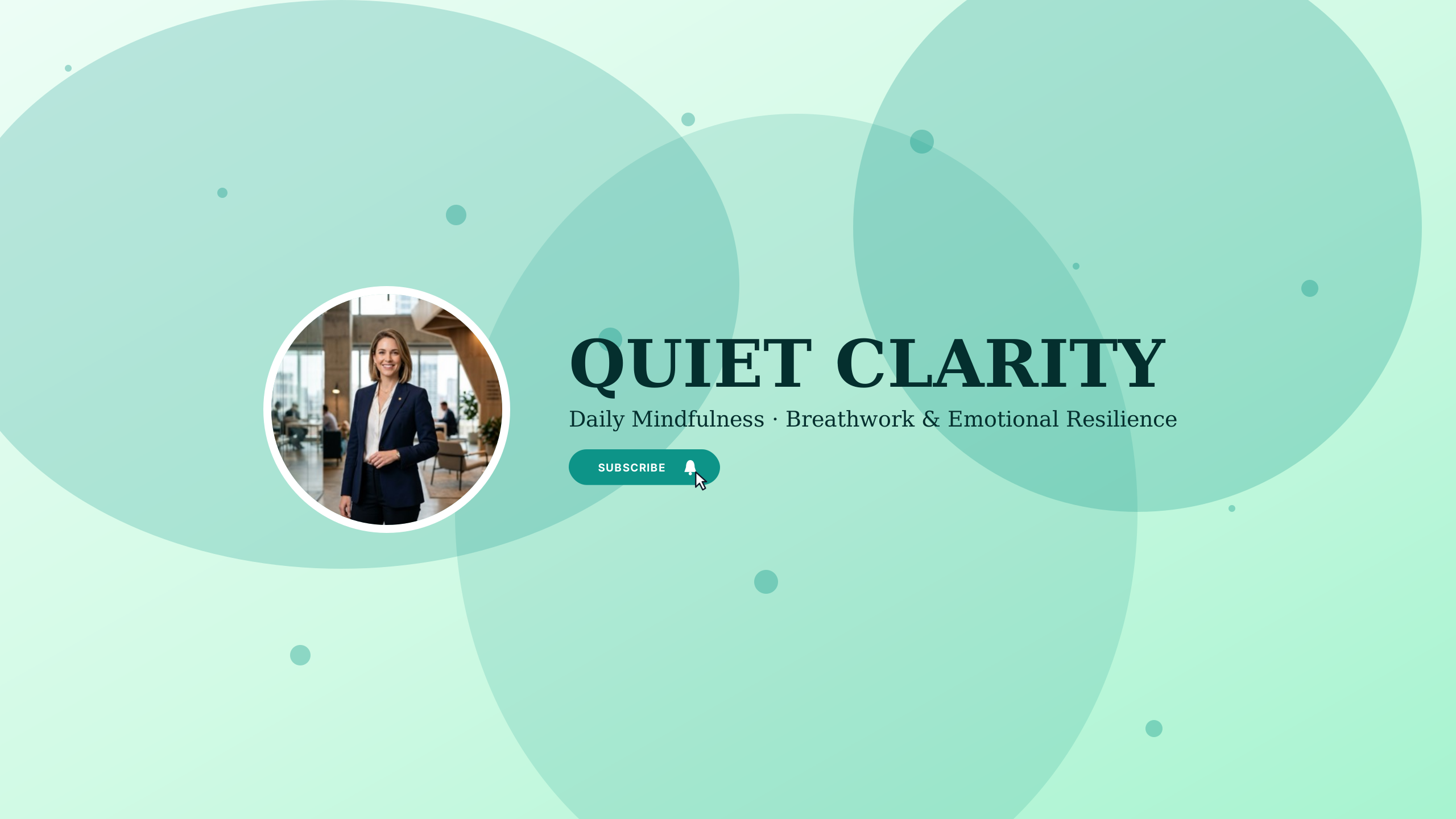
Mindful Voice
podcastSerene sage green and soft stone for wellness talks and meditation podcasts.
Muted Signal
podcastLeft-aligned editorial layout for intellectual long-form dialogues.
Late Night Noir
podcastStacked tall typography with host avatar slot and vertical divider.
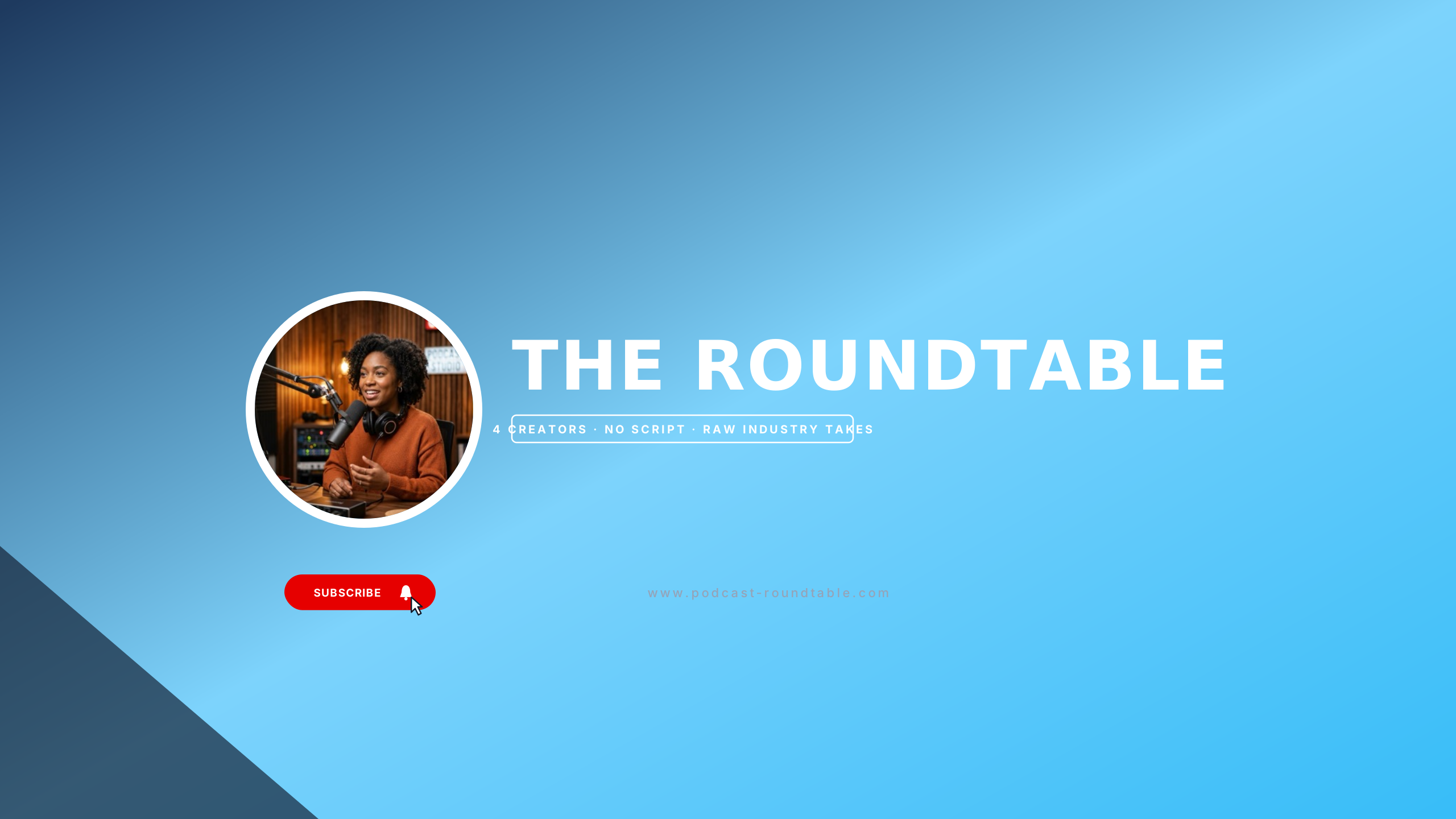
Indie Roundtable
podcastWarm copper and midnight navy for creative collectives and panel podcasts.
Broadcast Room
podcastDeep audio booth aesthetic with crisp centered typography.
Silicon Pure
techClean consumer tech review layout with frosted backplate and avatar slot.
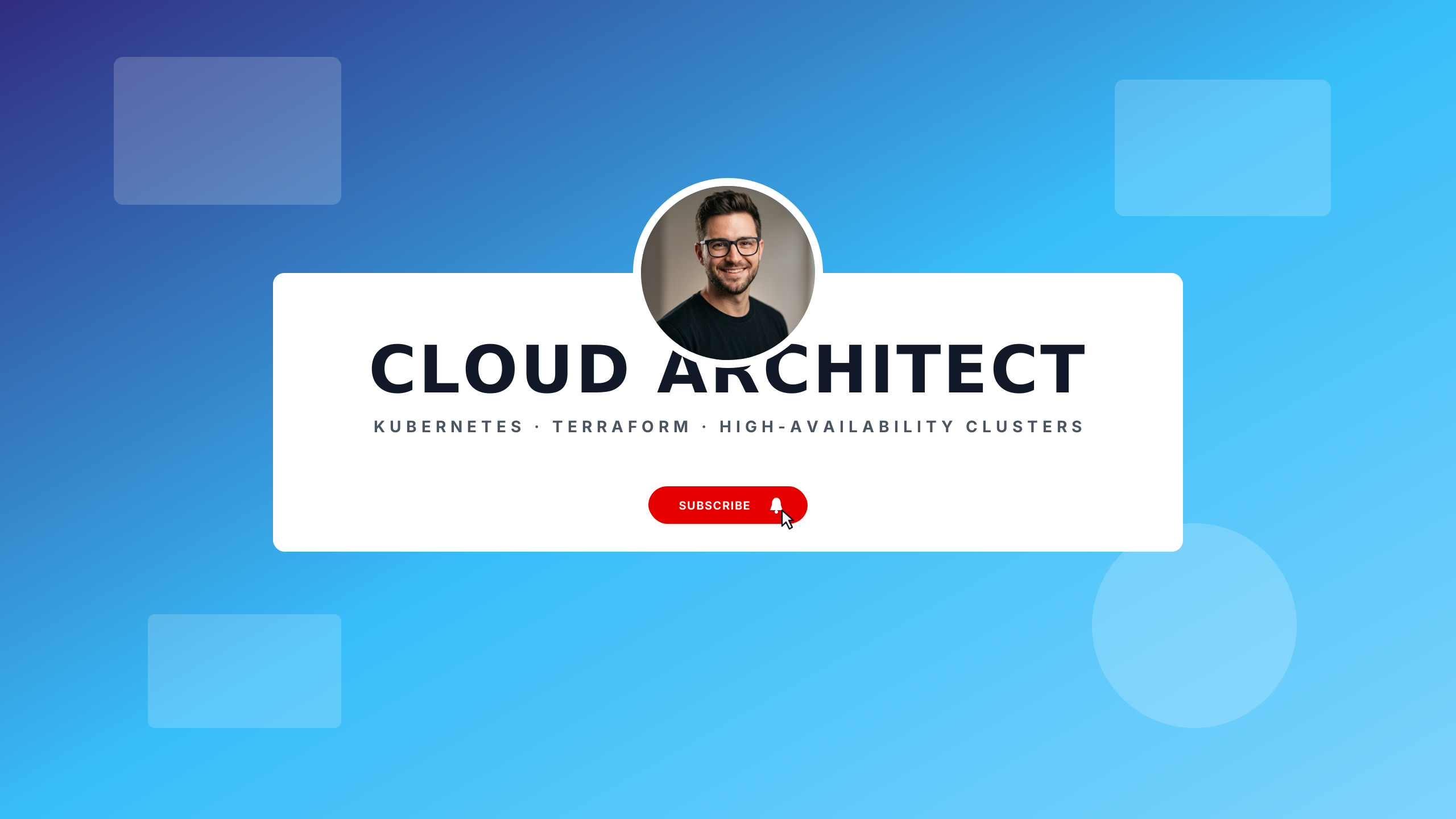
Cloud Infrastructure
techEnterprise Azure blue and graphite for DevOps engineers, Kubernetes, and cloud architects.
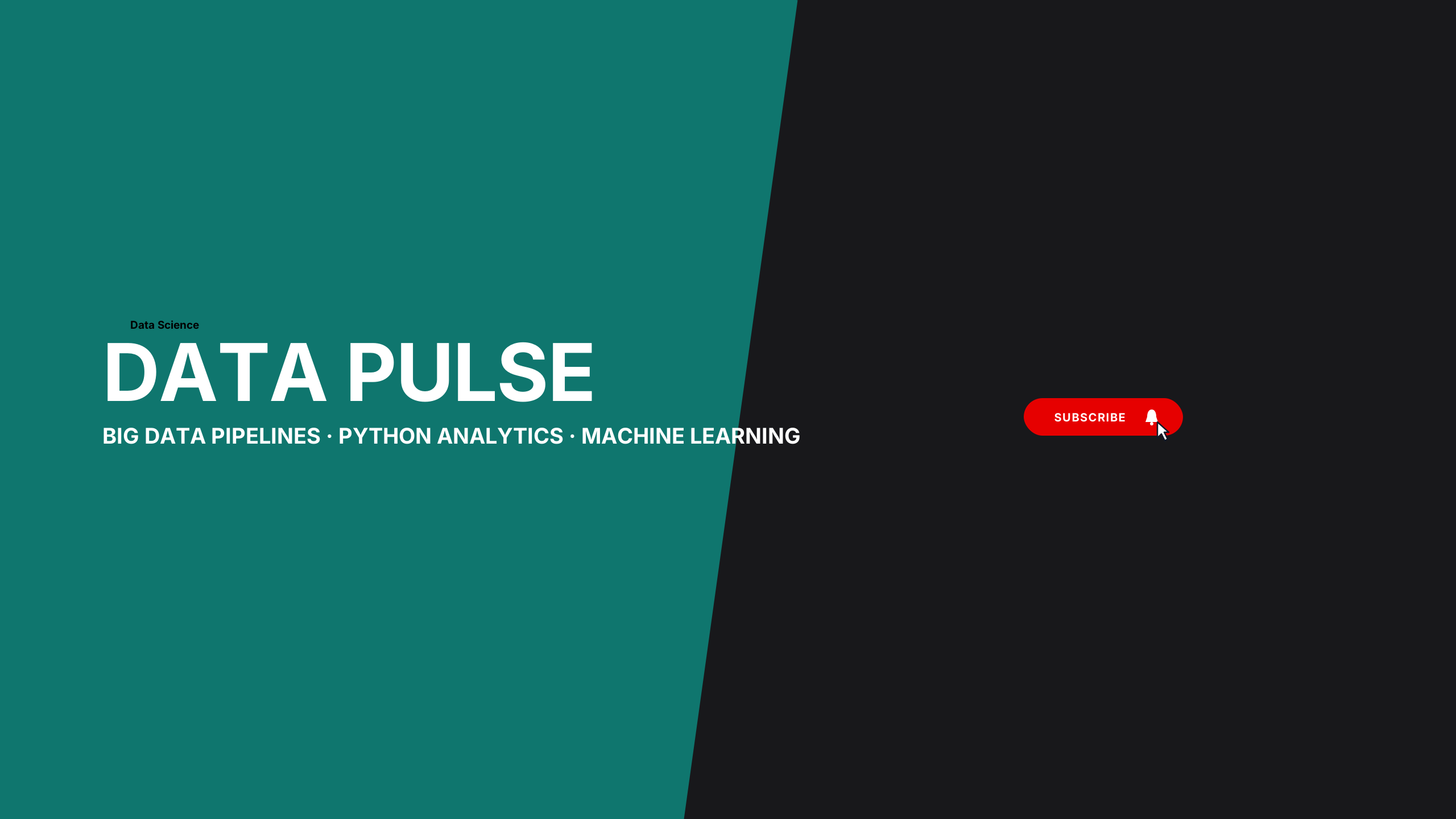
Data Science Insights
techTeal and deep navy telemetry for data analysts, Python developers, and statistical modeling.
Rig Benchmark
techIndustrial tech layout with horizontal accent bar and bold weights.
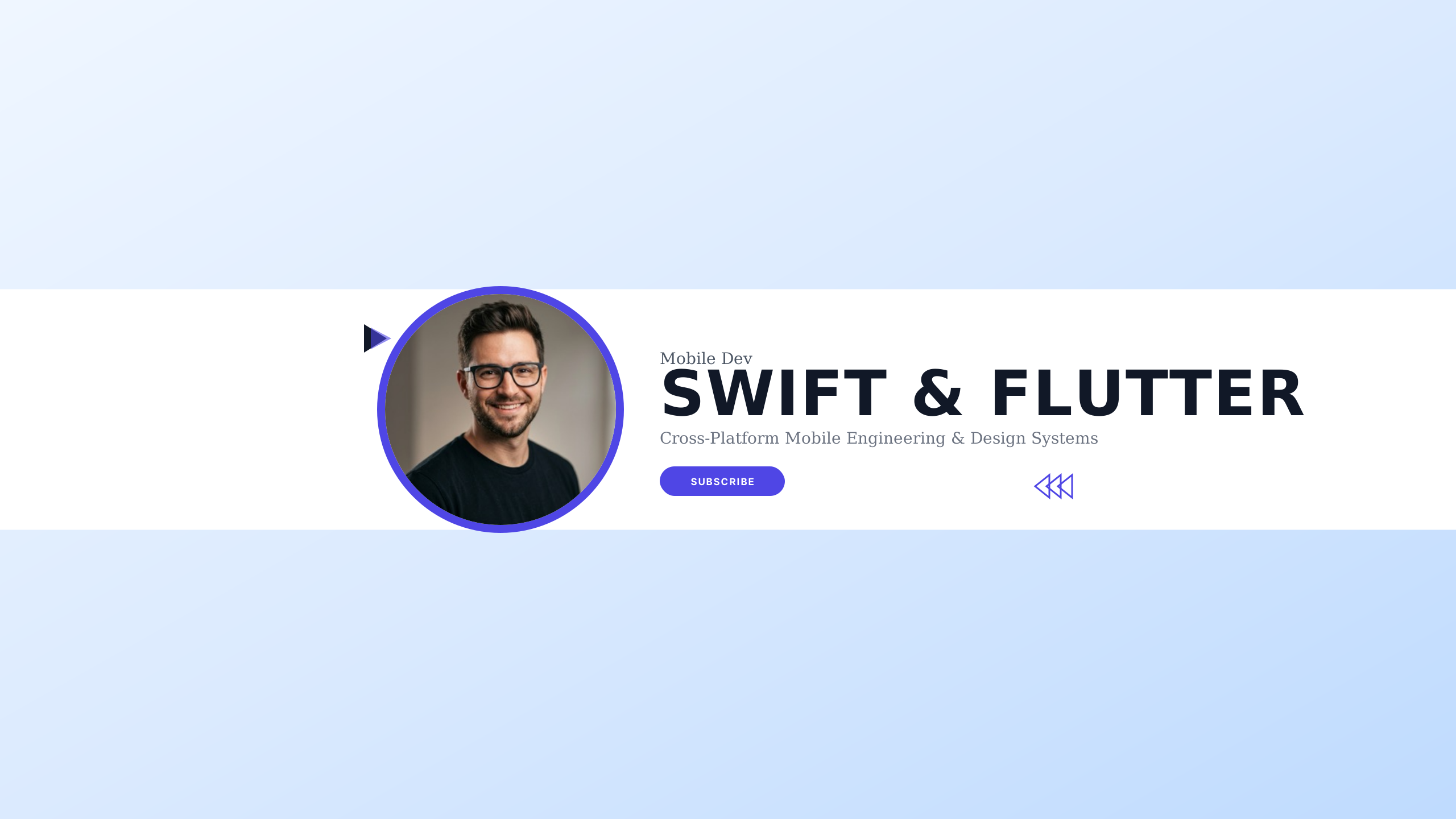
Mobile Dev Lab
techClean iOS Cupertino aesthetic with vibrant accent and fluid application engineering.
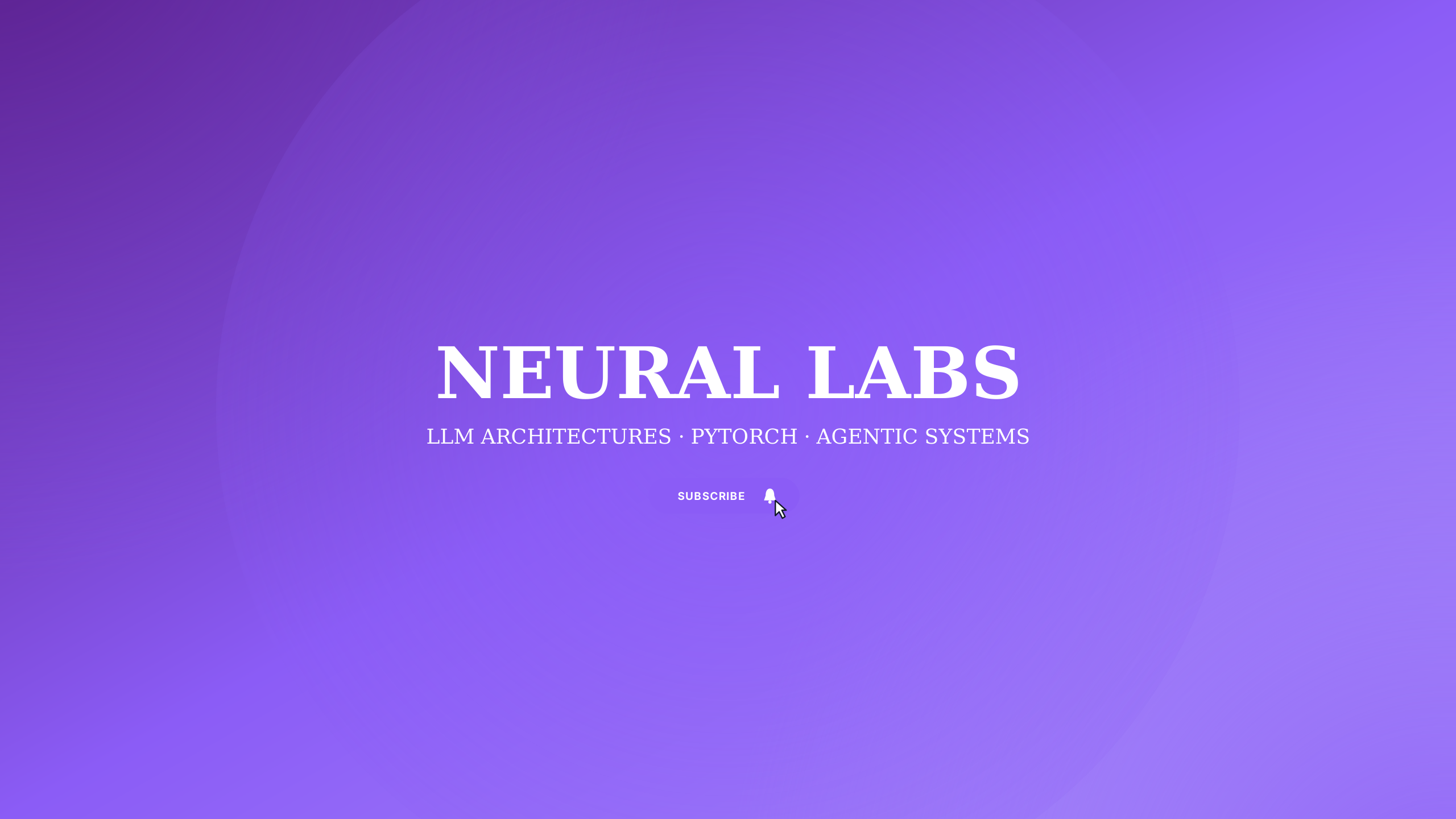
AI Neural Matrix
techDeep indigo and radiant violet neural network aesthetics for AI engineers and machine learning.
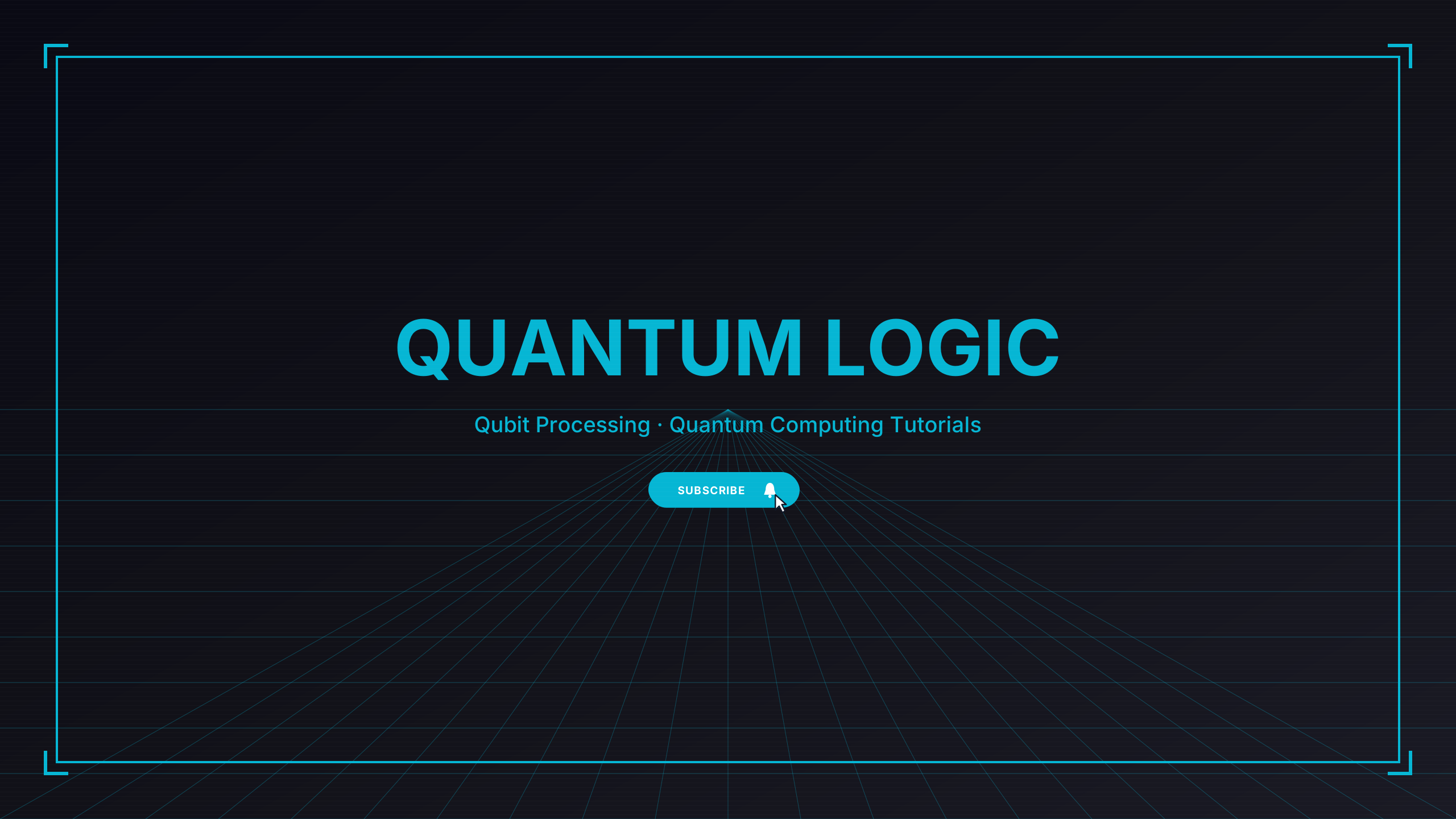
Quantum Terminal
techUltraviolet quantum state orbital geometry for computational physics and future tech.
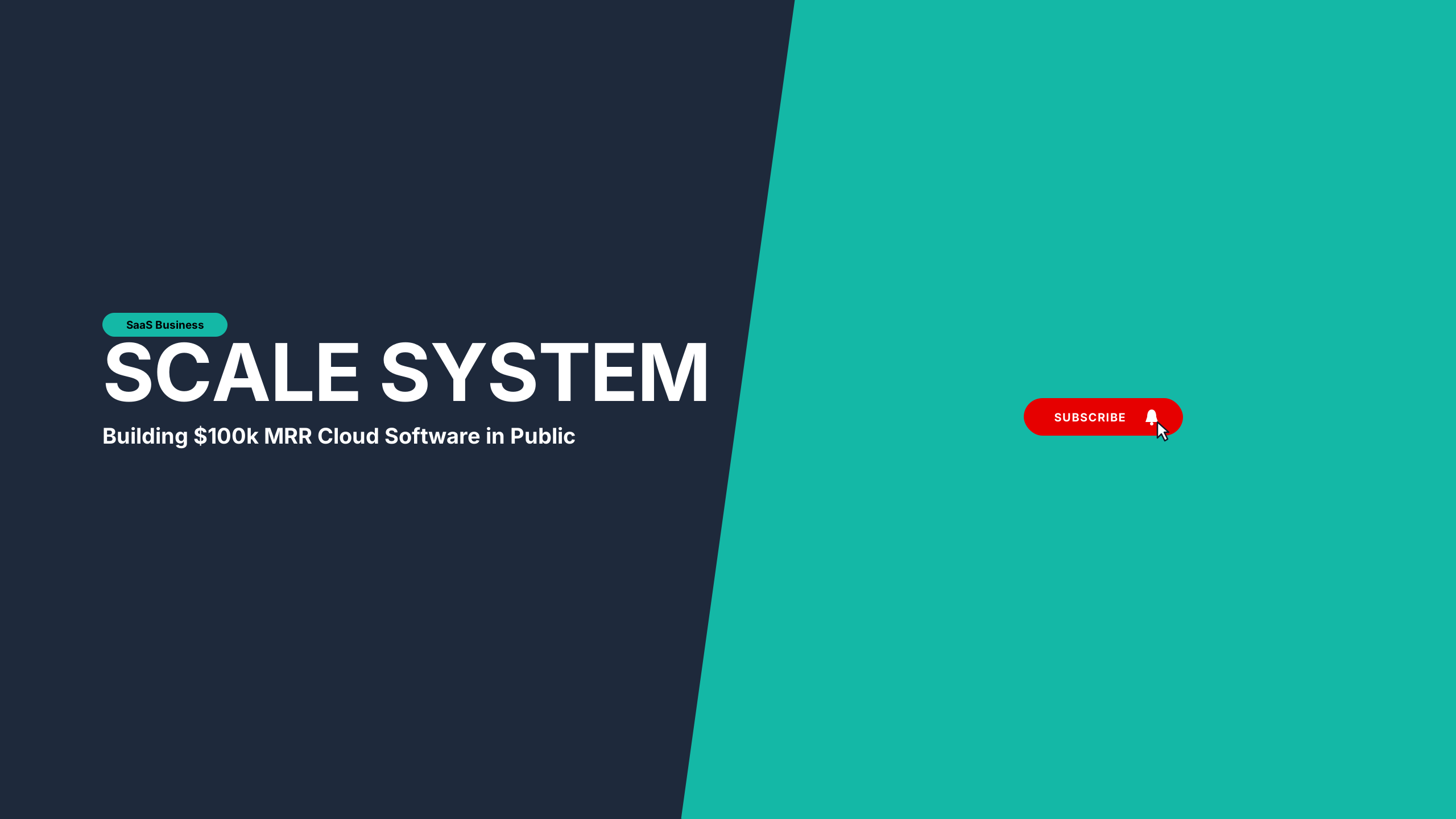
Modern SaaS Founder
techClean Sky Blue and crisp Slate 950 composition for indie hackers and modern cloud software.
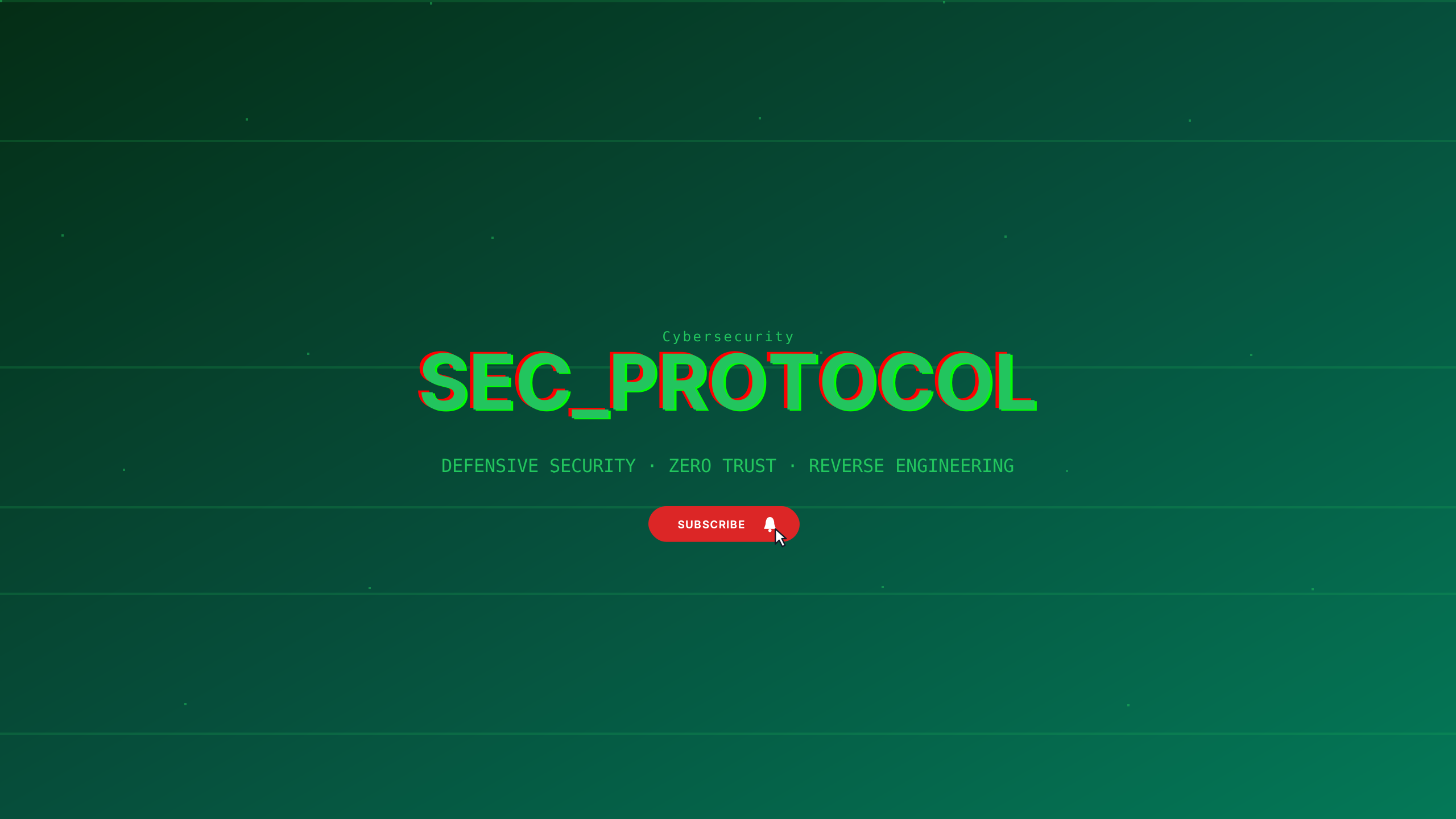
Cyber Defense
techMatrix emerald and void black for penetration testers, ethical hackers, and security research.
Dev Console
techDeveloper monospaced left-aligned terminal prompt styling.
Alpine Summit
vlogGlacial white and slate mountain blue for outdoor expeditions and hiking channels.
35mm Analog
vlogNostalgic Kodachrome warm border notches and film typography for vintage diaries.
Widescreen 2.39
vlogLetterbox cinematic typography with upper/lower framing rules.
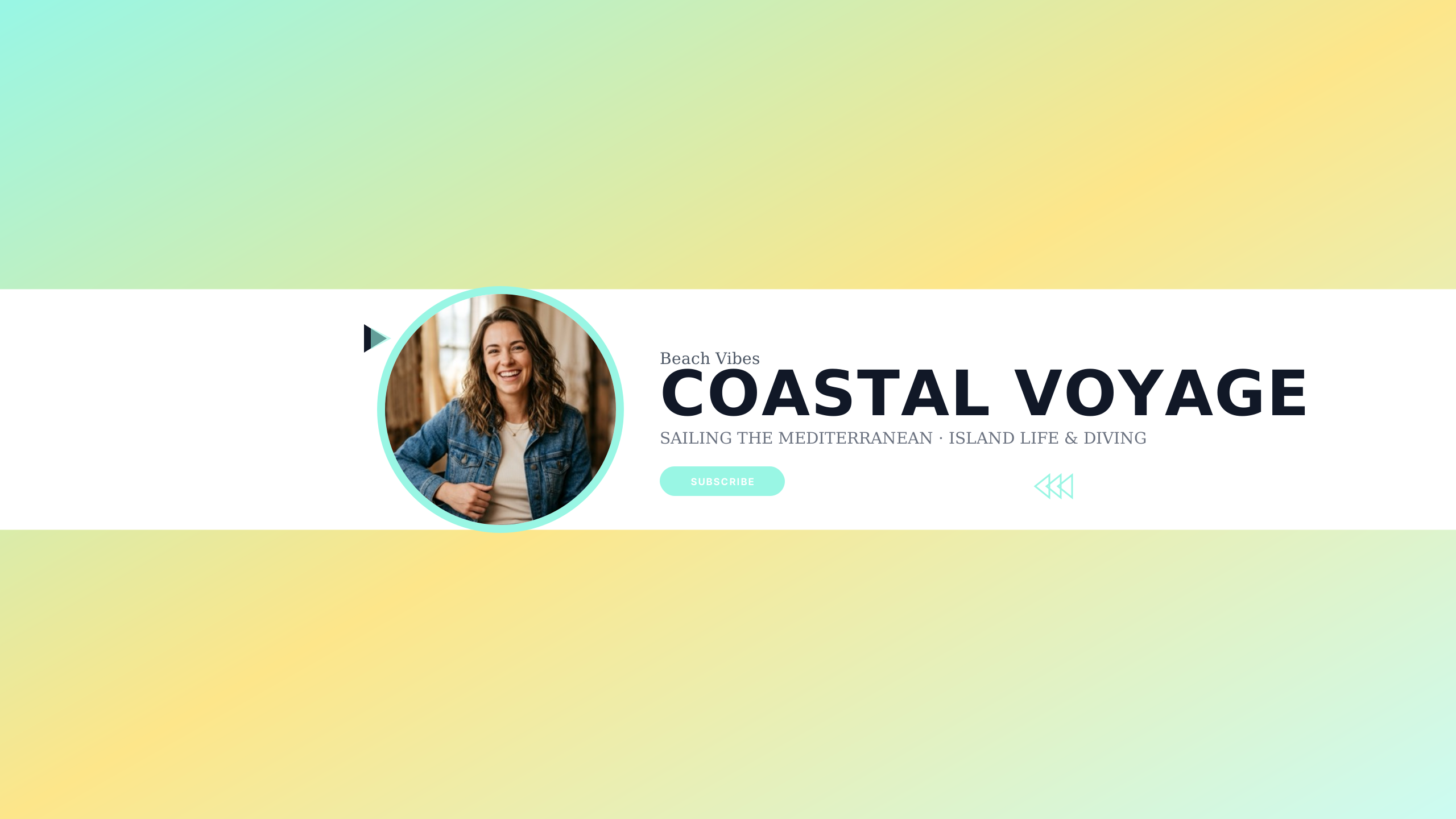
Mediterranean Coast
vlogAegean blue and sunbleached sand for coastal adventures, sailing, and summer vlogs.
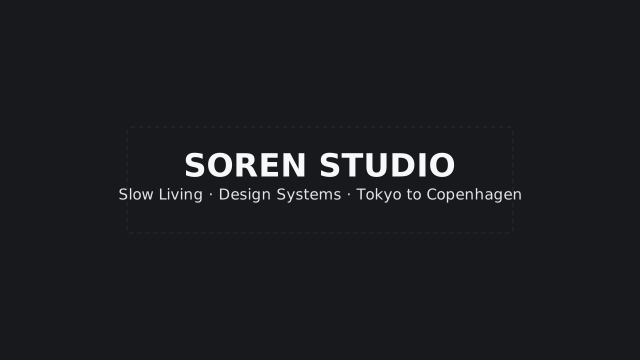
Nordic Journal
vlogUnderstated Scandinavian minimalism with pre-aligned photo frame and accent rule.
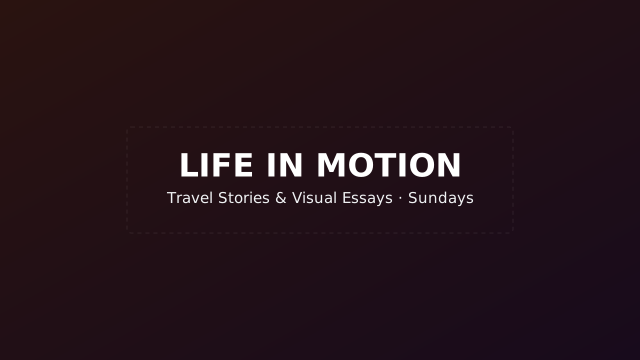
Warm Sunset
vlogGentle dusk tones for personal travel diaries and authentic storytelling.
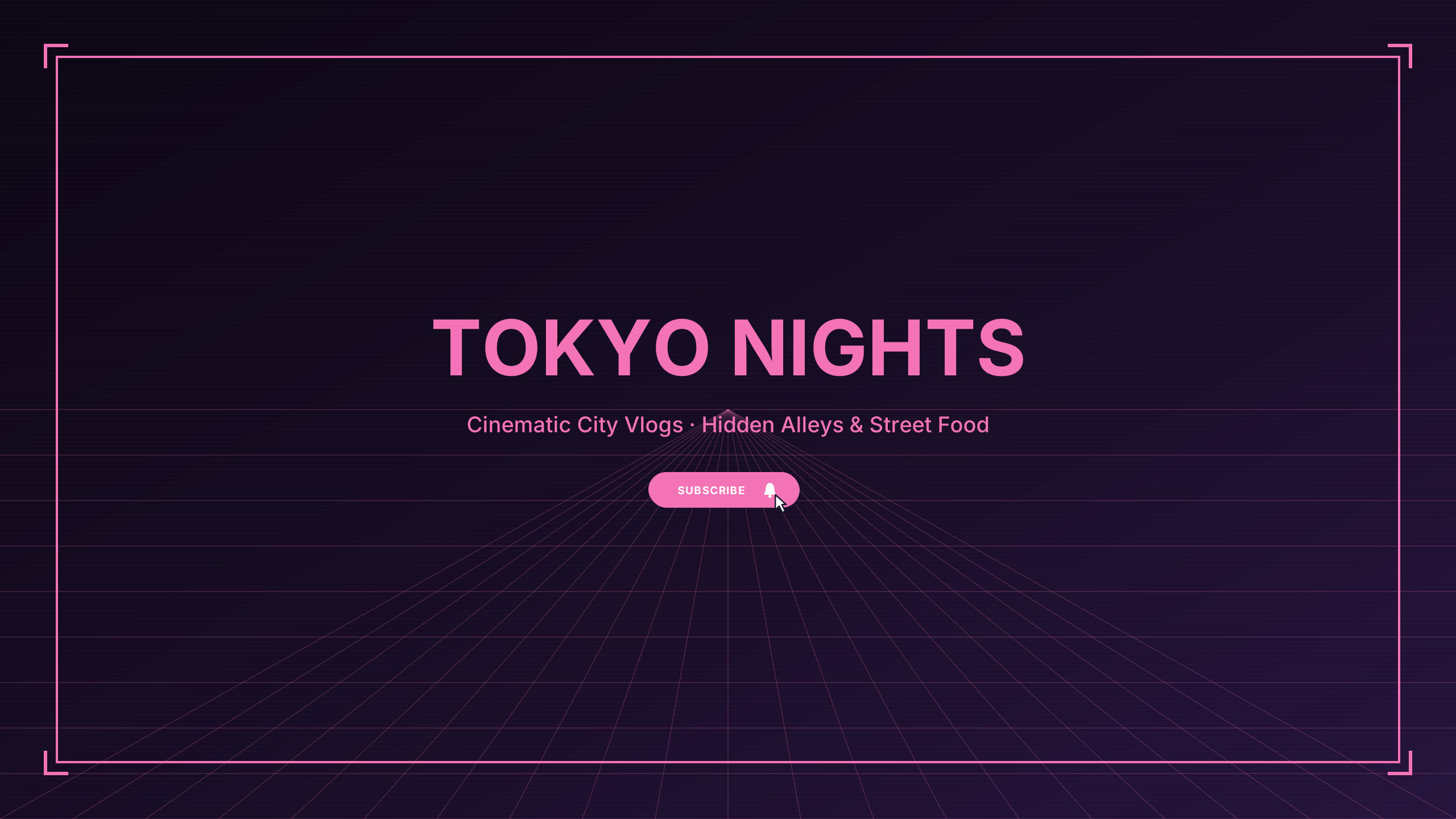
Tokyo Midnight
vlogNeon magenta and wet asphalt street aesthetic for city vloggers and night walks.
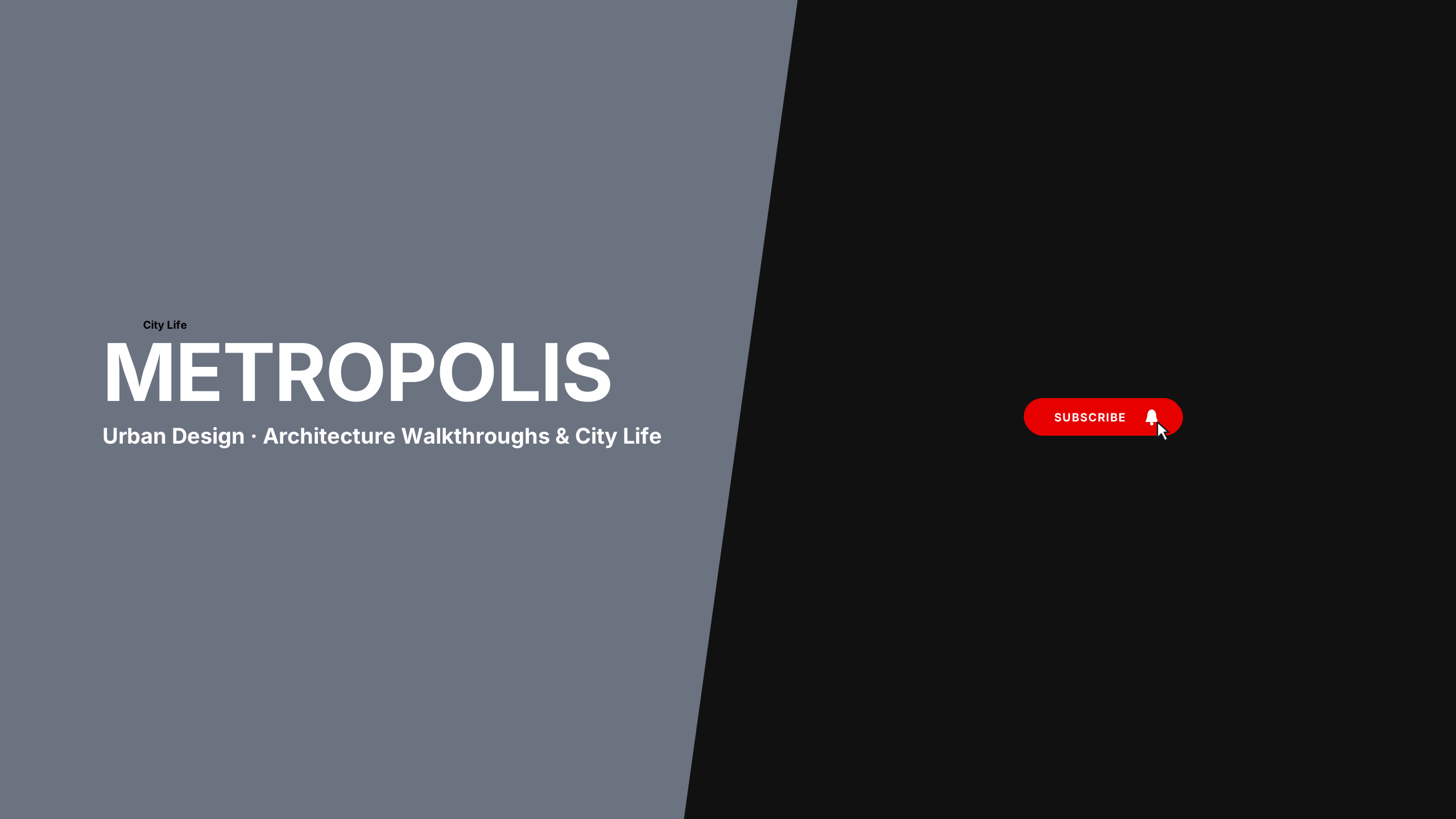
Urban Architecture
vlogBrutalist concrete grey and safety orange for architectural city walks and street design.
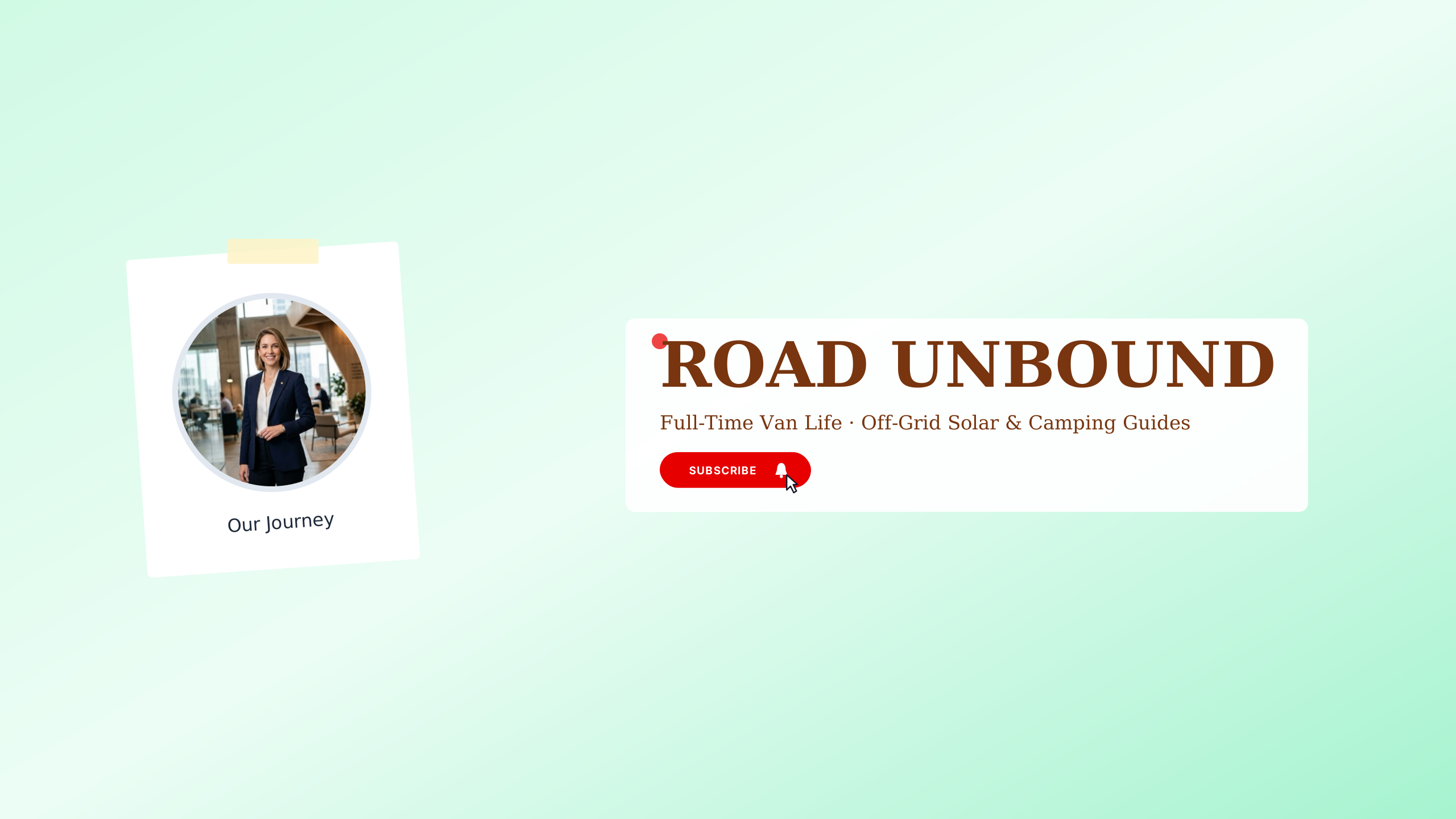
Van Life Horizon
vlogPine green and campfire ochre for off-grid road trips and mobile living enthusiasts.
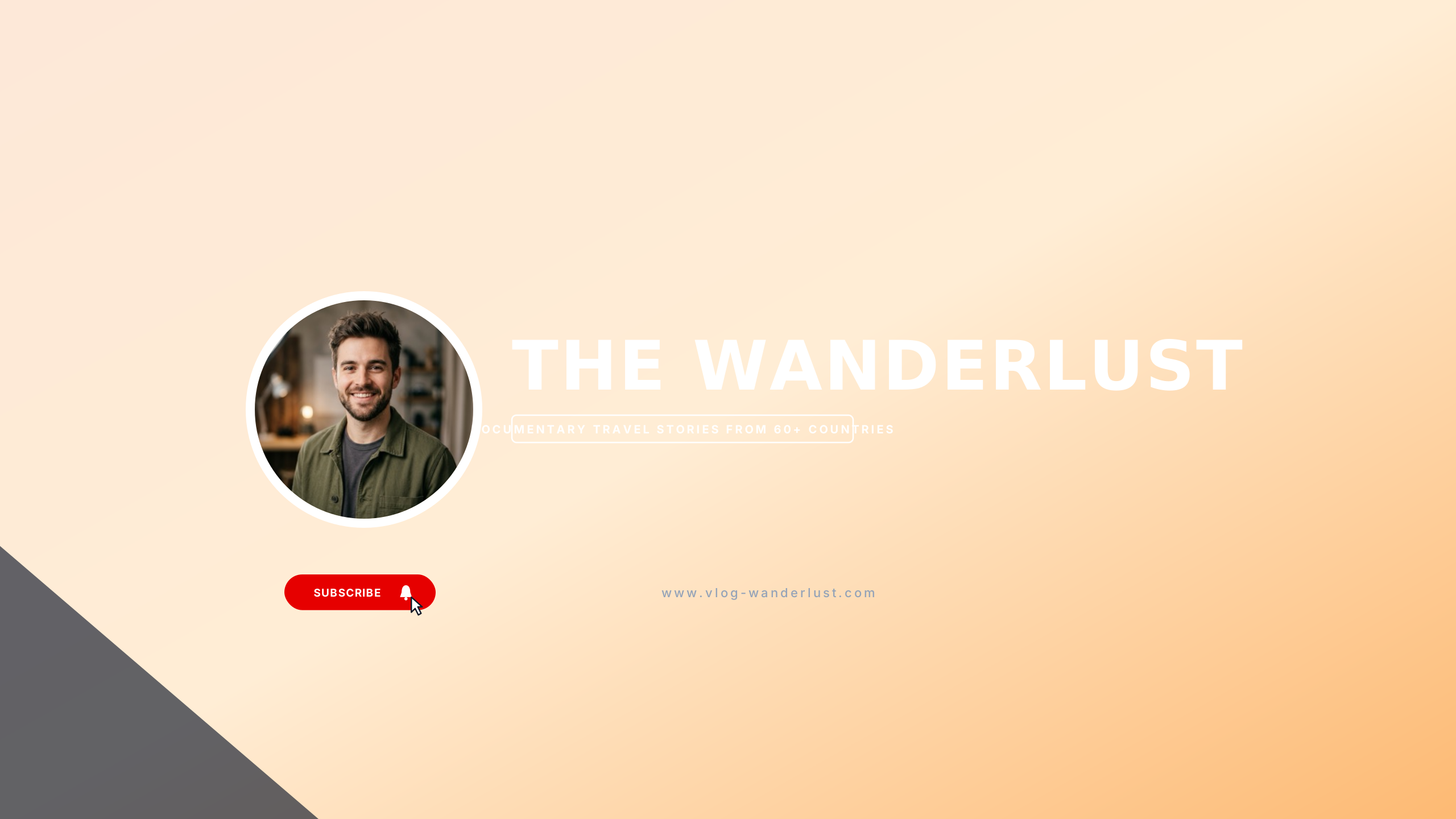
Wanderlust Film
vlogWarm sepia and 35mm golden amber for cinematic travel journals and nomadic living.
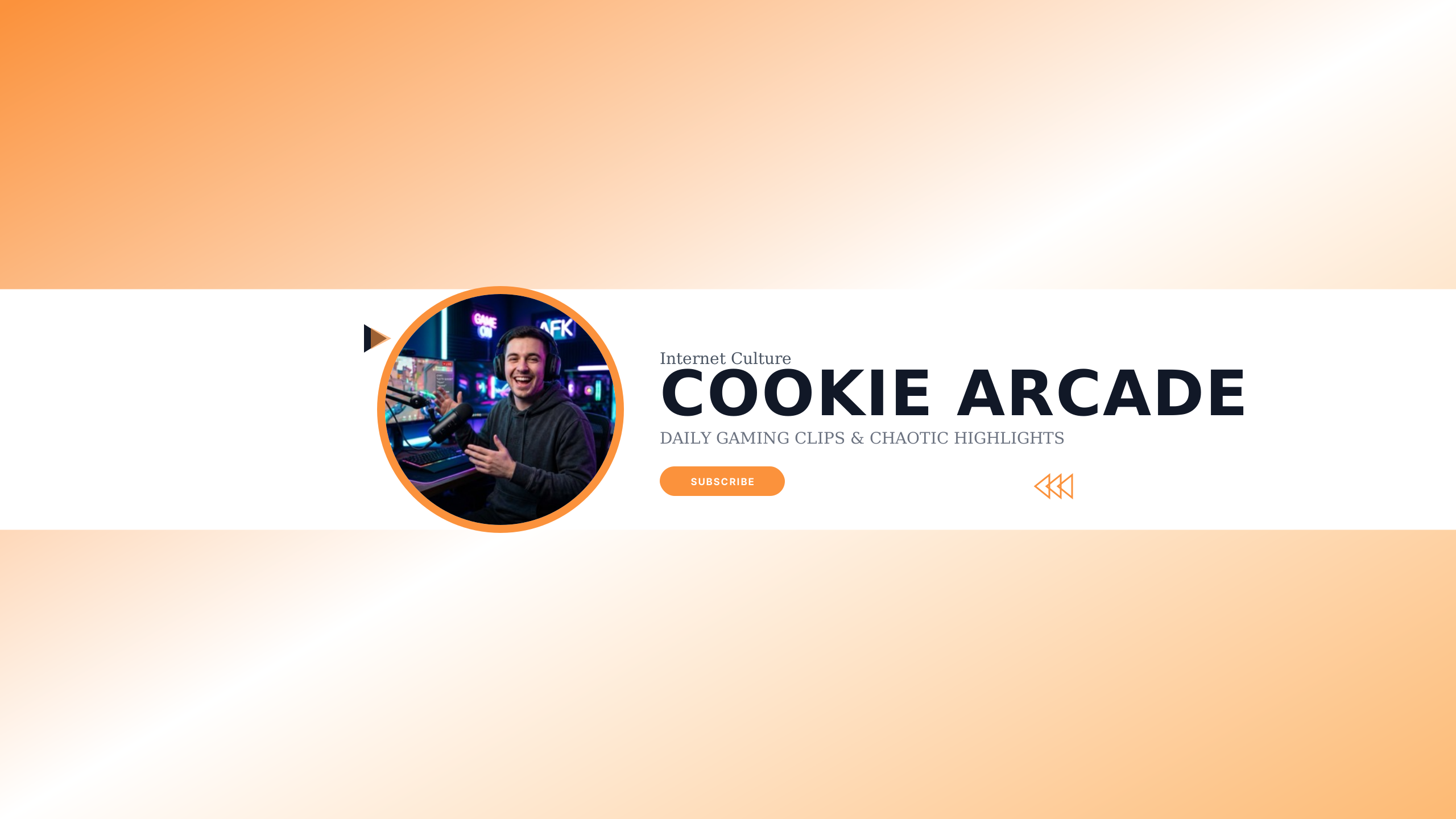
Cookie Trope
gamingViral creator trope template optimized for YouTube channel subscriptions with cookie meme callout.
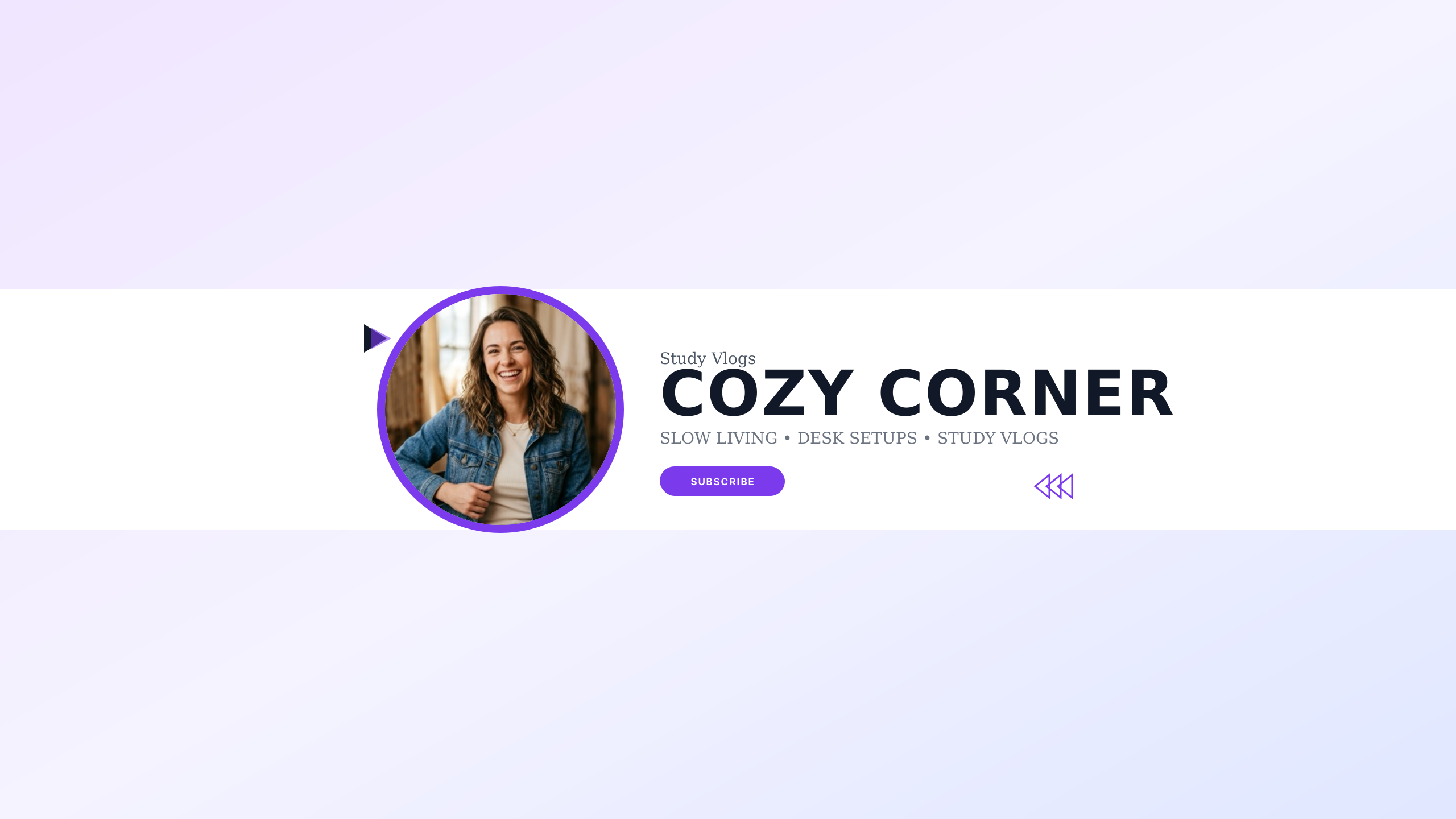
Aesthetic Pastel
lifestyleSoft ethereal warm cream and lavender palette crafted for cozy lifestyle vlogs and study beats.
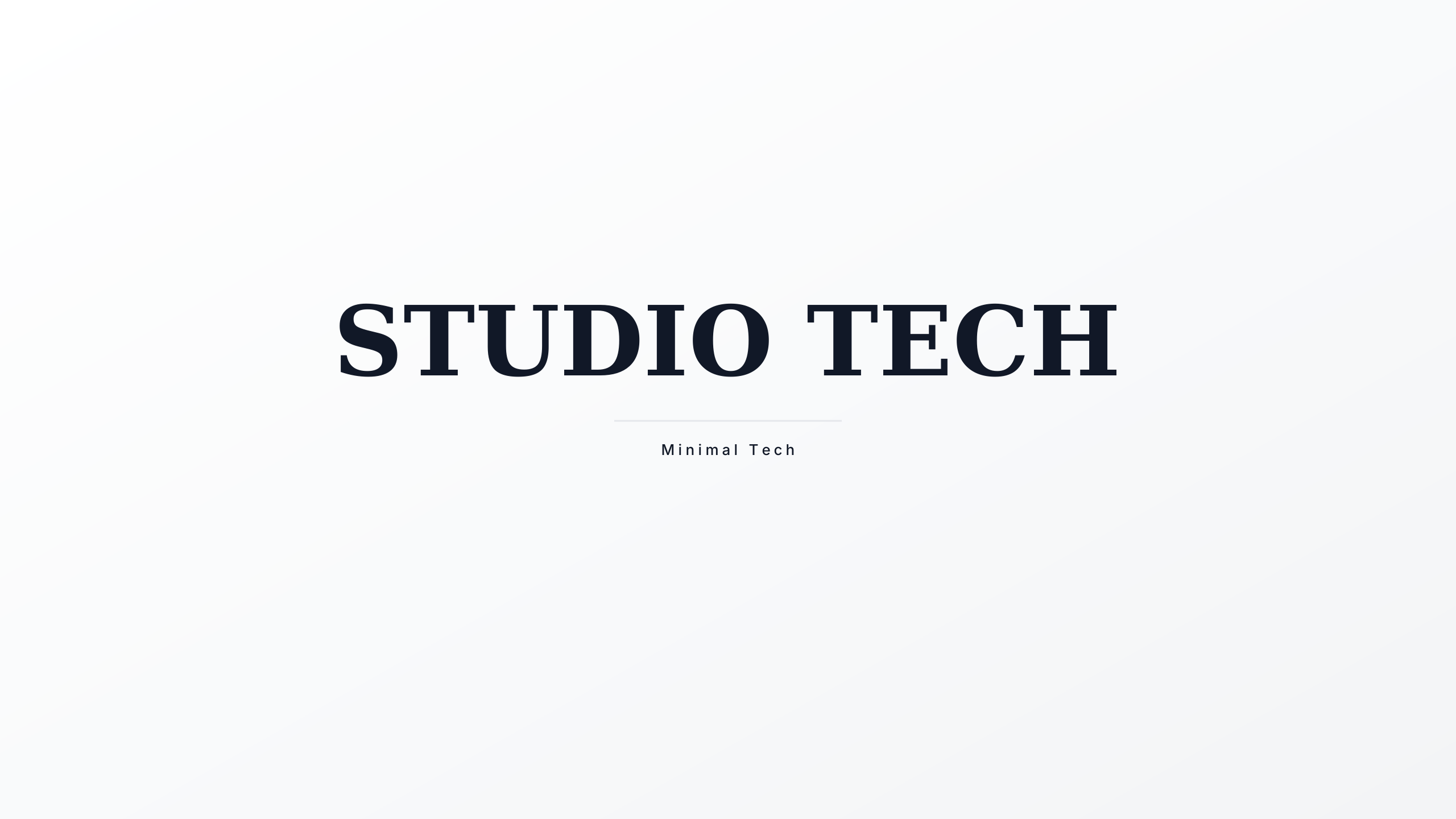
White Studio
techUltra-clean high-key white studio presentation engineered for hardware reviews and coding channels.
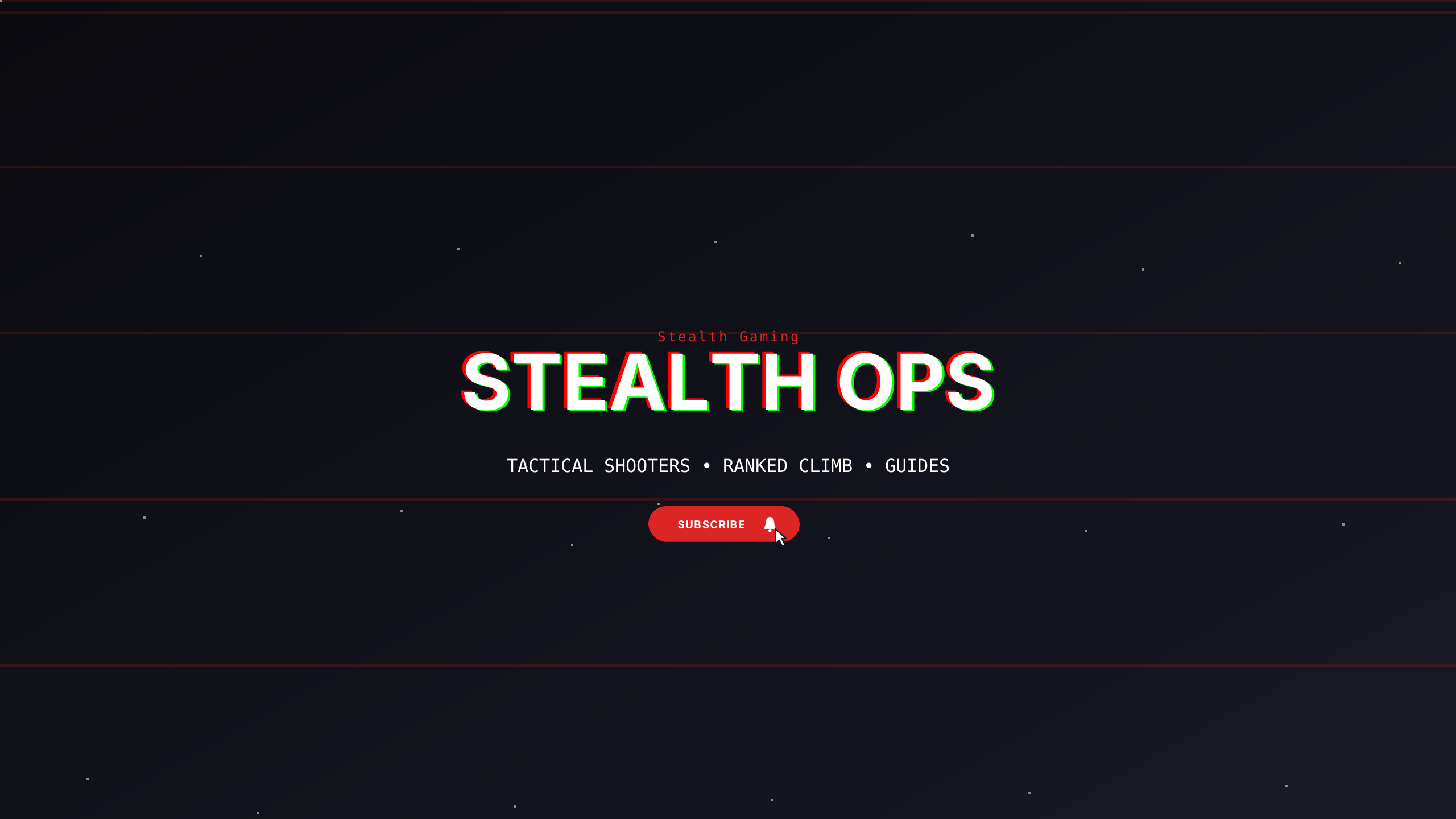
Stealth Noir
gamingDeep carbon stealth theme with subtle graphite dividers designed for tactical esports and dark setups.
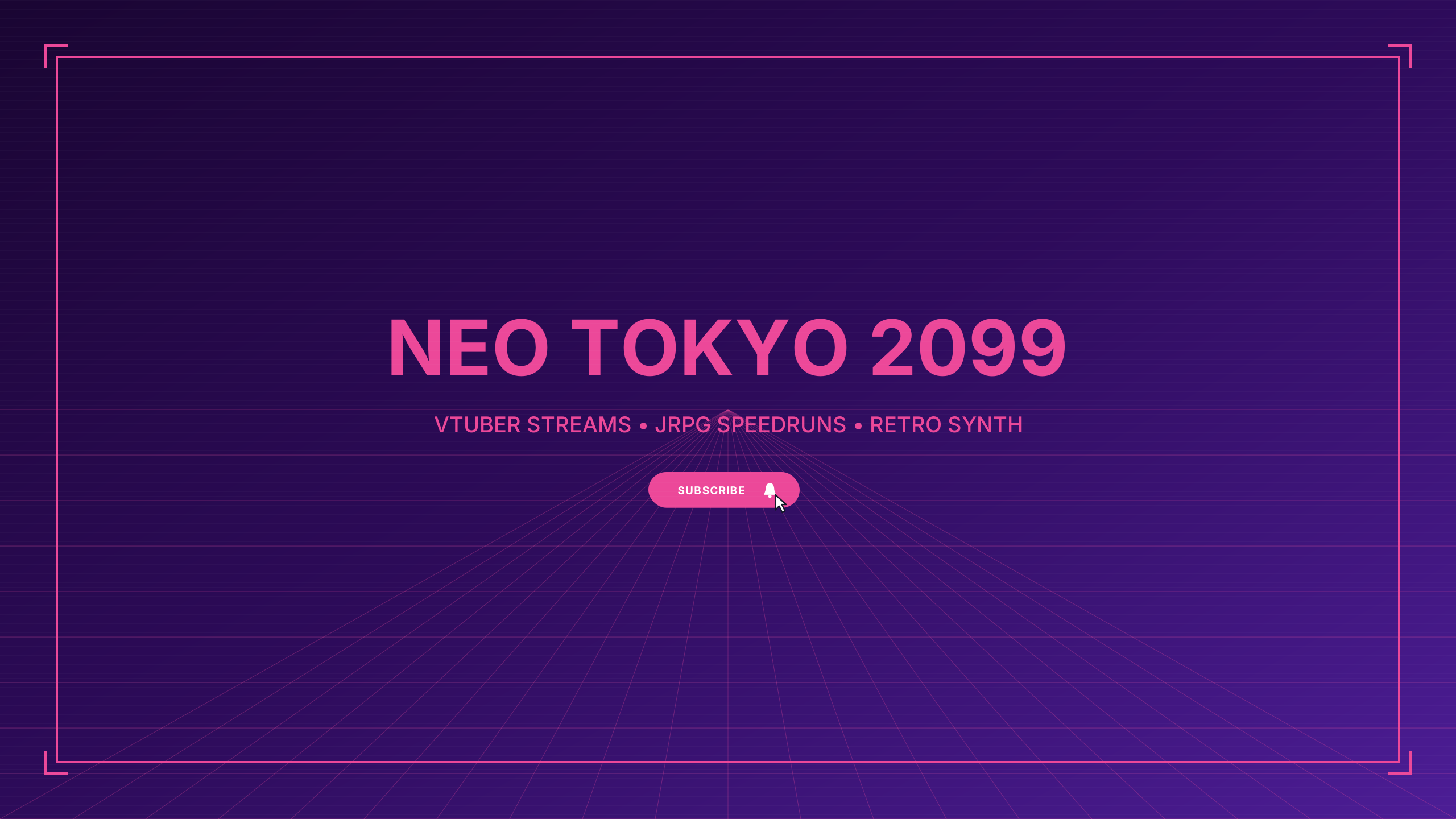
Anime Cyber
gamingElectric cyberpunk anime aesthetic with neon cyan and hot magenta accents for vtuber and anime gaming.
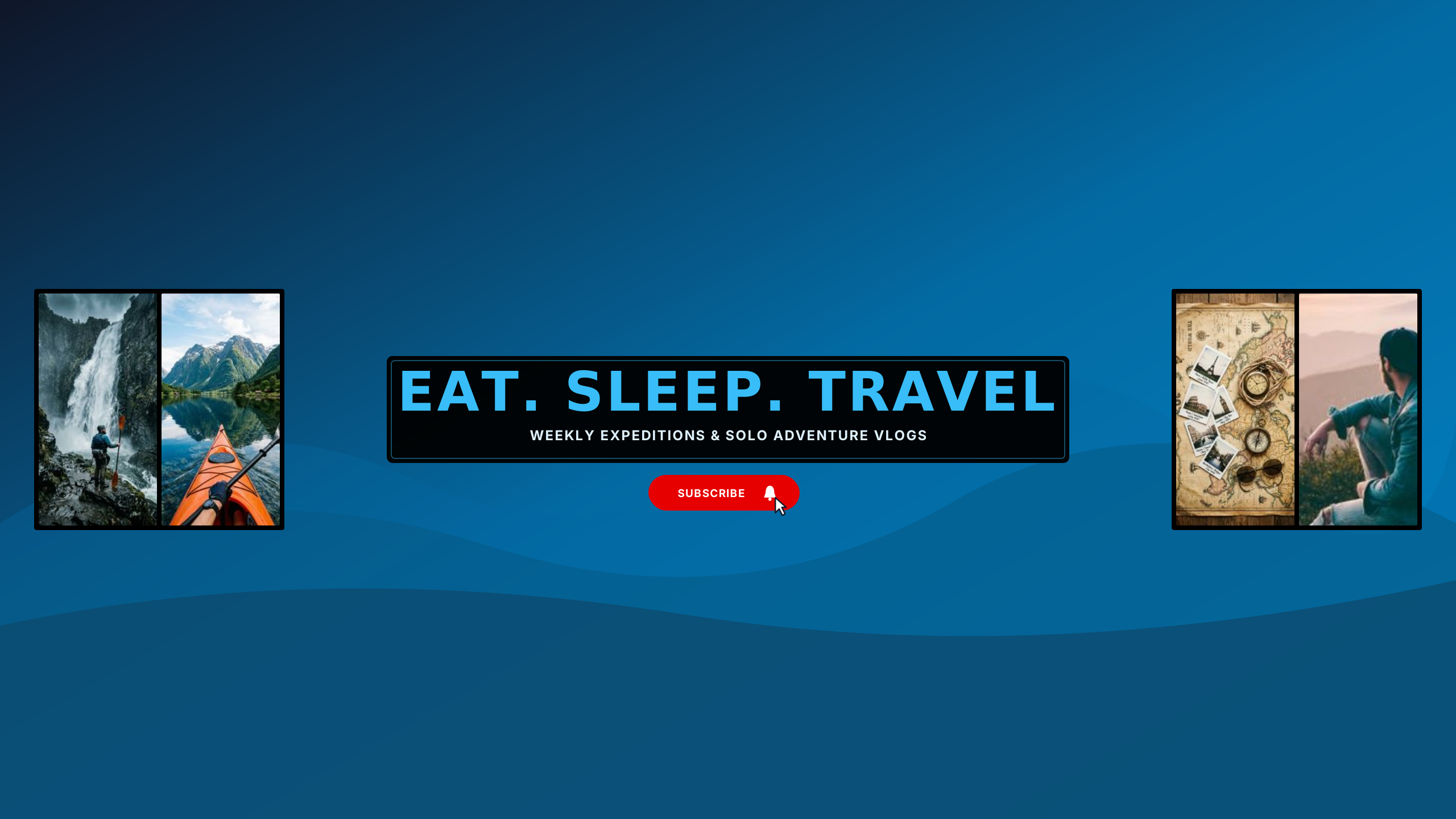
Wanderlust Photo Collage
vlogMulti-photo travel collage featuring dual framed action panels, serene mountain vista, and bold center title ribbon.
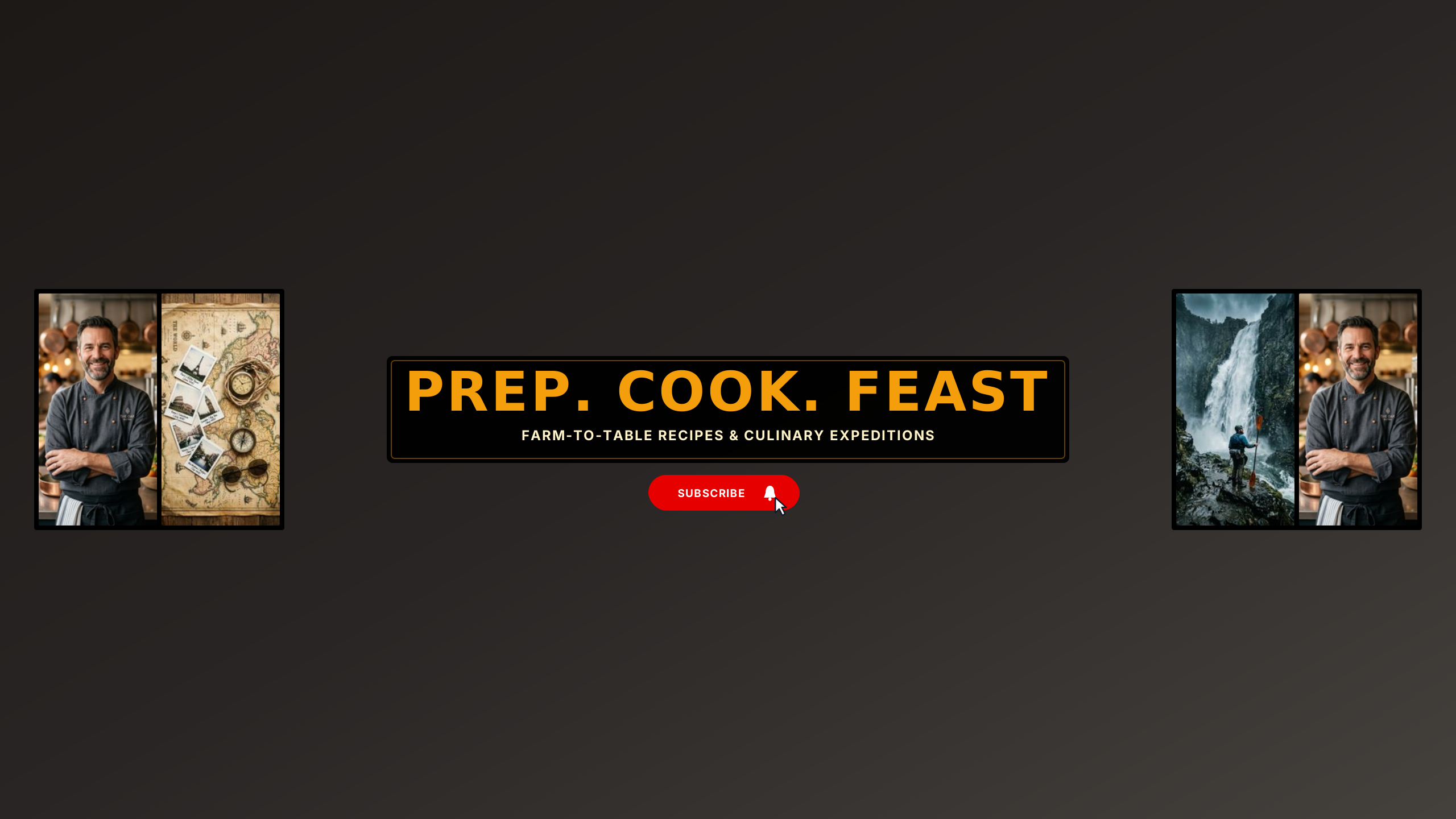
Artisan Culinary Collage
foodCulinary photo collage pairing artisanal prep, cast iron sear, market harvest, and gourmet plating.
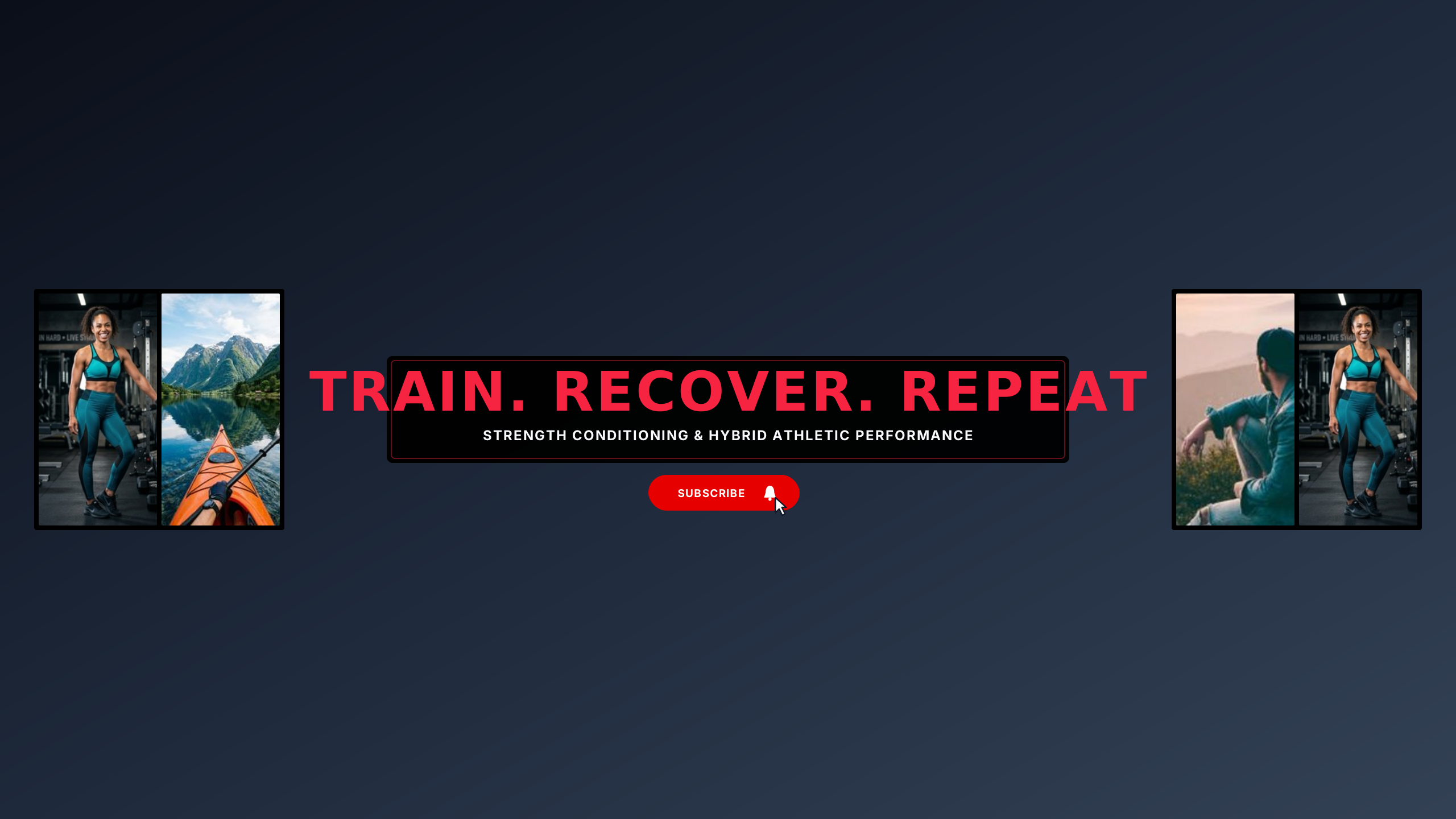
Iron Athlete Collage
fitnessHigh-octane multi-frame training collage featuring heavy lifting, sprint mechanics, and recovery.
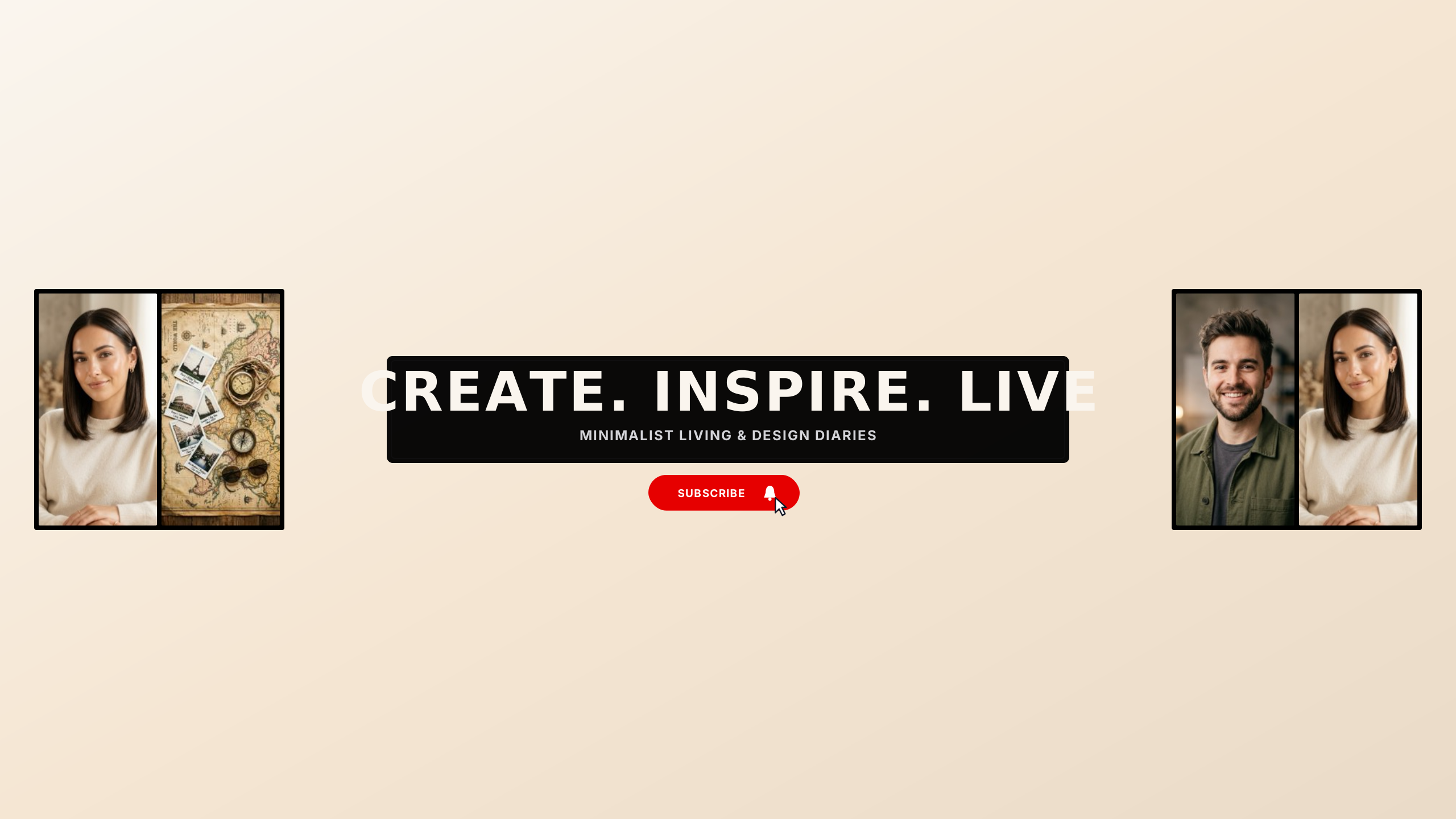
Studio Aesthetic Collage
lifestyleChic multi-frame photo collage with neutral mats, black architectural borders, and editorial typography.
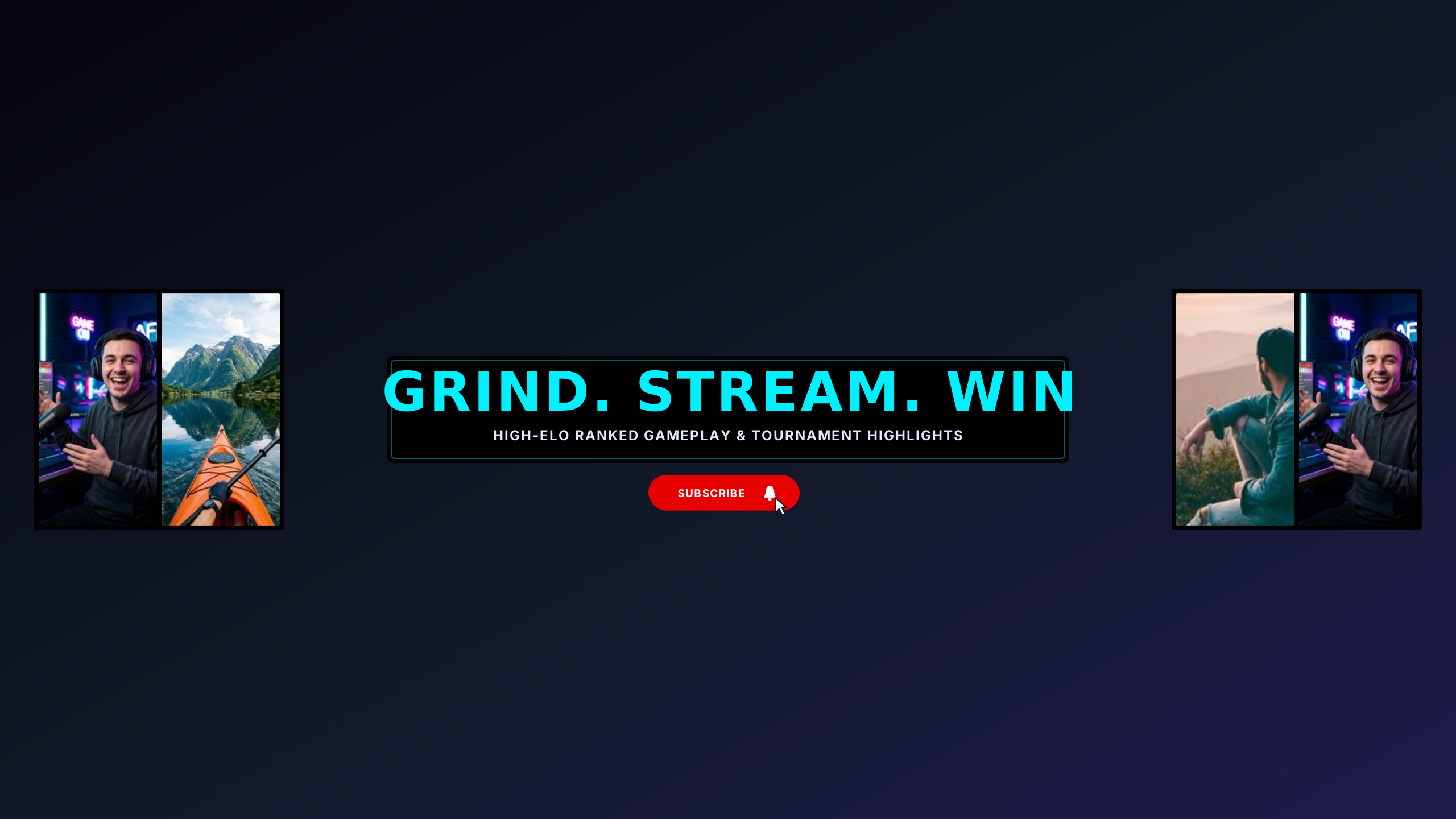
Pro Esports Collage
gamingHigh-octane esports collage featuring stream setup, arena gameplay, and tournament highlights.
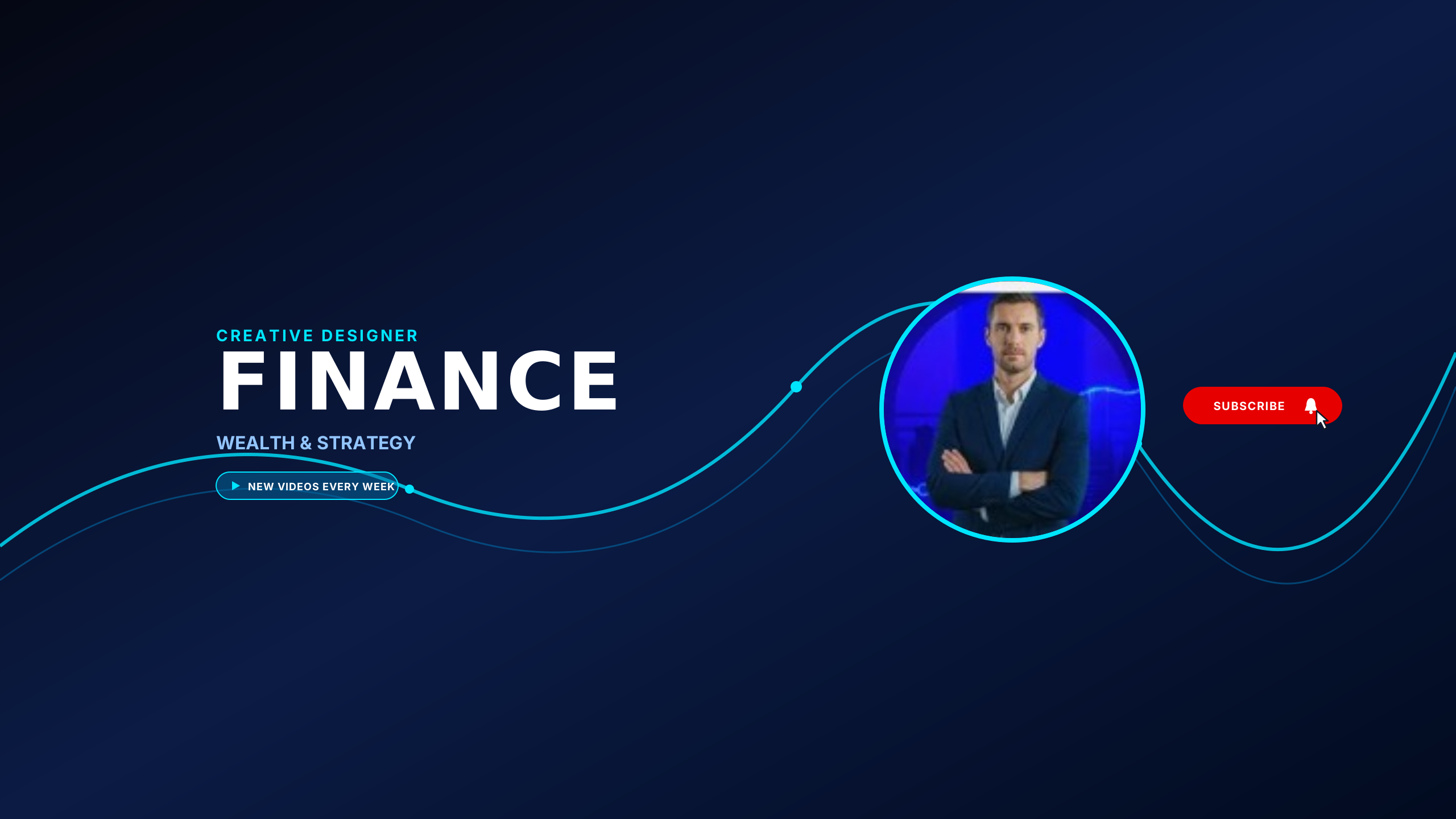
Finance Executive Glow
businessExecutive dark blue theme with luminous neon chart lines, high-contrast typography, and circular presenter frame.
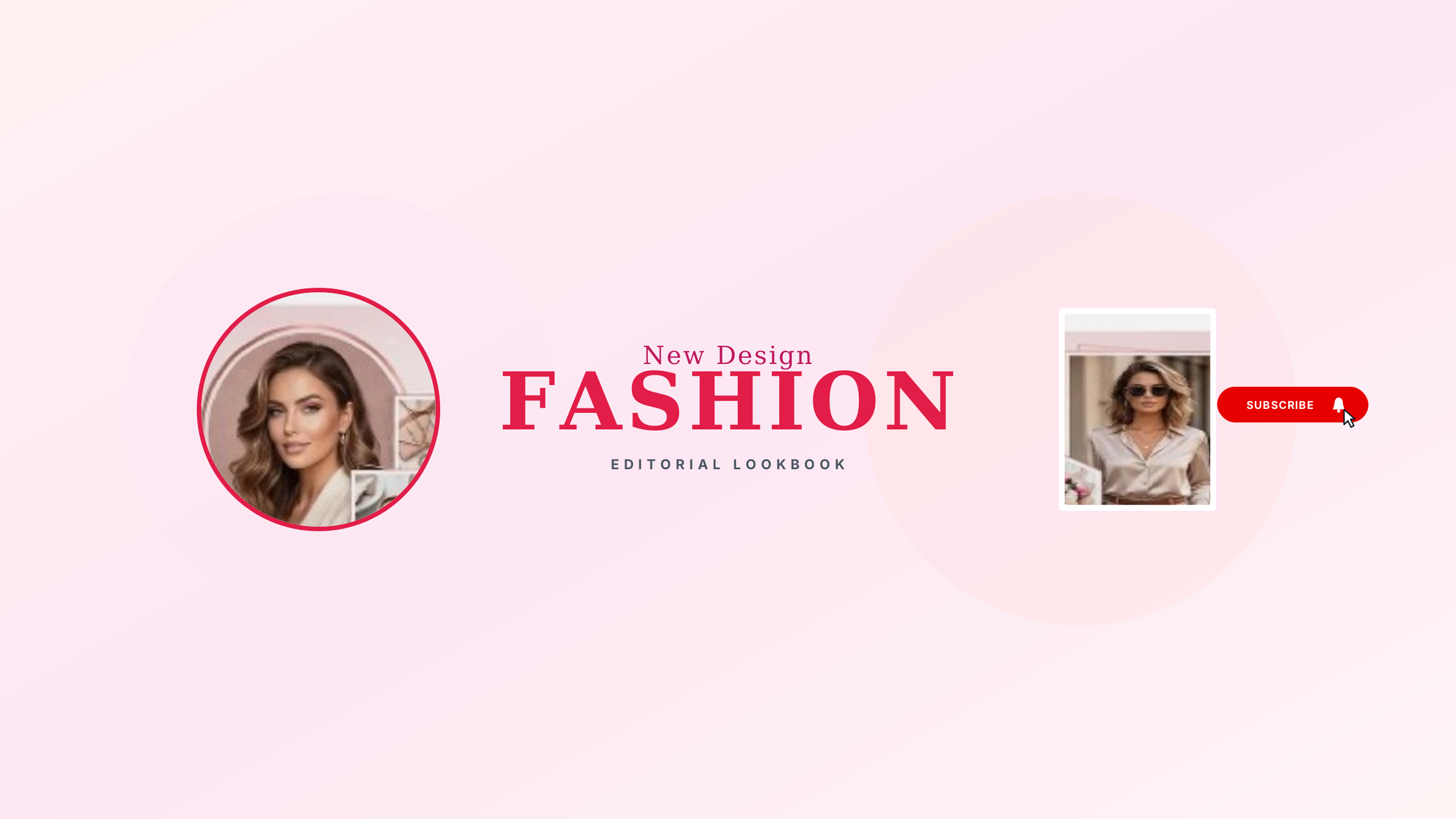
Fashion Editorial Lookbook
lifestyleChic blush champagne lookbook layout with dual portrait frames, high-fashion serif title, and clean subtitle.
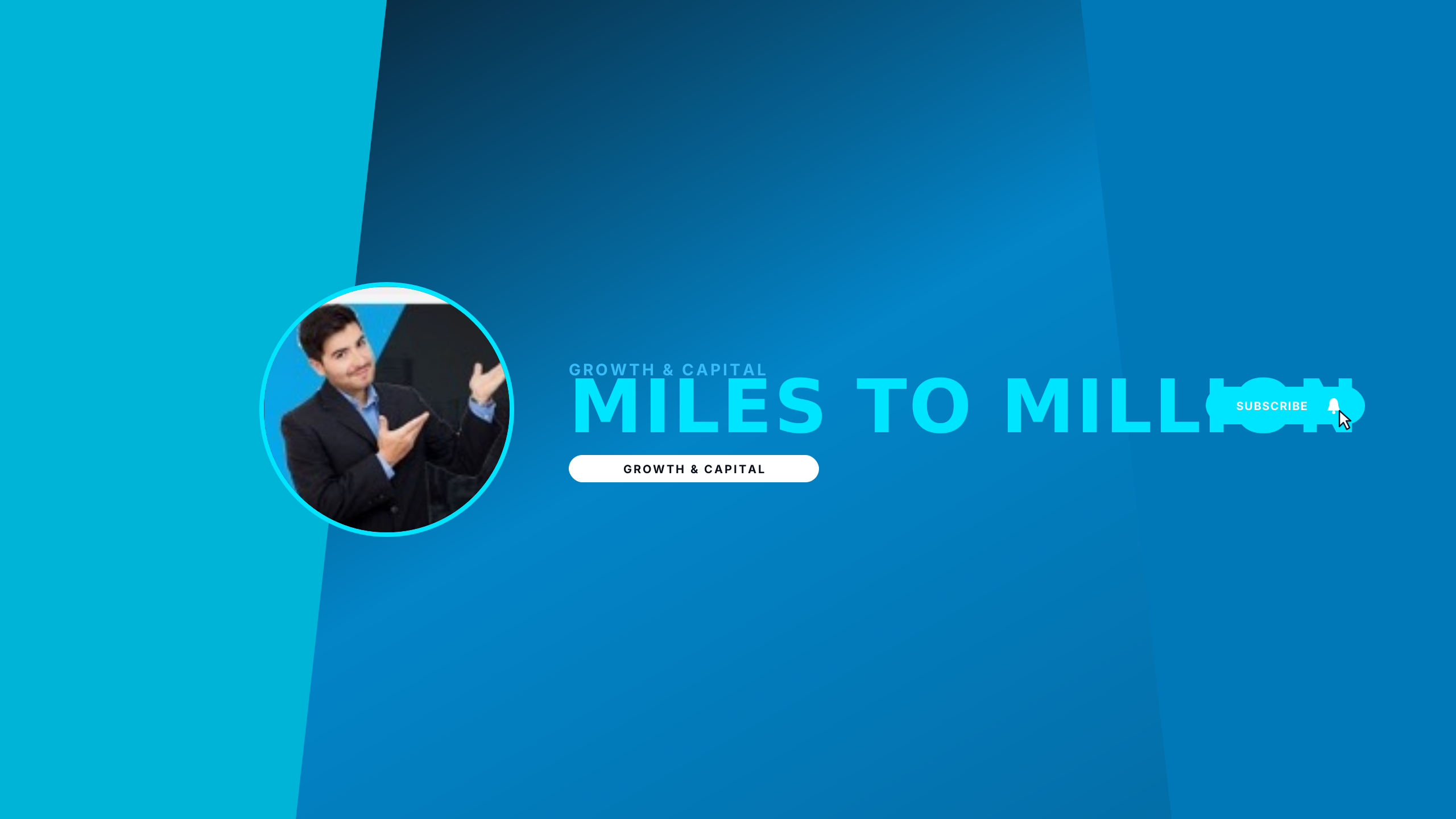
Entrepreneur Impact
businessElectric cyan and midnight charcoal angular design with presenter portrait frame, high-impact headline, and milestone tags.
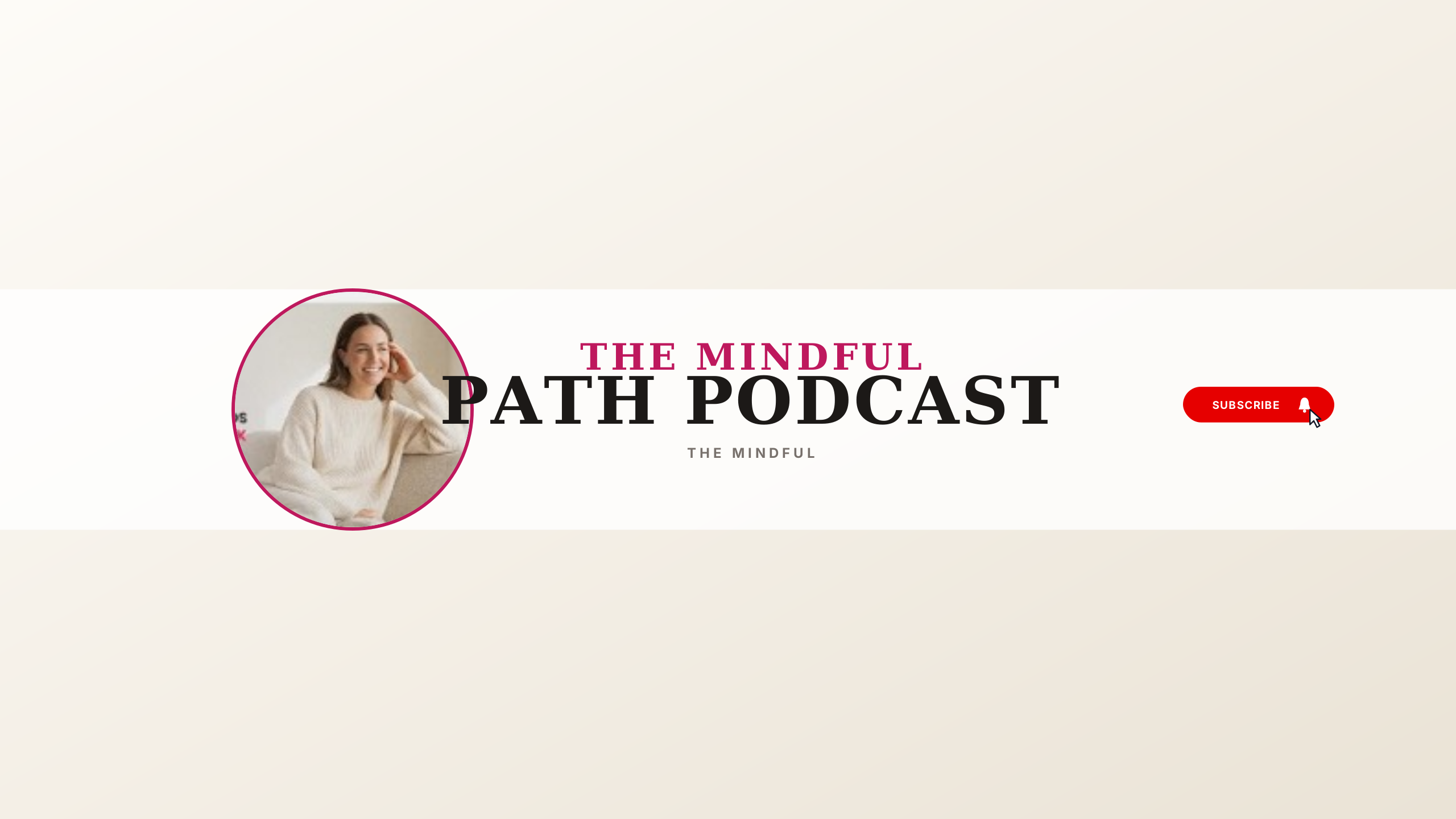
Mindful Studio Podcast
podcastTranquil oatmeal studio palette with elegant editorial serif typography, creator sofa portrait, and clean conversations tag.
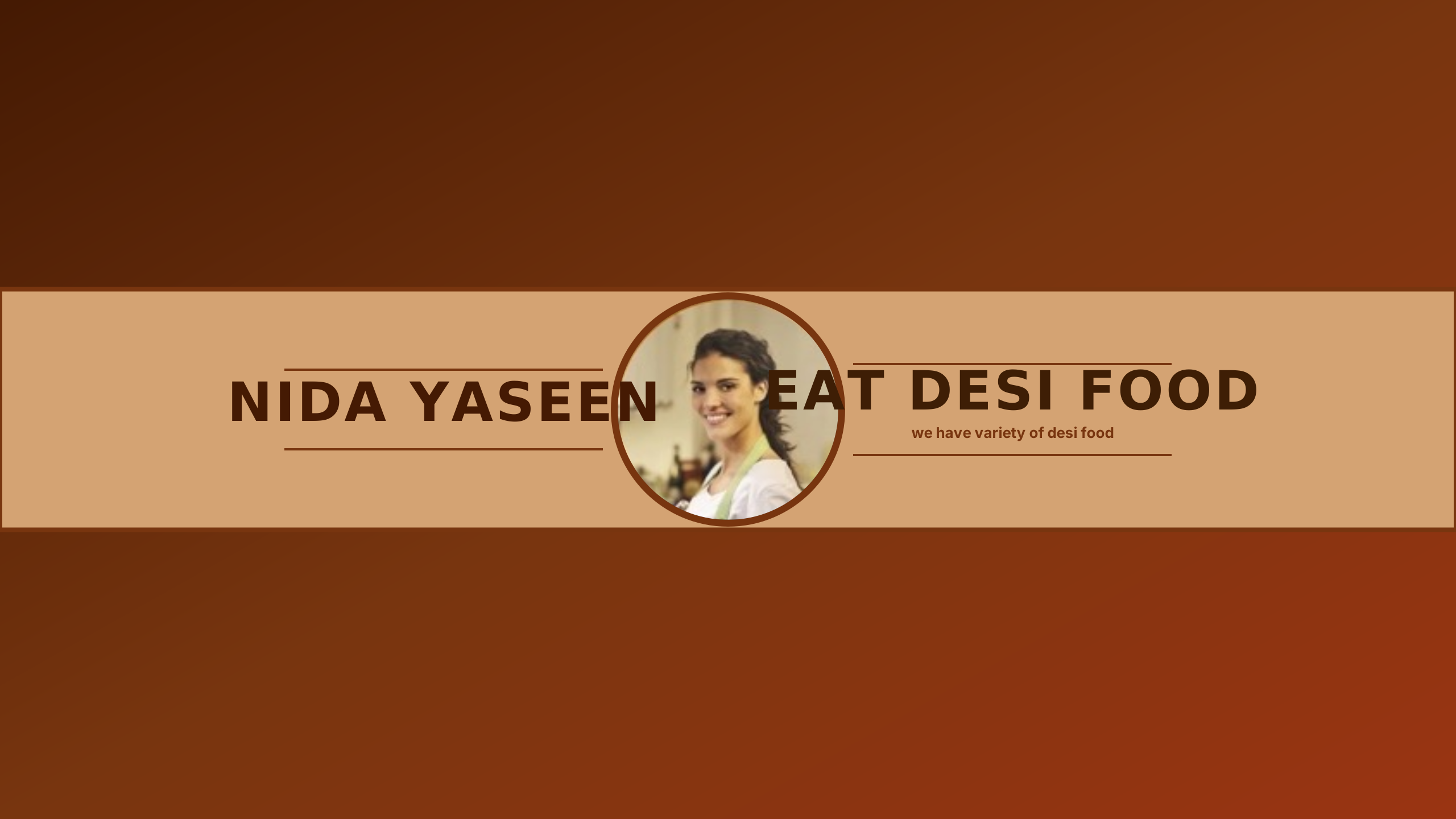
Artisan Desi Kitchen
foodAuthentic rustic culinary feast layout featuring wood plank ribbon, chef portrait badge, and classic kitchen typography.
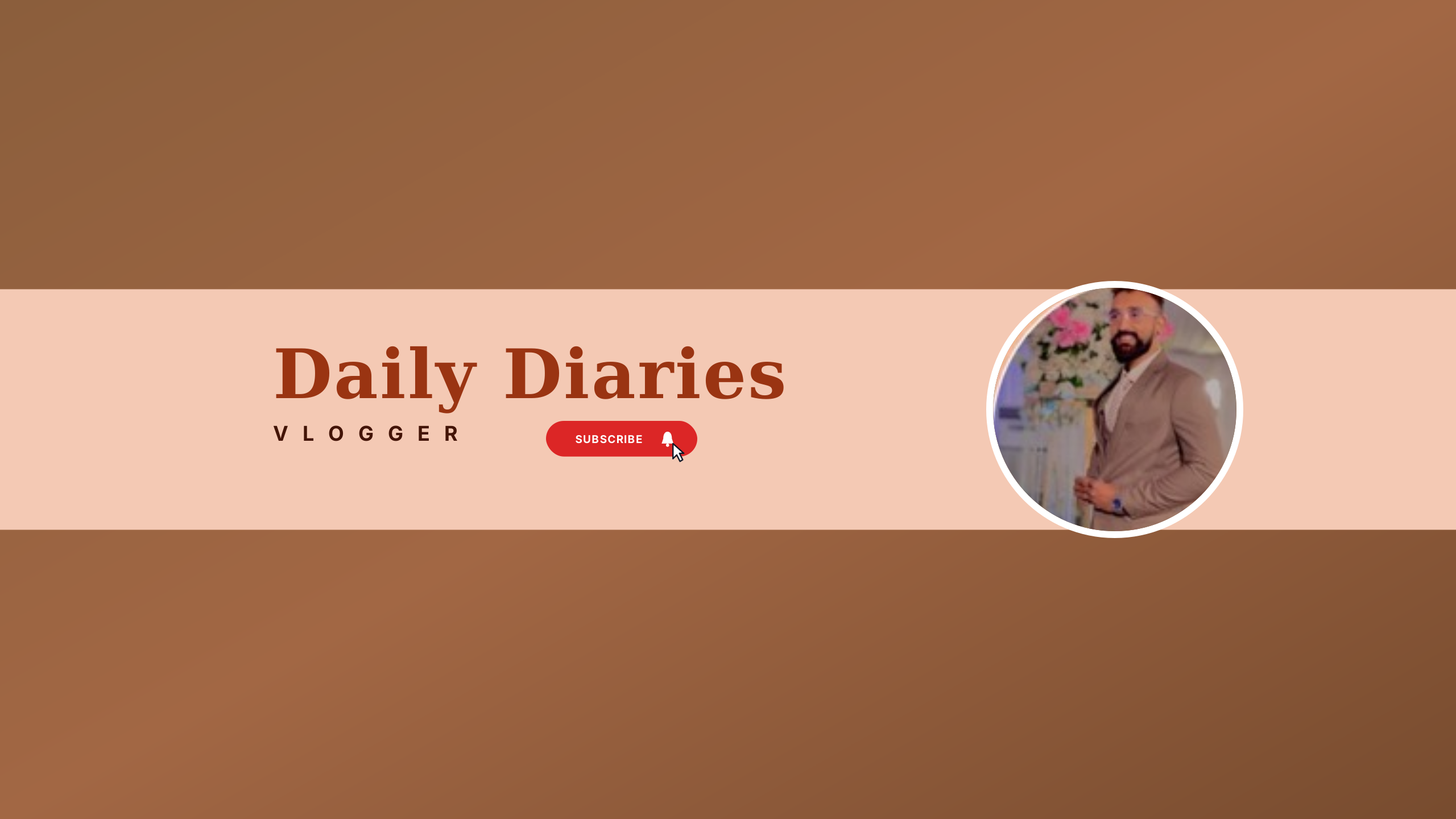
Warm Daily Diaries
vlogEarthy terracotta palette featuring central horizontal ribbon, stylish script title, and creator circular badge frame.
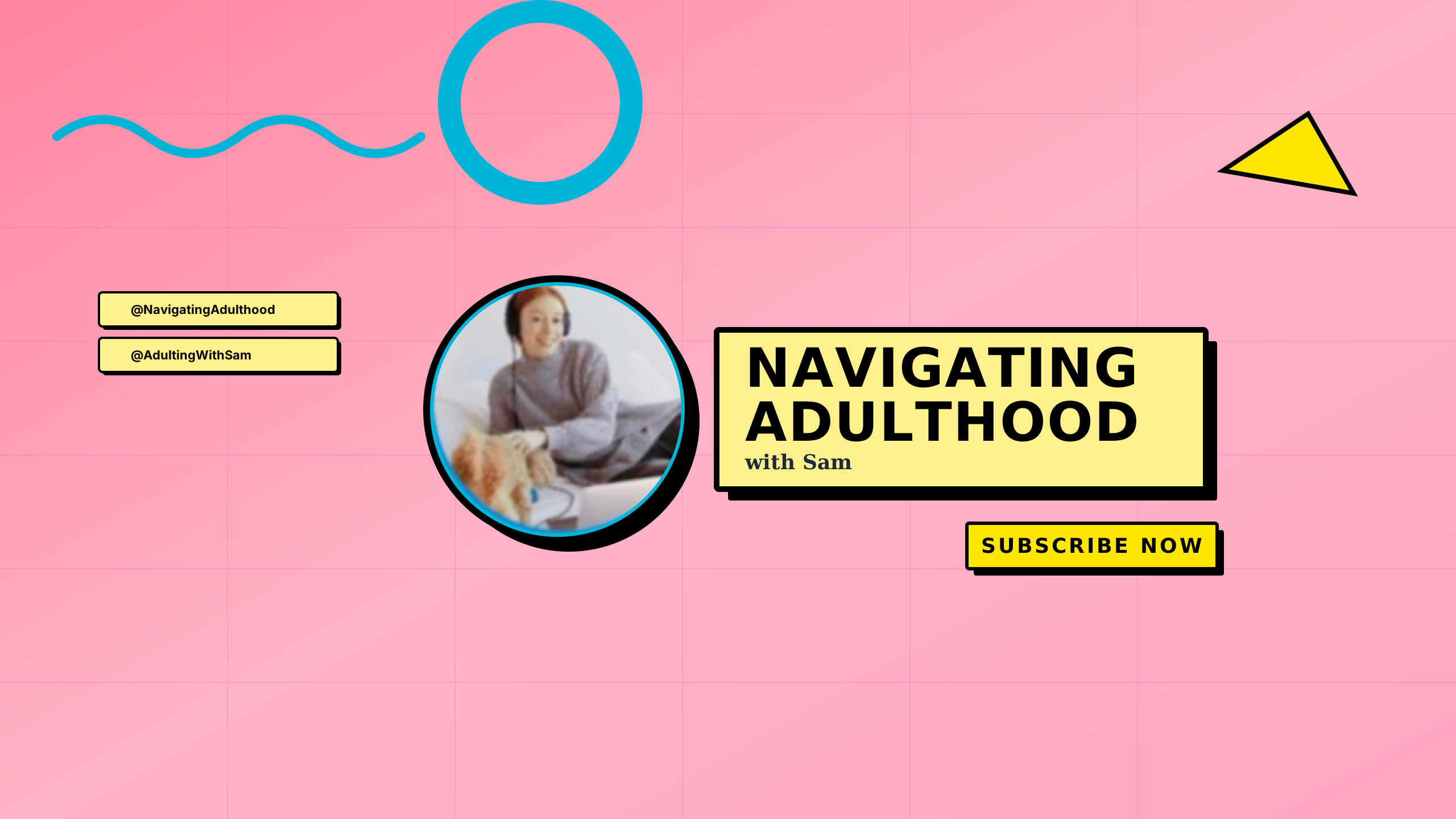
Memphis Pop Talk
podcastPlayful 90s Memphis revival featuring pastel pink grid, yellow comic banner box, black 3D shadows, and headphone avatar.
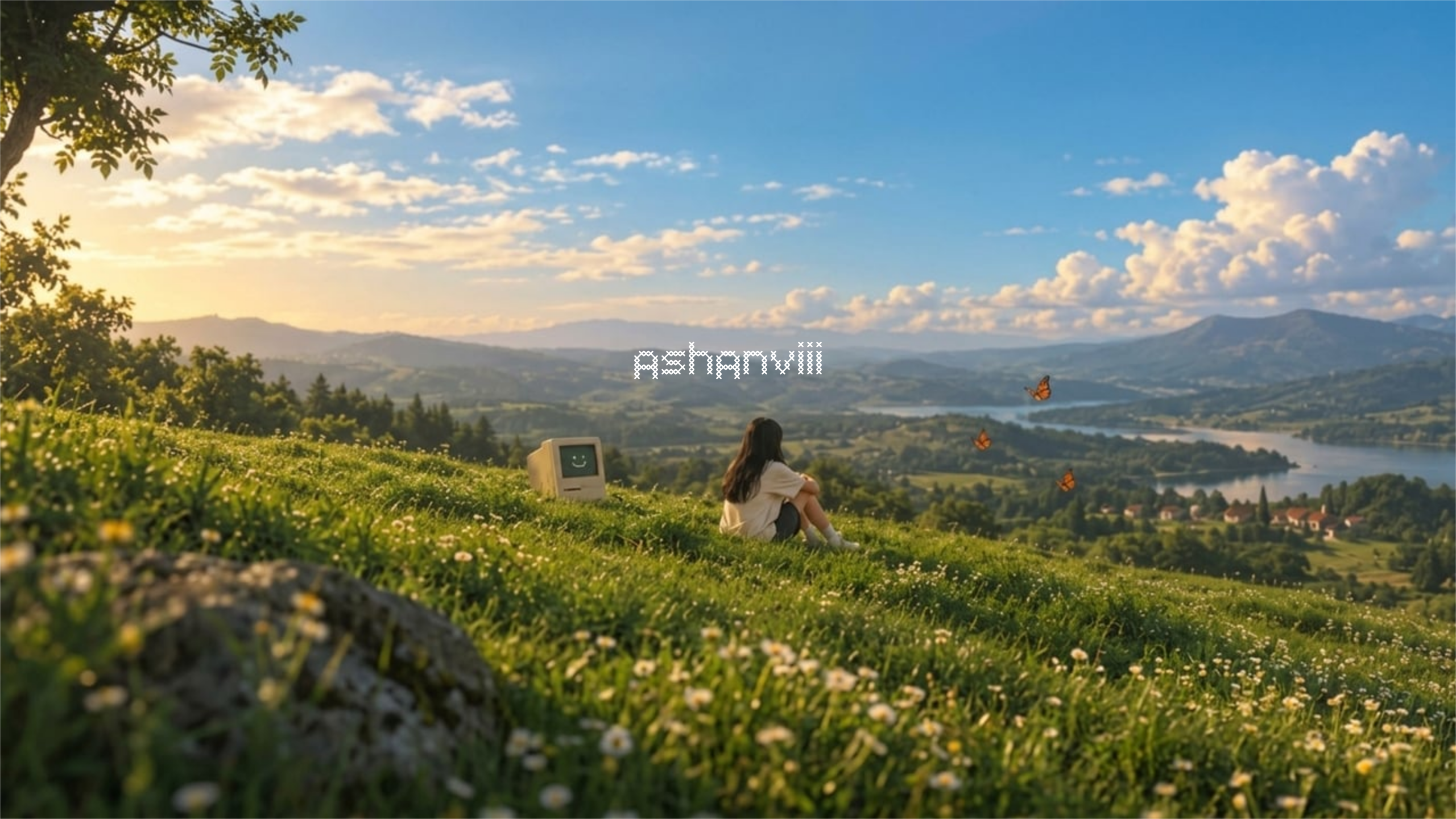
Pastoral Meadow
vlogGolden hour hillside with vintage Macintosh CRT computer, monarch butterflies, and authentic cross-stitch needlepoint typography.
Geometry-Safe Design vs Blank Canvas Fatigue
Most design tools force creators to start from an intimidating, empty 16:9 canvas without any indication of where YouTube's aggressive viewport crops will cut. Hours later, after uploading to YouTube Studio, creators discover their title is sliced in half on mobile phones or obscured behind avatar badges.
Unconstrained Guesswork
Starting from a blank 2560 × 1440 box hides the reality that 70% of viewers on mobile screens only see a narrow central strip. Designers position elements along borders, leading to clipped names, cut logos, and multiple re-exports.
Universal Safe Area Anchored
Every template begins mathematically constrained to YouTube's 1546 × 423 px safe area. When you customize channel names, palettes, and typography, all essential elements stay centered and visible on every screen.
Why Typography Must Sit Inside the Mobile Safe Area
Across the entire 2560 × 1440 px canvas required by Google, mobile devices display only the central 1546 × 423 px rectangle. In relative screen coordinates, this safe zone represents exactly 60.3% of the canvas width and 29.3% of the canvas height.
Universal Viewport Coverage
Every device profile (from a 5-inch smartphone to a 32-inch 4K desktop monitor) renders this centered rectangle. Text placed inside it is never cut off.
Automatic Cutoff Warnings
If you drag a constrained text element outside the safe boundary, our live validator flags it immediately with directional guidance to pull it back into view.
YouTube Per-Device Crop Boundaries
YouTube extracts different viewports from a single 2560 × 1440 px upload. Use this reference to verify what viewers see across hardware platforms.
| Device Viewport | Visible Dimensions | Aspect Ratio | Frame Share | Display Behavior |
|---|---|---|---|---|
| Television / Full Frame | 2560 × 1440 px | 16:9 | 100% × 100% | The entire uploaded image is shown only on smart TVs and gaming consoles. |
| Desktop | 2560 × 424 px | 6.04:1 | 100% × 29.4% | Wide horizontal band. Top and bottom margins (~35% each) are cropped out. |
| Tablet | 1855 × 1440 px | 1.29:1 | 72.5% × 100% | Vertical center pillar. Left and right margins are cropped out. |
| Mobile (Safe Area) | 1546 × 423 px | 3.65:1 | 60.3% × 29.3% | Visible on every device without exception. Keep text, logos, and focal subjects here. |
YouTube Channel Art Specifications
Official Google standards for YouTube banner dimensions, minimum resolution, file size limits, and supported raster formats.
| Parameter | Specification Value | Requirement Details |
|---|---|---|
| Recommended Size | 2560 × 1440 px | Standard 16:9 canvas displayed completely on TV displays |
| Minimum Size | 2048 × 1152 px | Lowest upload dimensions accepted by YouTube Studio |
| Safe Area (Full Canvas) | 1546 × 423 px | Ensures no cutoff on any smartphone or mobile viewport |
| Safe Area (Min Canvas) | 1235 × 338 px | Proportional safe area at the 2048 × 1152 minimum upload size |
| Safe Area Fraction | 60.3% × 29.3% | Unified center frame proportion across all canvas resolutions |
| Maximum File Size | 6 MB | Hard limit enforced by YouTube Studio upload validation |
| Color Space | sRGB | Standard web color profile to prevent post-upload hue shifting |
| Accepted Formats | PNG, JPG, WebP, GIF | Static image uploads only; animated GIFs are not supported |
Browse Safe Templates by Channel Niche
Explore 100+ hand-crafted templates across 10 YouTube creator niches. Every template is verified against official safe area dimensions.
Gaming
High-energy cyberpunk, retro synthwave, and tactical e-sports channel art.
Tech & Code
Minimal terminal interfaces, clean engineering aesthetics, and hardware themes.
Podcast & Talk
High-contrast studio layouts with authoritative centered safe-area typography.
Vlog & Creator
Warm cinematic tones, golden hour editorial framing, and personal brand titles.
Music & Beats
Atmospheric lo-fi landscapes, acoustic textures, and producer branding.
Fitness & Health
Bold athletic typography and high-contrast coaching layouts.
Education & Study
Structured academic layouts, chalkboard notes, and tutorial channel headers.
Lifestyle & Design
Earthy botanical minimalism, monochrome typography, and serene spaces.
Frequently Asked Questions
Answers to frequent questions about designing channel art, safe areas, template customization, and YouTube Studio uploads.
Why does my YouTube banner get cut off on mobile phones?
What are the required dimensions and file size limits?
Why does YouTube re-compress my banner after upload?
How does cover-fit resizing prevent image distortion?
Why is this tool free with no account and no watermark?
Have an existing banner to test?
Run your existing channel art through our free Safe Area Checker to detect mobile clipping and formatting errors before re-uploading.